Integrated chat in CRM system: improve business communication
Business chat directly in AutoCRM enables fast and efficient communication for your entire team. Group conversations, file sharing, project and CRM integration — all in one place.
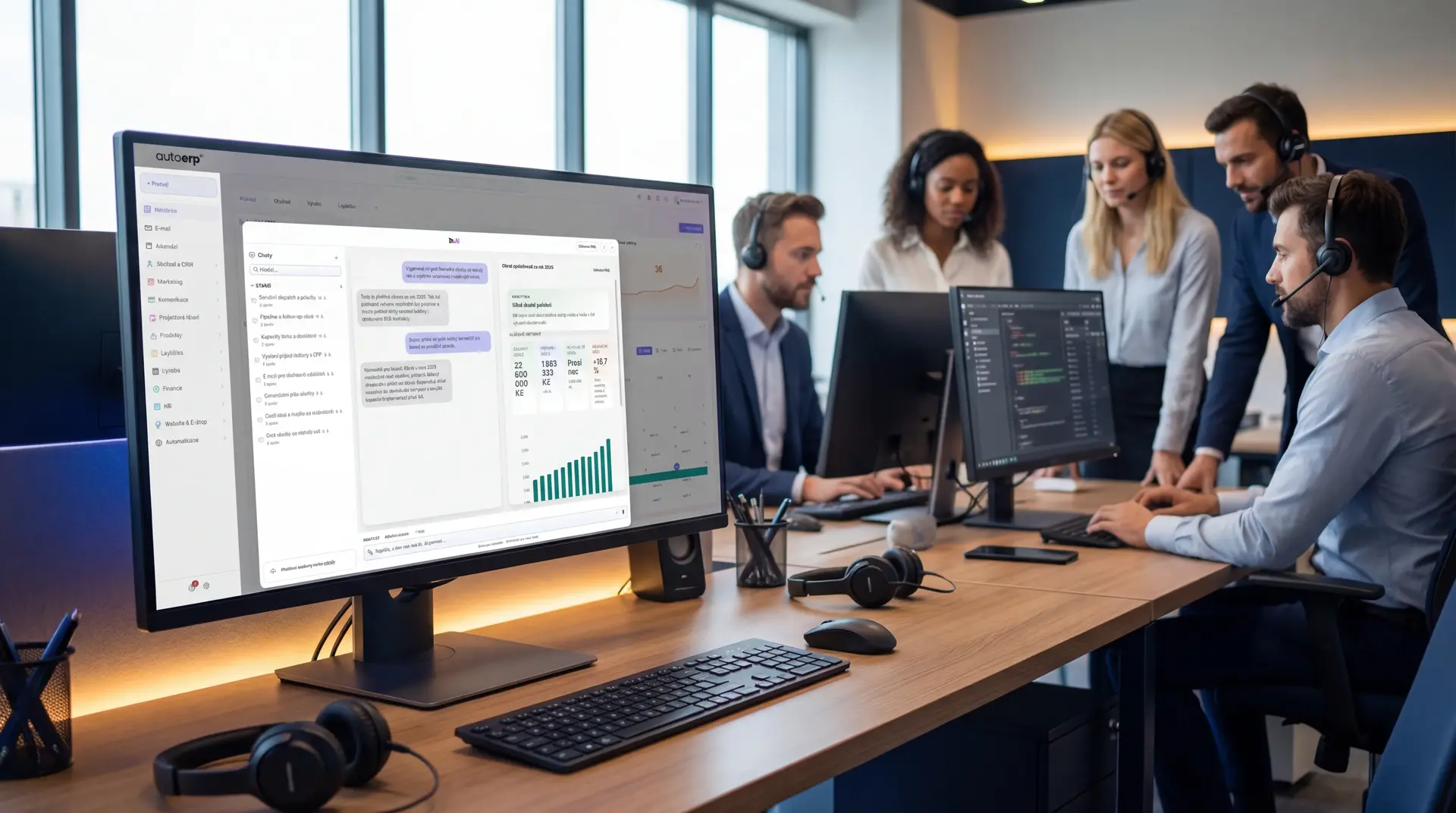
98%
User satisfaction
Key features
Key features of business chat
Group conversations
Create group chats for teams, projects or departments. Organize communication by topics and ensure information reaches the right people.
Team channels
Dedicated channels for individual teams and departments. Each channel has its own history, search and ability to pin important messages.
File sharing
Share documents, images and files directly in chat. Files are automatically linked to relevant projects and orders in the CRM system.
Notifications and alerts
Smart notifications alert you to important messages, mentions and updates. Set priorities and do-not-disturb modes as needed.
Security and encryption
All communication is encrypted end-to-end. Business data remains safe and under your control thanks to advanced security protocols.
Mobile app
Stay in touch from anywhere with the mobile app for iOS and Android. Full chat functionality right in your phone.
Chat support
Why use our chat support?
Chat support within AutoCRM provides fast and efficient help with any problem. Our team is ready to help you with setup, configuration and chat optimization.
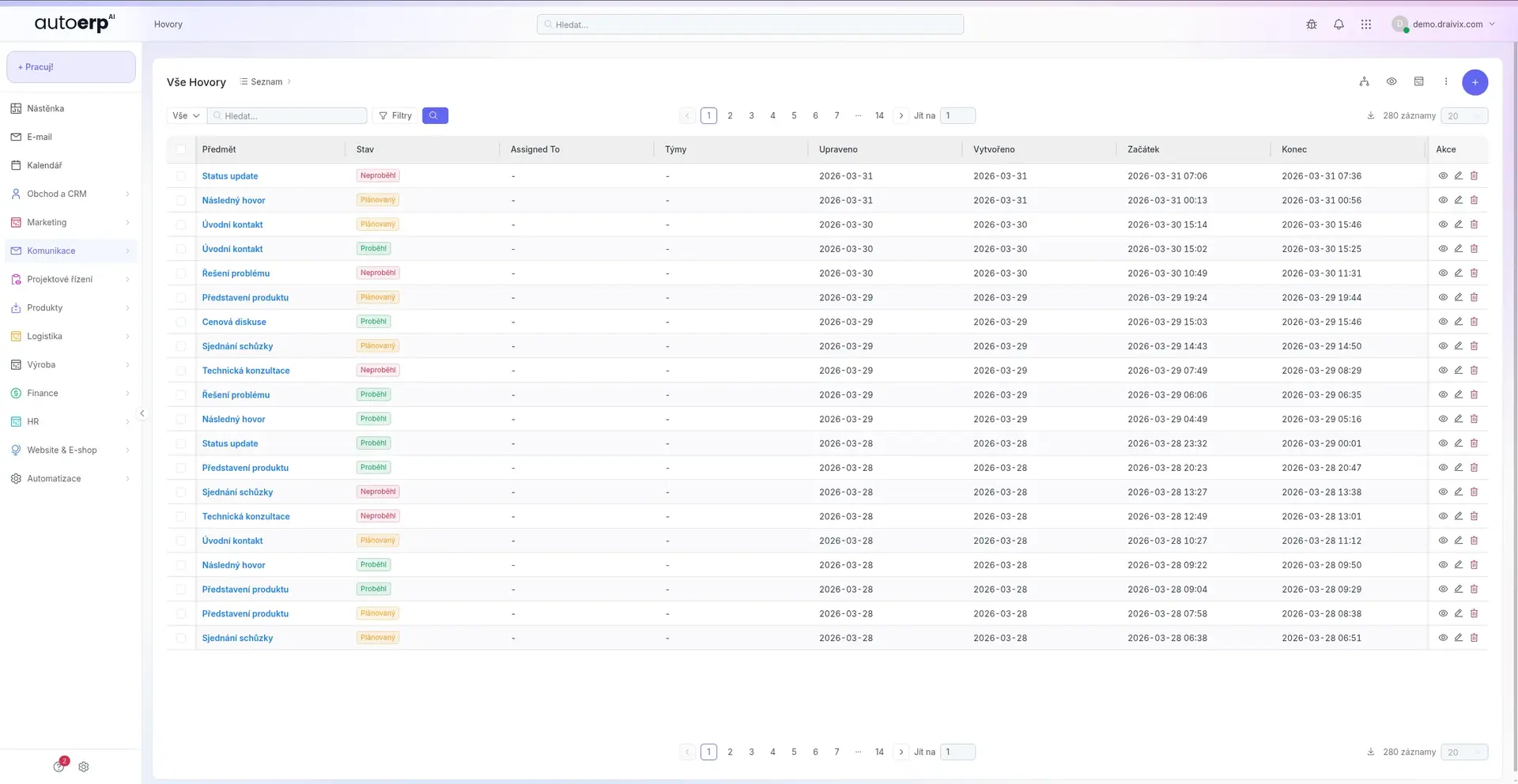
Fast and efficient help
Our support team responds to your queries in an average of 2 minutes. We solve problems in real time without unnecessary waiting.
24/7 availability
Chat support is available around the clock, including weekends and holidays. Whenever you need help, we're here for you.
Personal approach
Each customer has an assigned consultant who knows your company and your needs. No repeated problem explanations.
Customer ratings
Our chat support has a 4.9/5 rating from over 500 customers. Client satisfaction is our number one priority.
How it works
How does chat support work?
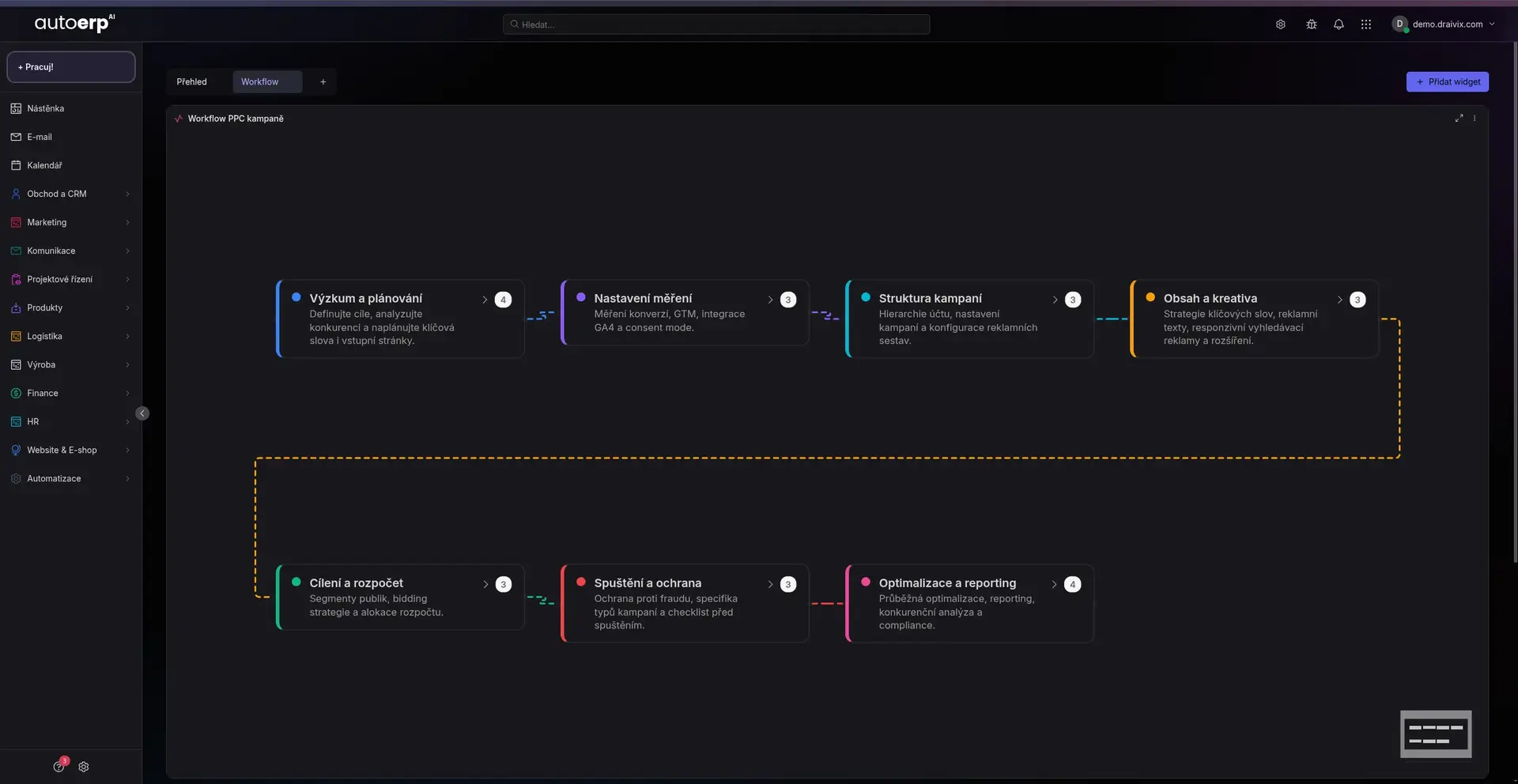
Write a message
Simply write your query or describe the problem in the chat window. You can attach screenshots or files.
Automatic analysis
Our system automatically analyzes your query and assigns it to the right specialist with the corresponding expertise.
Communication with expert
We connect you with an expert who will help you solve the problem. Communication takes place in real time directly in chat.
Resolution and feedback
After resolving the problem, you receive a summary and prevention guide. You can give us feedback to improve services.
Start communicating
Why use business chat?
Streamline internal communication in your company. Chat in AutoCRM connects teams, projects and processes in one place.
Business chat benefits
Why use business chat?
Business chat in AutoCRM offers many advantages over common communication tools. Everything is connected to your CRM system for maximum efficiency.
Instant communication
Messages are delivered instantly. No waiting for email replies — resolve things in real time and speed up decision-making processes.
Data security
Business data never leaves your server. End-to-end encryption, audit logs and advanced access control protect your communication.
CRM integration
Chat is fully integrated with projects, orders, CRM and other AutoCRM modules. Context for every conversation right at your fingertips.
User-friendly
Modern and intuitive interface that your employees can use from day one. Emojis, reactions, threads and mentions.
Video calls
Integrated video calls and screen sharing directly from the chat application. Meetings without switching between apps.
Meeting scheduling
Schedule meetings and reminders directly from chat. Calendar integration ensures you never forget anything.
Multi-platform solution
Available on all devices

Web application
Full-featured chat right in the browser without installation.
Mobile app
Native app for iOS and Android with push notifications.
Cloud sync
Everything synced in the cloud — switch between devices seamlessly.
API integration
Open API for connecting custom systems and automations.
Module connections
Chat connected with the whole company
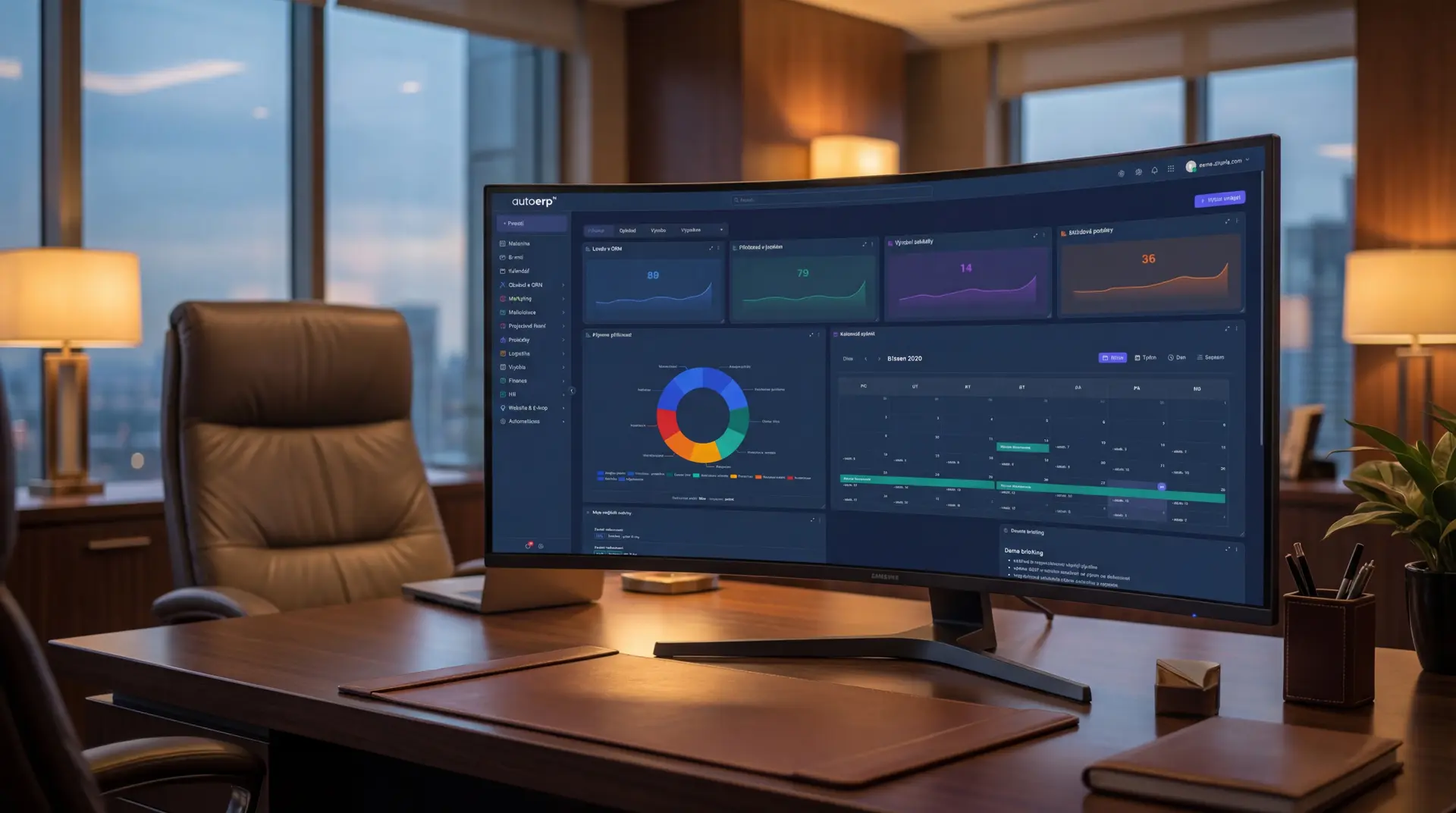
Documents
File sharing and versioning directly in conversation context.
CRM and sales
Communication linked to business opportunities and contacts.
Notifications
Automatic alerts for important events from across the CRM.
Security
Roles and permissions synchronized with company structure.
Projects
Discussions directly on projects, tasks and milestones.
Conclusion
Conclusion
Integrated business chat in AutoCRM is a key tool for improving internal communication. Thanks to full CRM integration, encryption and multi-platform availability, you get a tool your team will actually use. Stop switching between dozens of apps and unify business communication in one place.
FAQ
Frequently asked questions
Yes, business chat is a fully integrated part of the AutoCRM system. It is included in all Standard, Maxi and Premium plans. In the Basic plan, it is available as an optional add-on.
Yes, AutoCRM chat has a native mobile app for iOS and Android. The app supports push notifications, file sharing and full functionality including video calls.
All communication is encrypted end-to-end using TLS 1.3 protocol. Data is stored on EU servers with ISO 27001 certification. You also have access to audit logs and advanced access control.
Yes, AutoCRM chat offers an open API and webhooks for integration with external systems. We support connections to Slack, Microsoft Teams and other popular communication platforms.
The number of users depends on your plan. Standard and Maxi plans support up to 50 and 200 users, the Premium plan supports unlimited users with dedicated infrastructure.

Bára Ondroušková
Sales Director
We are happy to help
Try our CRM system for your company too
Get started with AutoCRM today. Business chat, CRM, projects and more modules — all in one place. Free, no-obligation consultation.
Or write to us directly
Next modules and steps
Where to go next from this page
Modules, pricing, and references that best complement this topic.
Business Email
Professional email communication integrated directly into the CRM system with full contact and sales connection.
Project Management
Project planning, task assignment and work progress tracking in a clear interface.
CRM System
Complete contact management, sales opportunities and customer communication in one place.
Pricing
Comparison of ERP packages, implementation, and related services.
Case Studies
Real AutoCRM implementations and client outcomes from practice.
Contact
Direct contact for sales, consultations, and next steps with AutoCRM.