Guide to CRM System Features in AutoCRM
Everything you need to know about CRM systems in one place. From core functions through benefits to implementation — we have prepared a complete guide to help you choose the right CRM system for your company.
1000+
Satisfied users
Introduction
What is an CRM system and why do you need one?
ERP (Enterprise Resource Planning) is a software system that integrates all key business processes into one unified platform. From accounting through warehousing to CRM — everything in one place.
Why is CRM the foundation of modern business?
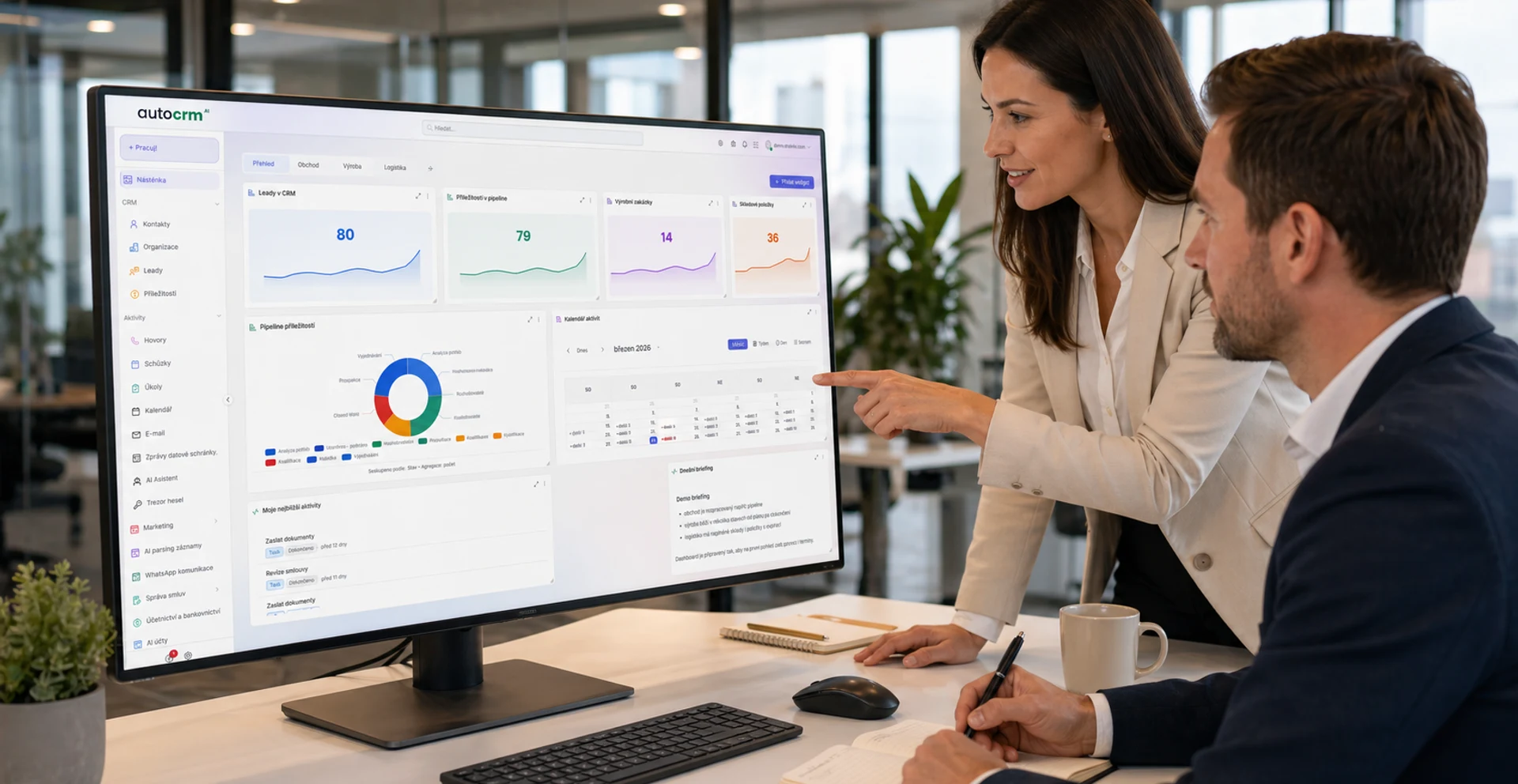
An CRM system serves as the central nervous system of your business. It connects all departments — from finance through production to sales — into one integrated system. This gives you an up-to-date overview of your business status and enables data-driven decision making.
Modern CRM systems like AutoCRM offer cloud-based solutions accessible from anywhere, anytime. No need to invest in expensive IT infrastructure — all you need is a web browser and internet connection.
Core functions
Core CRM System Functions
Every quality CRM system should cover these key areas. AutoCRM integrates all these functions into one clear solution.
Finance & Accounting
Invoice automation, cash flow overview, tax records, and financial statements. Everything in one place for complete financial management.
Warehouse Management
Real-time inventory tracking, automatic ordering, barcodes, and multi-warehouse management. Minimal losses and maximum efficiency.
Human Resources (HR)
Employee records, attendance system, leave management, payroll, and organizational structure. HR under complete control.
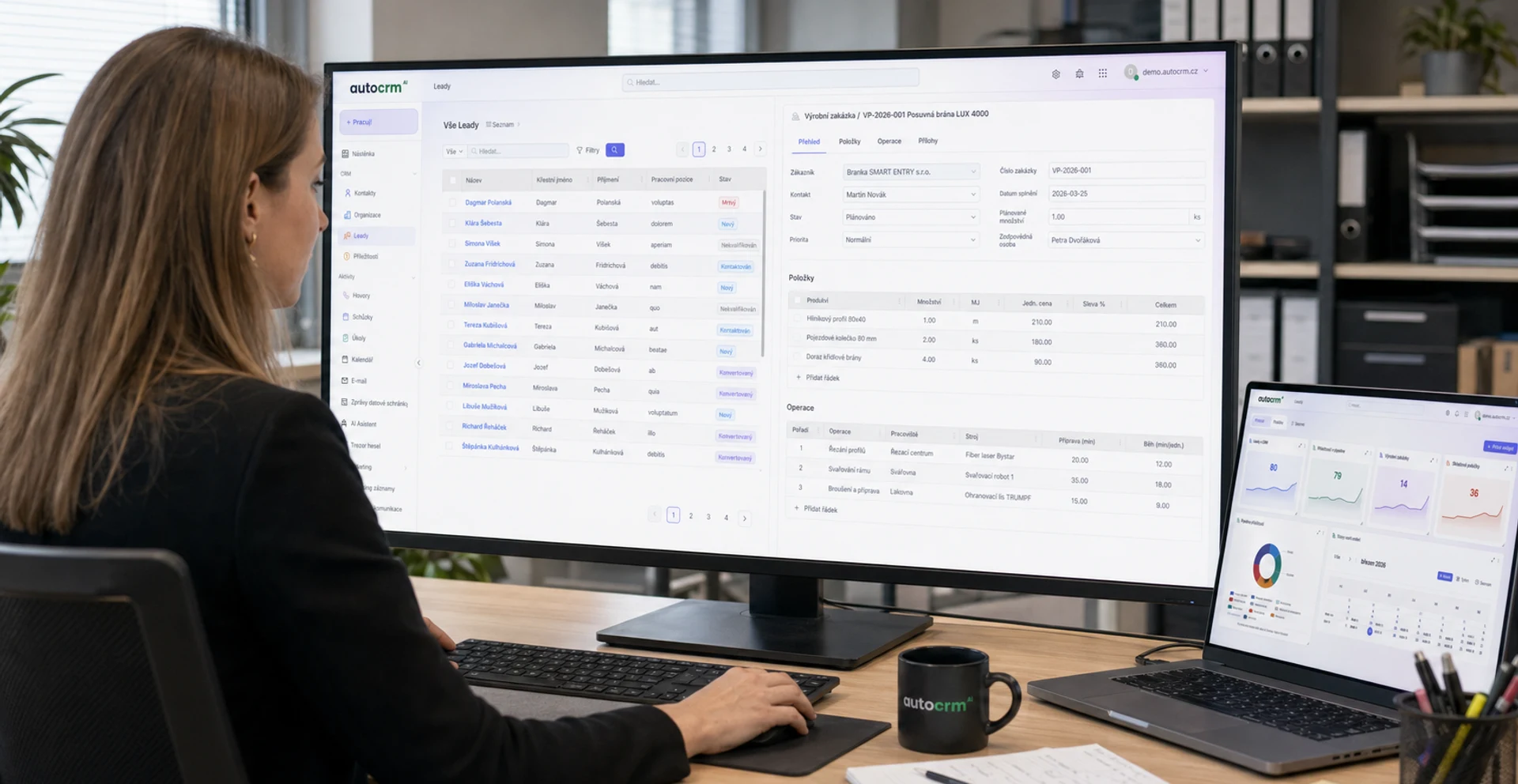
Manufacturing Management
Production order planning, process tracking, BOMs, and capacity management. Optimal utilization of production resources.
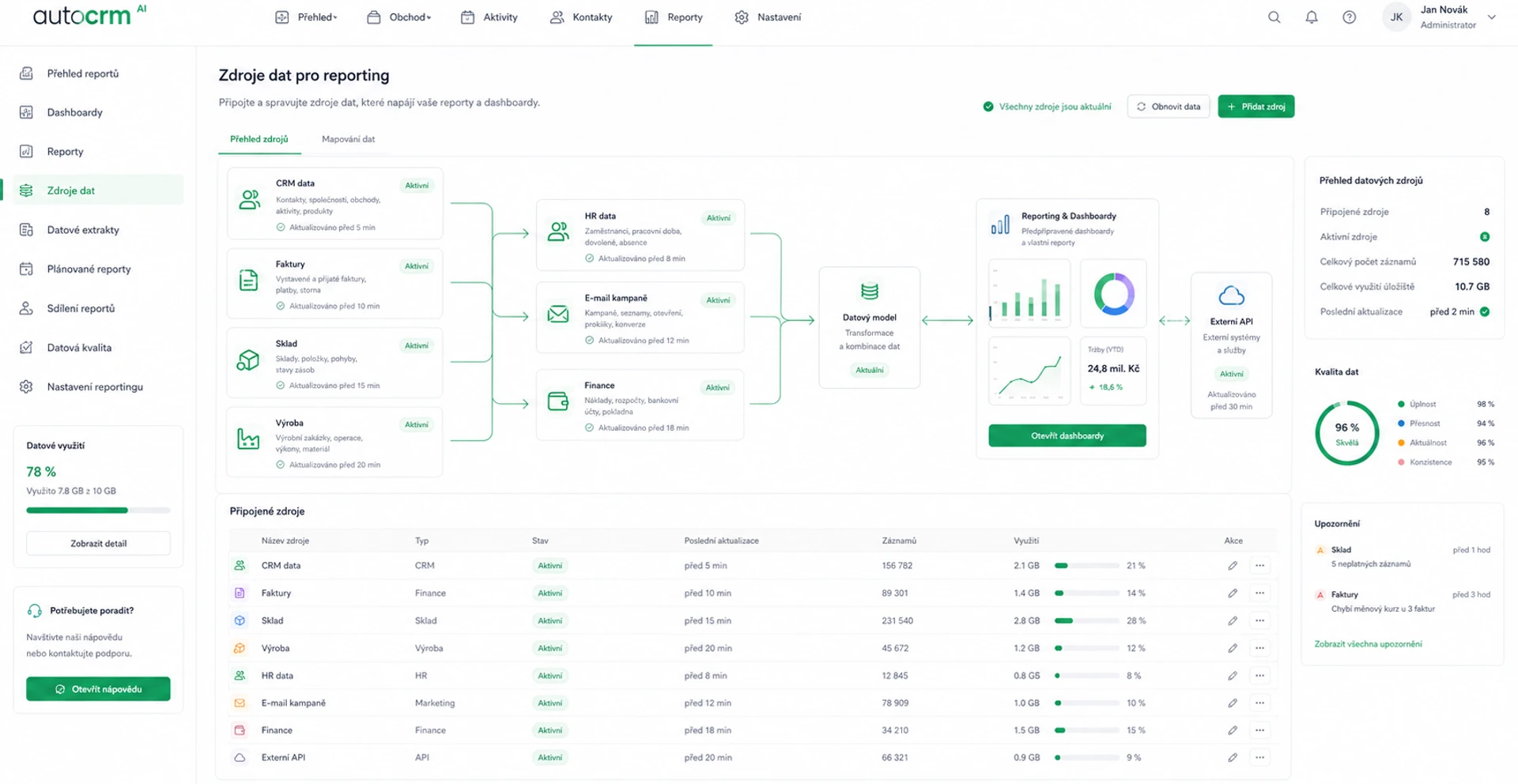
Reporting & Analytics
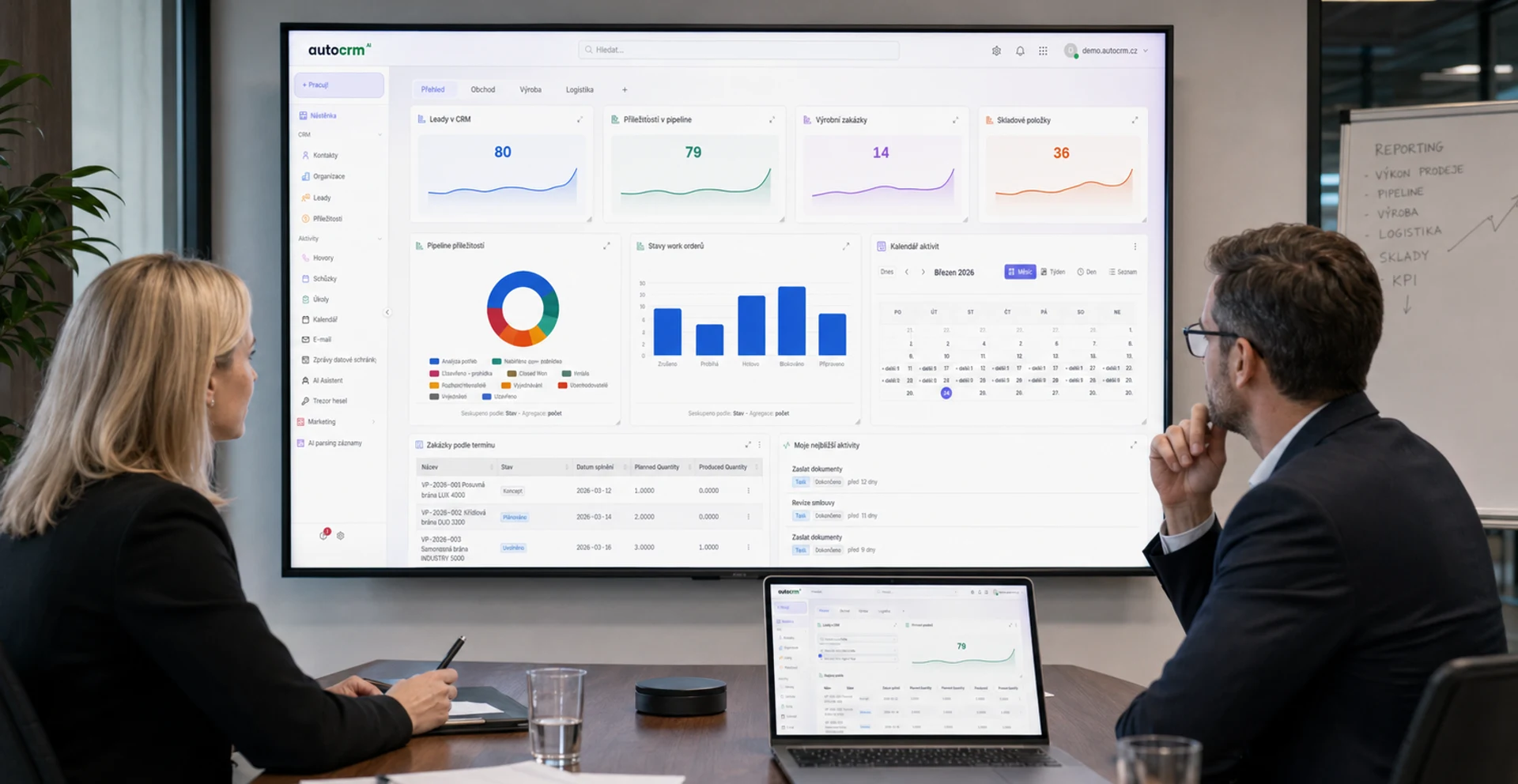
Clear dashboards, custom reports, KPI indicators, and data visualizations. Data-driven decision making.
CRM — Customer Relations
Central contact database, opportunity tracking, communication automation, and customer interaction history.
Project Management
Project planning and tracking, task assignment, Gantt charts, and time tracking. Projects on time and on budget.
Document Management
Central document storage, versioning, sharing, and approval workflows. No more searching through emails and drives.
Benefits
Benefits of CRM Systems
Implementing an CRM system brings measurable results. Here are the main benefits you can expect.
Process Automation
Automate routine tasks and save up to 40% of your employees' time. CRM eliminates manual data entry and reduces errors.
Higher Productivity
All data in one place means faster decisions and better coordination between departments. End of duplicated work.
Better Data Security
Central access rights management, encryption, and regular backups. Your business data is safe and secure.
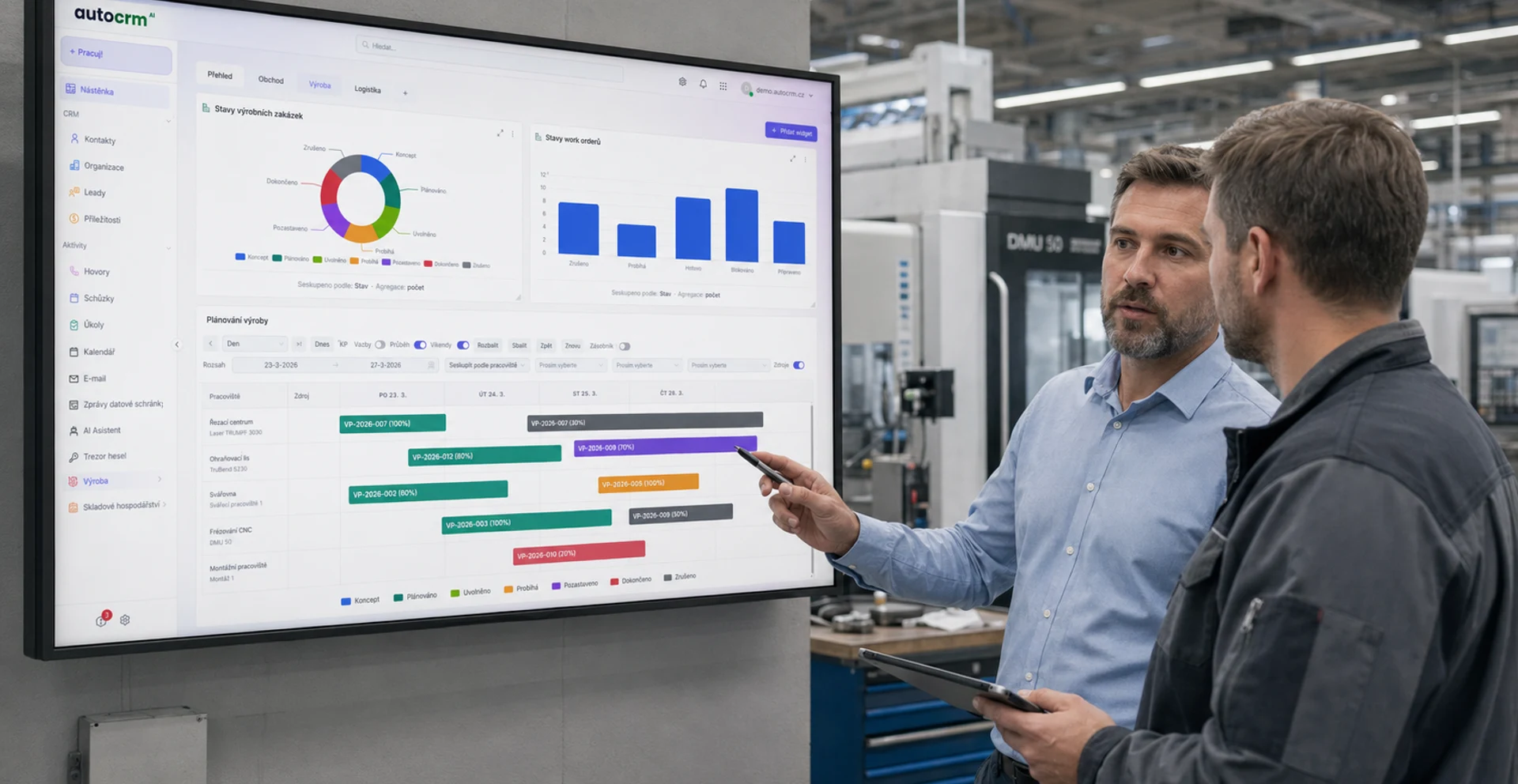
Happier Customers
Faster order processing, more accurate delivery dates, and better communication. CRM module ensures first-class customer service.
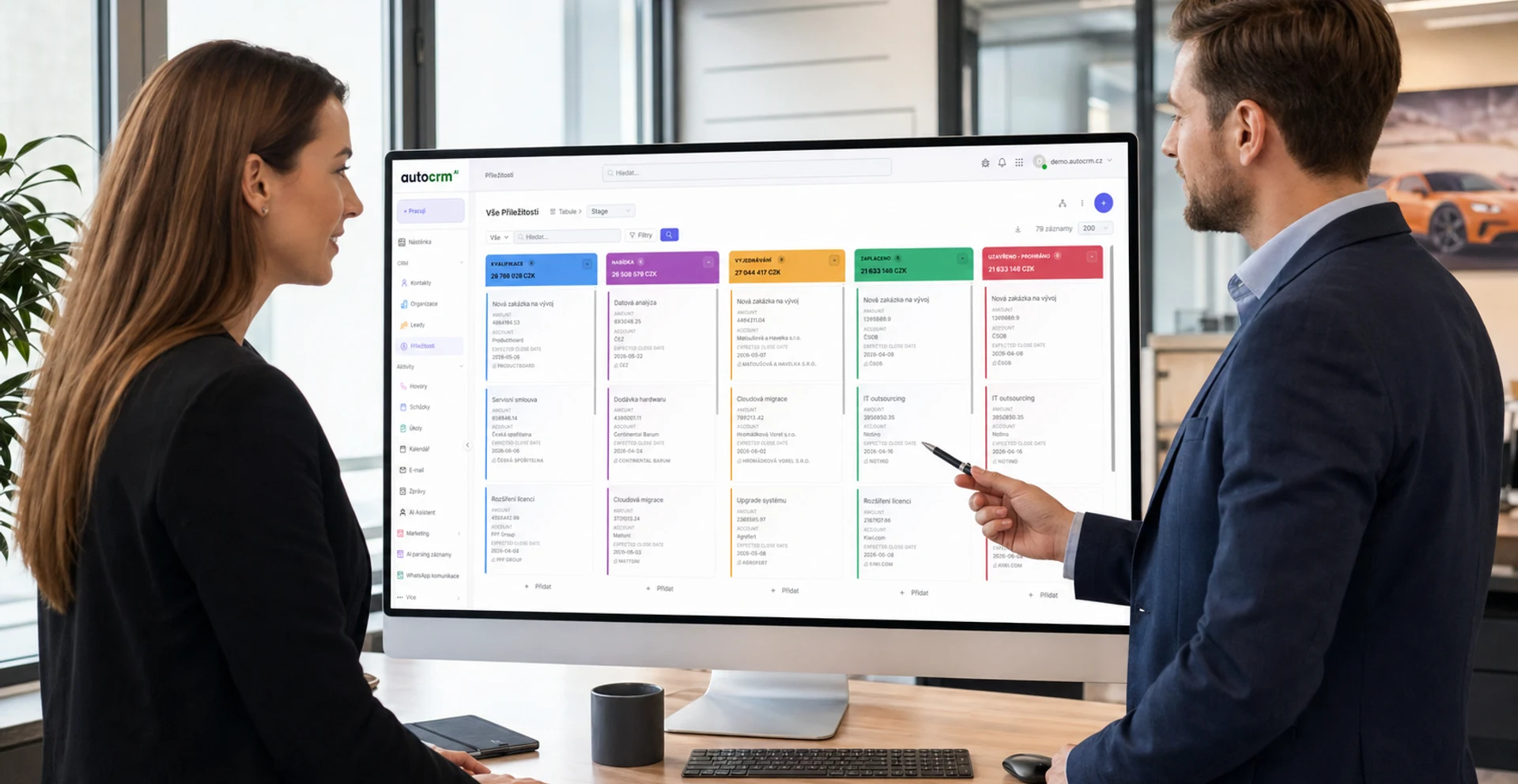
Scalability
CRM system grows with your company. Add new modules, users, and branches without changing the entire system.
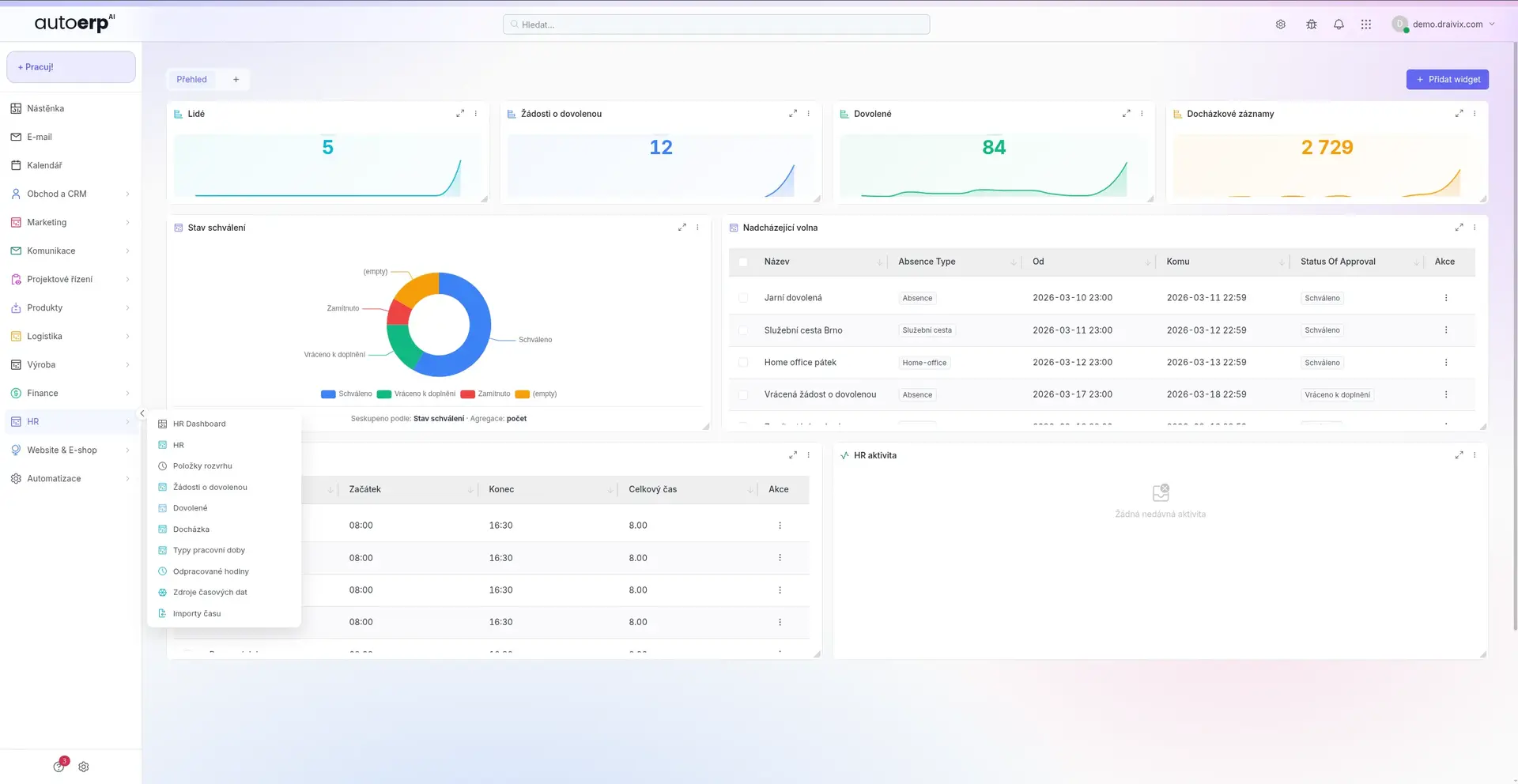
Transparency & Control
Complete real-time overview of all processes. Managers see exactly what is happening in every department.
For every company
CRM Systems for Different Business Sizes
CRM is not just for large corporations. AutoCRM offers solutions tailored to the needs of businesses of all sizes.
Small Businesses
For companies with 1–20 employees looking to professionalize their processes and prepare for growth.
- Core modules (invoicing, CRM, warehouse)
- Quick implementation in 14 days
- Affordable monthly subscription
- No IT department needed
Medium Businesses
For companies with 20–200 employees needing advanced features and process integration.
- All modules including manufacturing & HR
- Advanced workflow & automation
- Integration with other systems
- Dedicated support & training
Large Enterprises
For companies with 200+ employees and complex organizational structures. Custom enterprise solutions.
- Fully customizable modules
- Multi-branch operations
- Enterprise integrations (SAP, Oracle...)
- SLA and 24/7 priority support
Glossary
Key CRM Terms & Technologies
Overview of the most important terms and technologies commonly used in the context of CRM systems.
Cloud CRM (SaaS)
CRM hosted in the cloud — no own servers needed. Pay-per-use, automatic updates, and access from anywhere. AutoCRM is a fully cloud-based solution.
API & Integrations
Interface for connecting CRM with other systems — e-shops, accounting software, logistics platforms. Seamless data flow between applications.
Workflow Automation
Automatic task routing, approval processes, and notifications. Elimination of manual steps and acceleration of internal processes.
Security & GDPR
Personal data protection, data encryption, access rights, and audit trails. Compliance with GDPR and other regulations.
Mobile Access
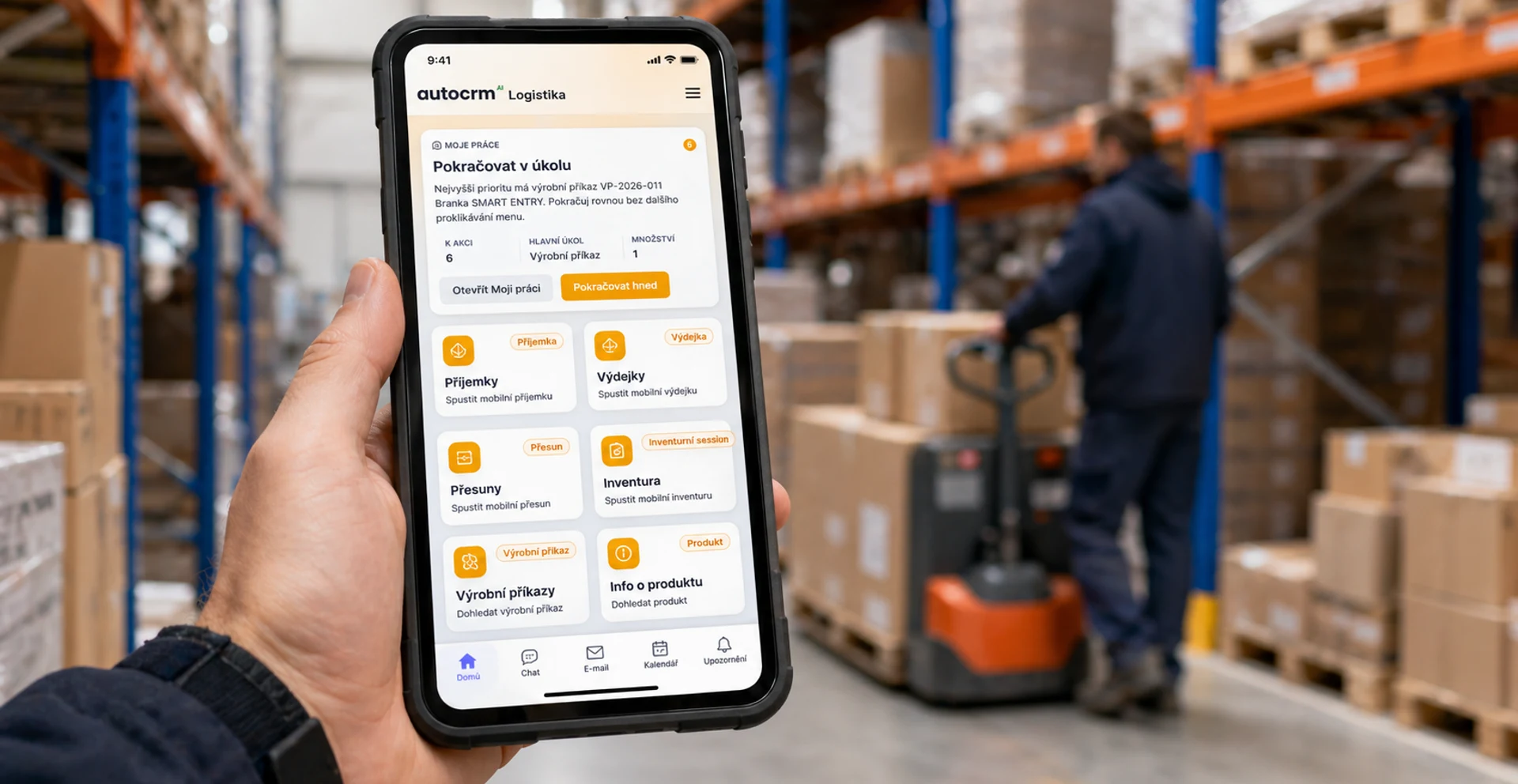
Access your CRM system from your mobile phone or tablet. Approvals, overviews, and basic operations from anywhere on the go.
BI & Analytics
Business Intelligence tools for advanced data analysis. Predictive models, interactive dashboards, and automated reports.
Try AutoCRM
Ready to digitalize your business?
Get a custom, no-obligation quote. Our team will help you select the right modules and configure CRM exactly to your needs.
Implementation
CRM System Implementation
Successful CRM implementation is key to achieving all benefits. Our proven process ensures a smooth transition without downtime.
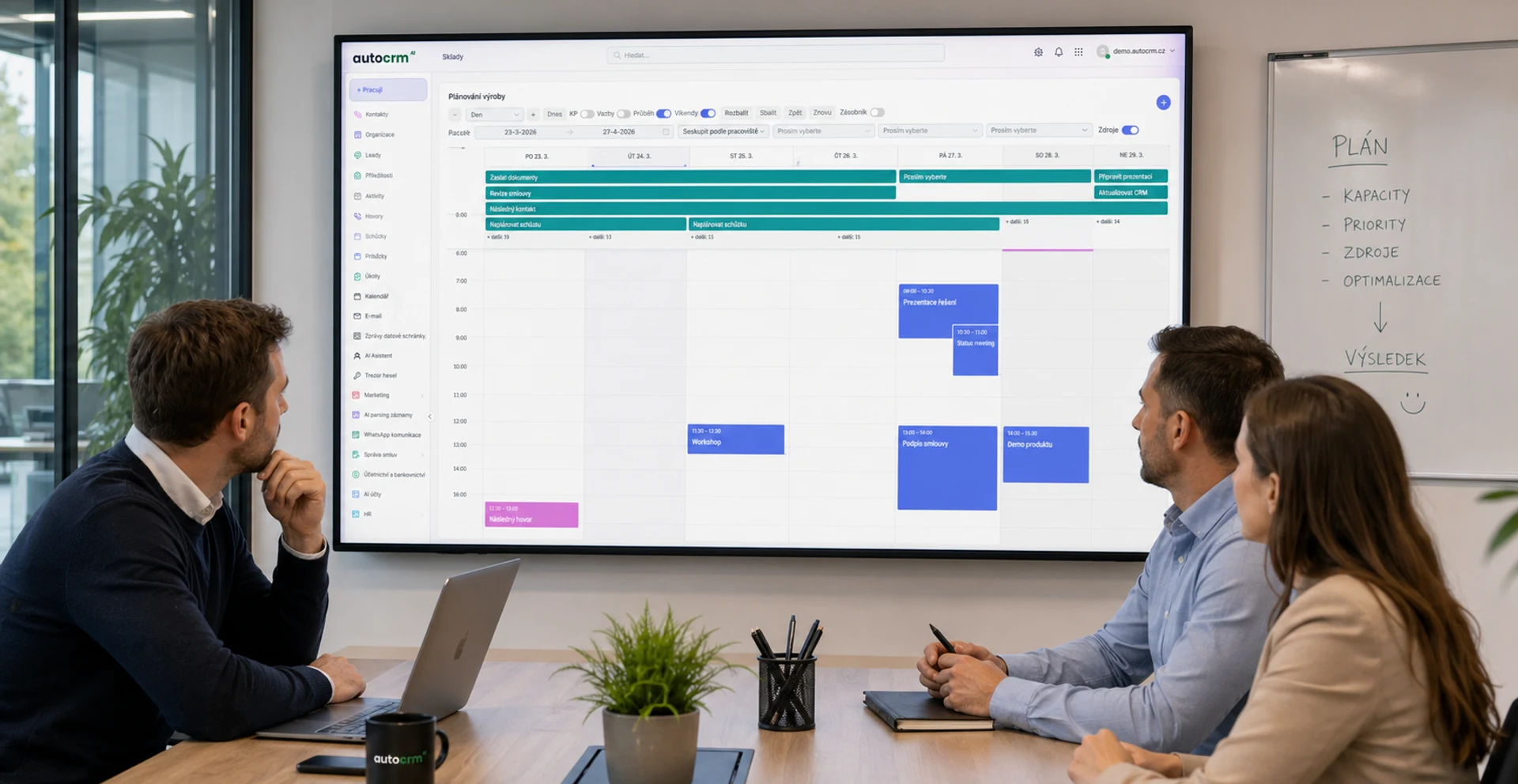
Needs Analysis
Mapping your current processes, identifying pain points, and defining implementation goals.
Solution Design
Module selection, workflow configuration, and data migration planning from existing systems.
Configuration & Deployment
System setup according to your specific requirements, data import, and integration with existing tools.
Training & Launch
Complete user training, test environment, and production launch with full team support.
Optimization & Growth
Ongoing configuration optimization, adding new modules, and automating new processes.
AutoCRM
AutoCRM Features
AutoCRM is a modern Czech CRM system that combines all necessary features in one intuitive interface. Built for Czech businesses, with Czech support.
Modular Architecture
Use only the modules you need. AutoCRM can be assembled and customized precisely to your requirements.
- 25+ available modules
- Any combination
- Easy to add over time
Automated Workflows
Set up automatic processes exactly how your business operates. No programming required.
- Drag & drop process editor
- Automatic notifications
- Conditional actions & escalations
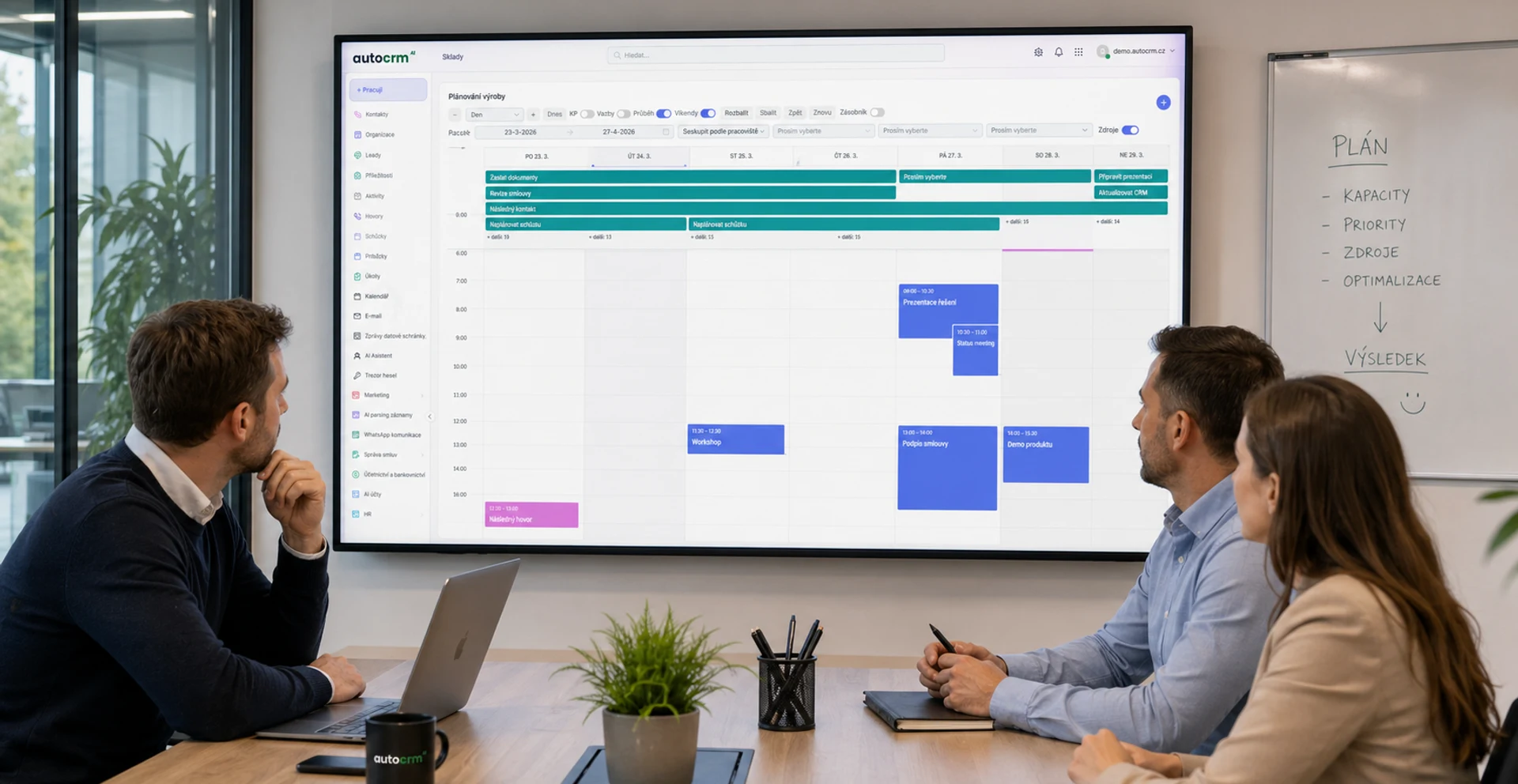
Rapid Implementation
Thanks to cloud-based solution and pre-built templates, you can start using AutoCRM within days.
- Launch in as little as 14 days
- Pre-built industry templates
- No installation required
Czech Legislation
AutoCRM is fully adapted to Czech legislation — tax documents, EET, GDPR, and electronic invoicing.
- Tax documents per law
- GDPR compliance
- Electronic invoicing
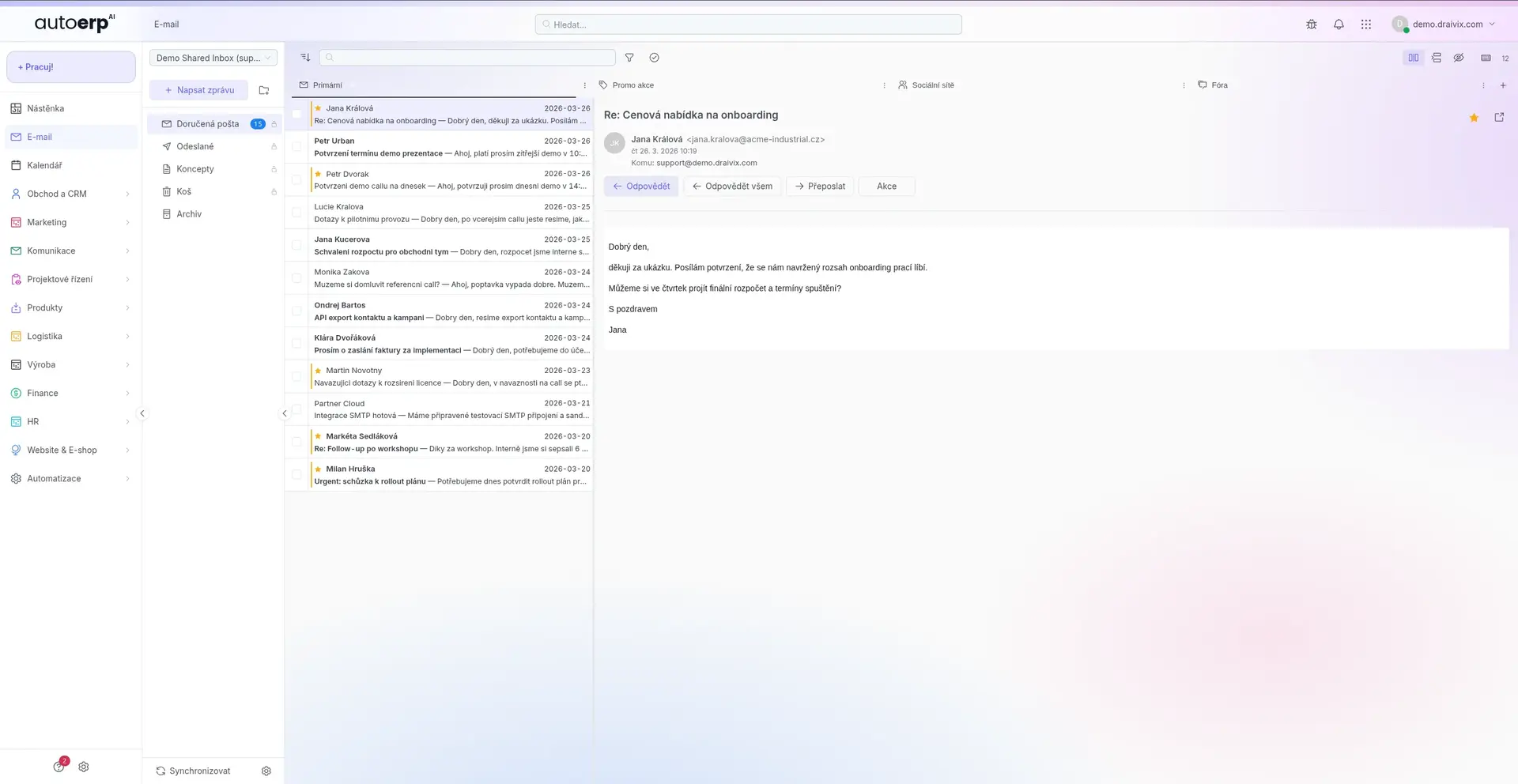
Knowledge Base & Training
Complete documentation, video tutorials, and regular webinars. Your employees learn the system quickly and efficiently.
- 200+ help articles
- Video tutorials
- Live training & webinars
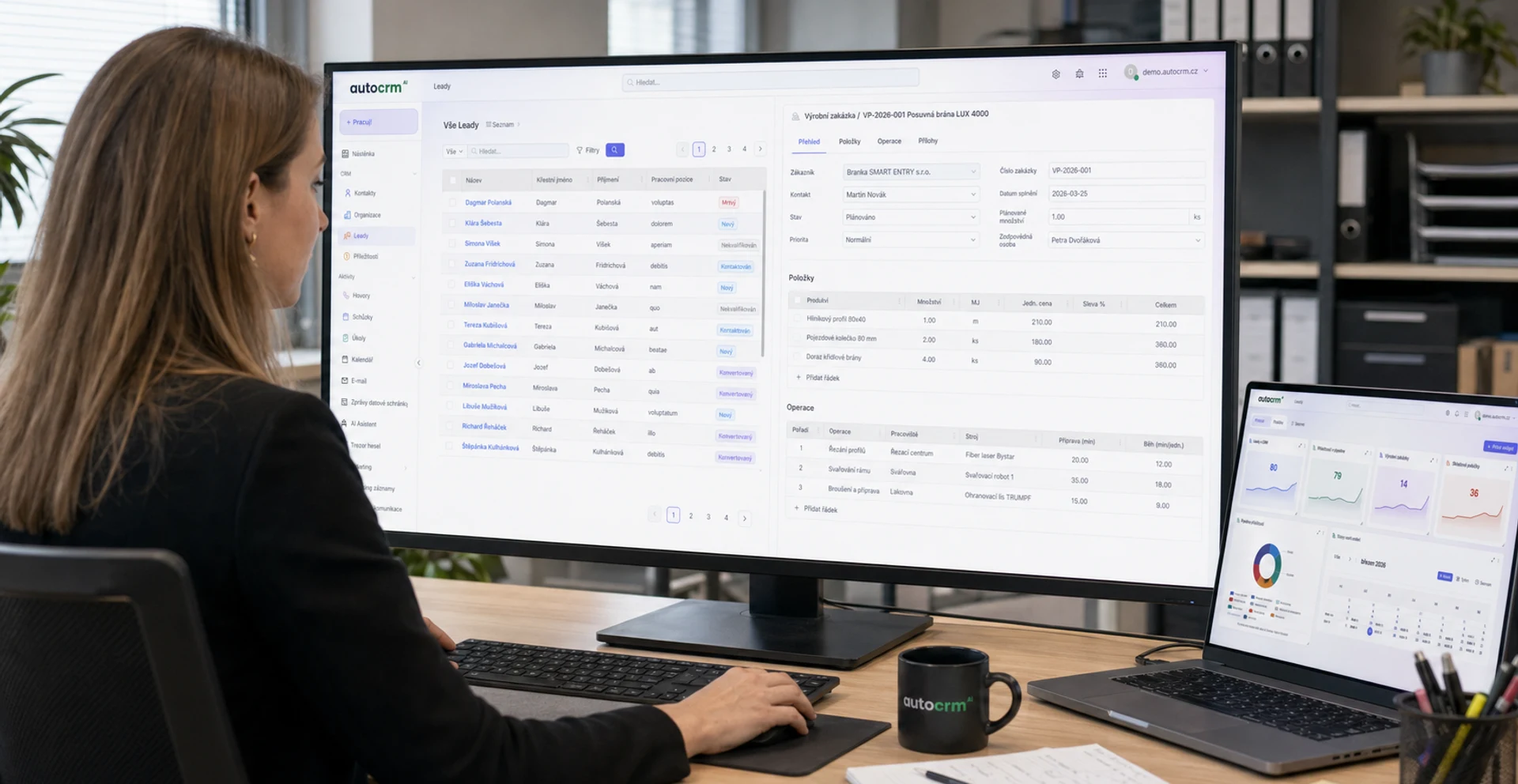
Eco-friendly Operations
Cloud solution means lower energy consumption. Paperless office through digital documents and signatures.
- Paperless office
- Lower carbon footprint
- Digital signatures & approvals
Future
The Future of CRM Systems
CRM systems are constantly evolving. Here are the trends that will shape business management in the coming years.
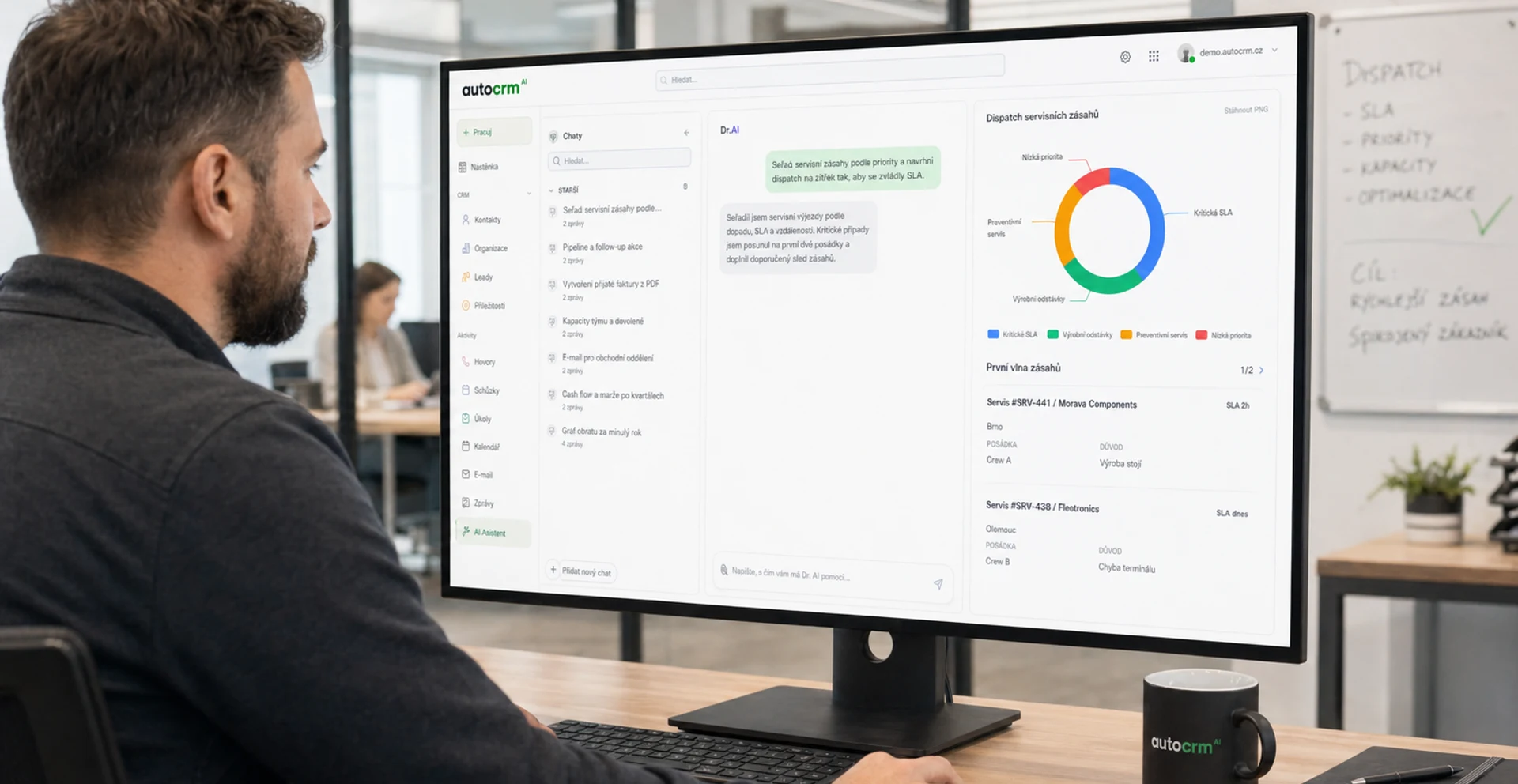
Artificial Intelligence & ML
AI-driven demand prediction, automatic anomaly detection, and intelligent recommendations. AutoCRM already integrates AI into key modules.
Fully Cloud Architecture
The transition from on-premise to SaaS models continues. Cloud CRM solutions offer higher flexibility, lower costs, and automatic updates.
Mobile-first Approach
Managing your business from a mobile phone is not the future — it is the present. CRM systems are adapting to mobile devices.
Cybersecurity
With growing cyber threats, security becomes a priority. Encryption, multi-factor authentication, and regular security audits.
Sustainability & ESG
CRM systems help measure and reduce the ecological footprint of businesses. Emissions tracking, energy efficiency, and ESG reporting.
FAQ
Frequently Asked Questions About CRM Systems
ERP (Enterprise Resource Planning) is a comprehensive software system that integrates all key business processes into one platform. From accounting through warehouse management to CRM. You need ERP to increase efficiency, reduce errors, and have a complete overview of your business in real time.
Implementation costs vary based on company size and chosen modules. AutoCRM offers plans starting from 3,450 CZK per month. Implementation includes analysis, setup, data migration, and training. Contact us for a free quote.
Basic AutoCRM implementation typically takes 2–4 weeks. More complex projects with data migration and custom modifications may take 1–3 months. Thanks to the cloud solution, however, you can start working within the first week.
Absolutely. AutoCRM is designed as a modular system — start with a few basic modules and gradually add more as needed. We offer special plans and simplified implementation for small businesses.
Cloud CRM (like AutoCRM) runs on our servers — no need to invest in your own IT infrastructure, updates happen automatically, and you have access from anywhere. On-premise CRM requires your own servers, IT team, and higher initial investment.
Yes. AutoCRM offers an open API and pre-built integrations with popular platforms like Shoptet, WooCommerce, Money S3, Pohoda, and more. Integration ensures automatic data flow between systems.
We offer complete training as part of implementation, video tutorials, a knowledge base with 200+ articles, and regular webinars. Technical support is available on business days; enterprise clients get SLA with 24/7 support.

Bára Ondroušková
Sales Director
We are happy to help
Start with AutoCRM today
Get a free, no-obligation quote and discover how AutoCRM can transform your business. Our team is ready to help you select the right modules.
Or write to us directly
Guides and decisions
Follow-up content for solution selection
Content that helps with decision-making, implementation, and next commercial steps.
Pricing
Comparison of ERP packages, implementation, and related services.
ERP Selection
Help choosing the right ERP setup by company size and process maturity.
ERP Grants
Grant options and next steps for financing an ERP project.
Contact
Direct contact for sales, consultations, and next steps with AutoCRM.
Case Studies
Real AutoCRM implementations and client outcomes from practice.