CRM System
CRM software and CRM system for managing sales
Stop losing sales opportunities in spreadsheets and emails. AutoCRM is online CRM software for companies that need one place for customers, deals, tasks, warehouse availability and invoicing.
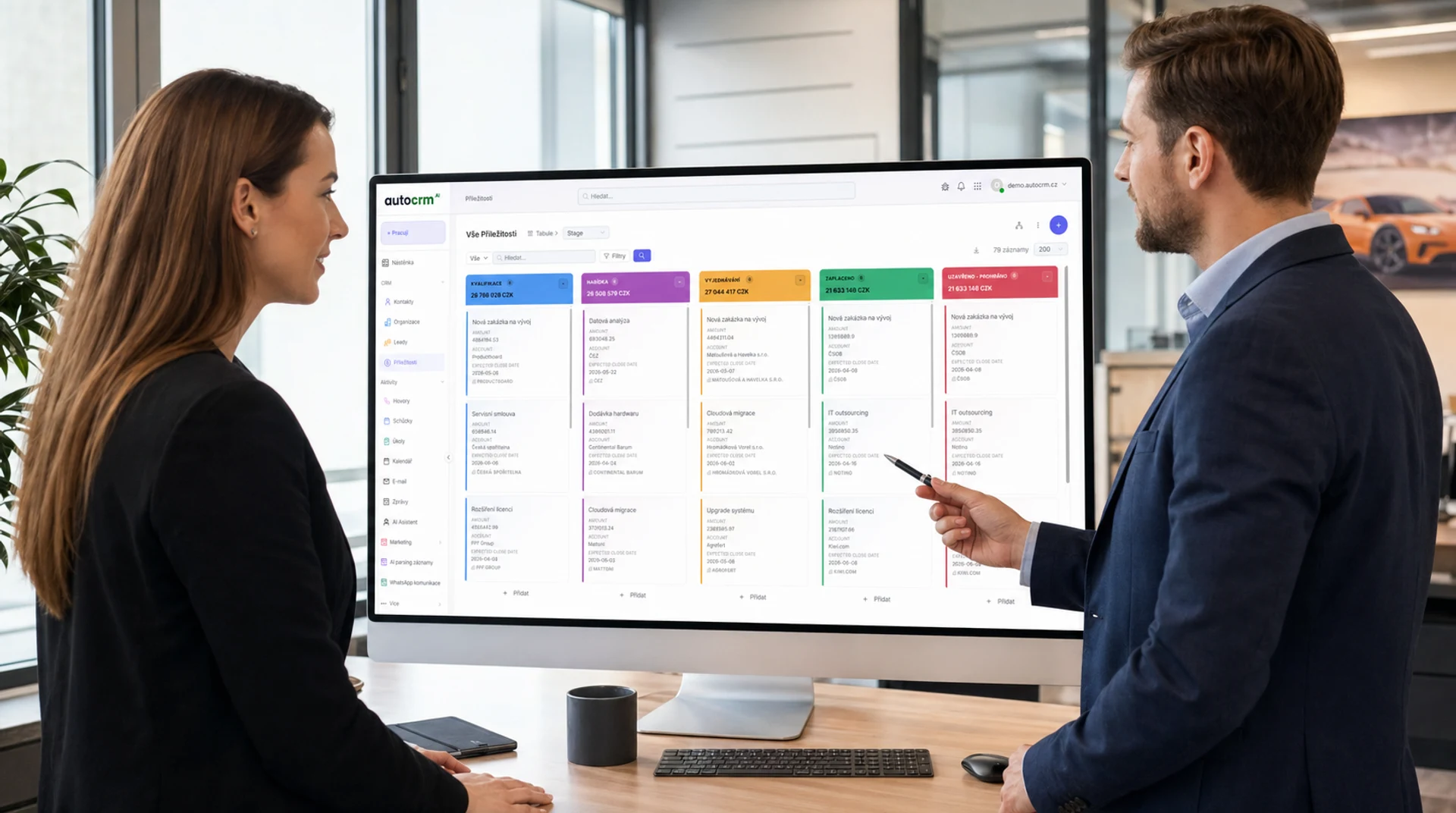
+47%
Deal conversions
What is a CRM system
What a CRM system and CRM software do
A CRM system centralizes customer relationships, sales opportunities and follow-up work. Companies looking for CRM software usually need one place for contacts, communication history, tasks, pipeline and reporting. AutoCRM connects sales with warehouse, manufacturing and invoicing without forcing teams to maintain separate spreadsheets.
CRM system guide
A CRM system manages customers, sales and relationships
Companies are not looking only for a contact app. They need control over the full sales process: from the first lead through quote, follow-up, invoicing and customer care. A good CRM system combines a customer database, sales pipeline, tasks, communication, reporting and connections to other company tools.
CRM system definition
A CRM system is a central record of customers, companies, communication and sales opportunities. It replaces scattered spreadsheets, notes and emails with one source of truth.
What CRM software does
It typically covers contacts, pipeline, tasks, quotes, reminders, email history, reporting, customer support and links to invoicing.
How to choose a CRM
Compare price, ease of use, support, customization, integrations and whether the CRM can grow with your company.
When CRM makes sense
Once the sales team loses track of leads, customers or follow-ups, a CRM system usually returns time, control and measurable sales performance.
Fast answer for CRM selection
How to recognize a good CRM system for a company
A good CRM system unifies contacts, opportunities, tasks, communication and reporting. It is not just a customer database. A company needs to see who owns each deal, what the next step is, how likely the deal is to close and what happens after closing in invoicing, warehouse or support.
Short summary
If you currently manage sales in spreadsheets, email or an isolated CRM, look for a system that covers the process from enquiry to invoice. That is the difference between a contact list and real CRM software.
One source of customer data
Contacts, companies, communication history, opportunities and tasks must live in one place. Otherwise the team loses context and management lacks reliable reporting.
Pipeline and next action
A CRM should show not only deal status, but also the next action, due date, owner and reason why the deal is moving or stalled.
Price based on real usage
Do not compare only the monthly license. Include implementation, training, integrations, reporting, user count and future expansion.
Connection to company operations
A strong CRM connects to invoicing, warehouse, orders, helpdesk or projects. Sales then does not end as a pipeline note, but continues into delivery.
Related practical guides
CRM software and online CRM
CRM software for companies without unnecessary integrations
AutoCRM is CRM software for teams that need pipeline management, contacts, tasks, reporting and a connection to the rest of the company. It fits companies looking for an online CRM system, company CRM and a practical CRM platform connected to invoicing and operations.
CRM software for sales teams
Contacts, companies, opportunities, quotes and communication history in one clear workspace.
CRM softwareOnline CRM system
Cloud CRM available from browser, phone and tablet without manually syncing spreadsheets.
Online CRMCRM system for companies
CRM for companies that need to manage sales teams, leadership reporting and follow-up processes from enquiry to invoicing.
CRM for companiesCzech CRM system
A CRM system with Czech implementation, local support and connections to invoicing workflows.
Czech CRM systemChoosing CRM software
When AutoCRM makes more sense than standard online CRM
Standard online CRM is often enough for contacts and a simple pipeline. AutoCRM makes more sense when the CRM system also needs to manage related processes: invoicing, warehouse, projects, automation, reporting and multiple teams working with the same data.
Standard online CRM
AutoCRM
Fast start and customization
Boxed CRM software can launch quickly, but the sales process usually has to fit predefined screens and fields.
AutoCRM starts by mapping the process and configures the CRM system around real sales work, roles, approvals, data and follow-up workflows.
Company-wide connection
Standalone online CRM usually covers contacts, opportunities and activities. Warehouse, invoicing or production often require extra integrations.
AutoCRM connects sales with invoicing, warehouse, projects, helpdesk and other modules, so the team does not work across disconnected systems.
Price and licensing
Many CRM systems grow in price by user count, add-ons and paid features that the team needs after rollout.
AutoCRM prices the project by scope, processes and company needs. Before implementation, you know what will be built, what value it brings and what is unnecessary.
Automation and reporting
Basic CRM often supports simple reminders and reports, but more complex workflows across departments are limited.
AutoCRM supports automatic follow-ups, stalled-deal checks, handovers between teams and reporting across both sales and operations.
Where companies lose
More lost opportunities than you think. Do you recognize these problems?
Contacts are scattered.
Emails in Outlook, contacts on the phone, notes on paper — nobody has a complete overview of customers.
Sales opportunities get lost.
Nobody knows which inquiries are in progress, who's responsible, and when to follow up.
Salespeople sell blindly.
There's no data on success rates, sales cycle length, or individual salesperson effectiveness.
Follow-ups don't happen on time.
Without automatic reminders, nobody reaches out to customers — and deals go to competitors.
Sales reporting doesn't exist.
Management has no overview of the pipeline, conversions, or revenue forecasts. Decisions are made by gut feeling.
Emails and calls aren't logged.
Customer communication isn't centralized. When a salesperson leaves, the relationships leave with them.
CRM isn't connected to the rest of the company.
Sales operates separately from invoicing, warehouse, and production. There's no single source of truth.
Current CRM is too complex or expensive.
Large systems like Salesforce are over-engineered and expensive for mid-sized companies. Excel isn't enough.
Solution for your sales
Do you know what sales under control looks like?
We'll review your sales process and show you where opportunities and money are slipping away.
No obligation · No contract · 30 minutes of your time
CRM system features
What AutoCRM CRM system can do
Contact management
- Central database of companies and people
- Complete communication history
- Contact segmentation and tagging
- Data import and export
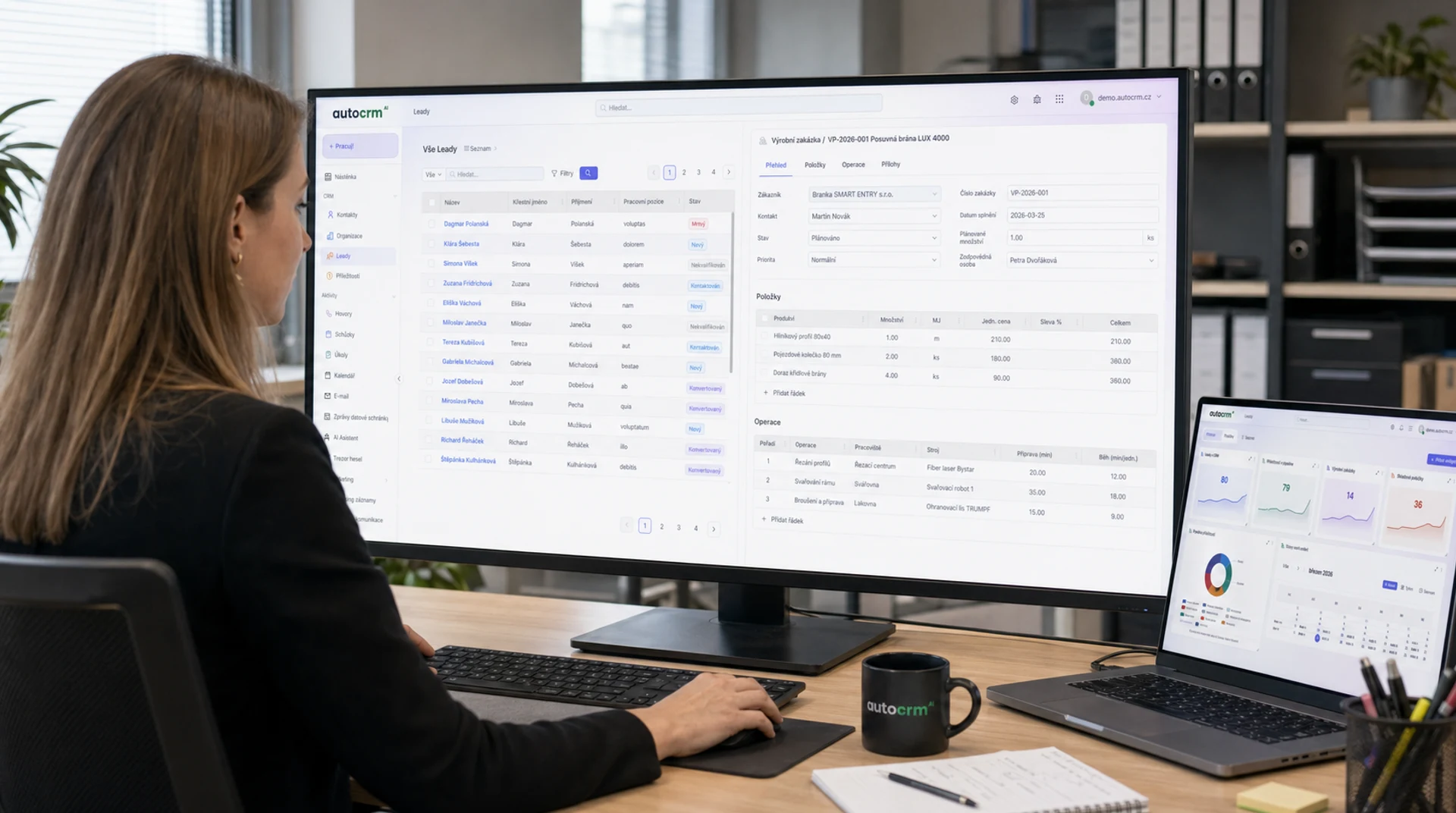
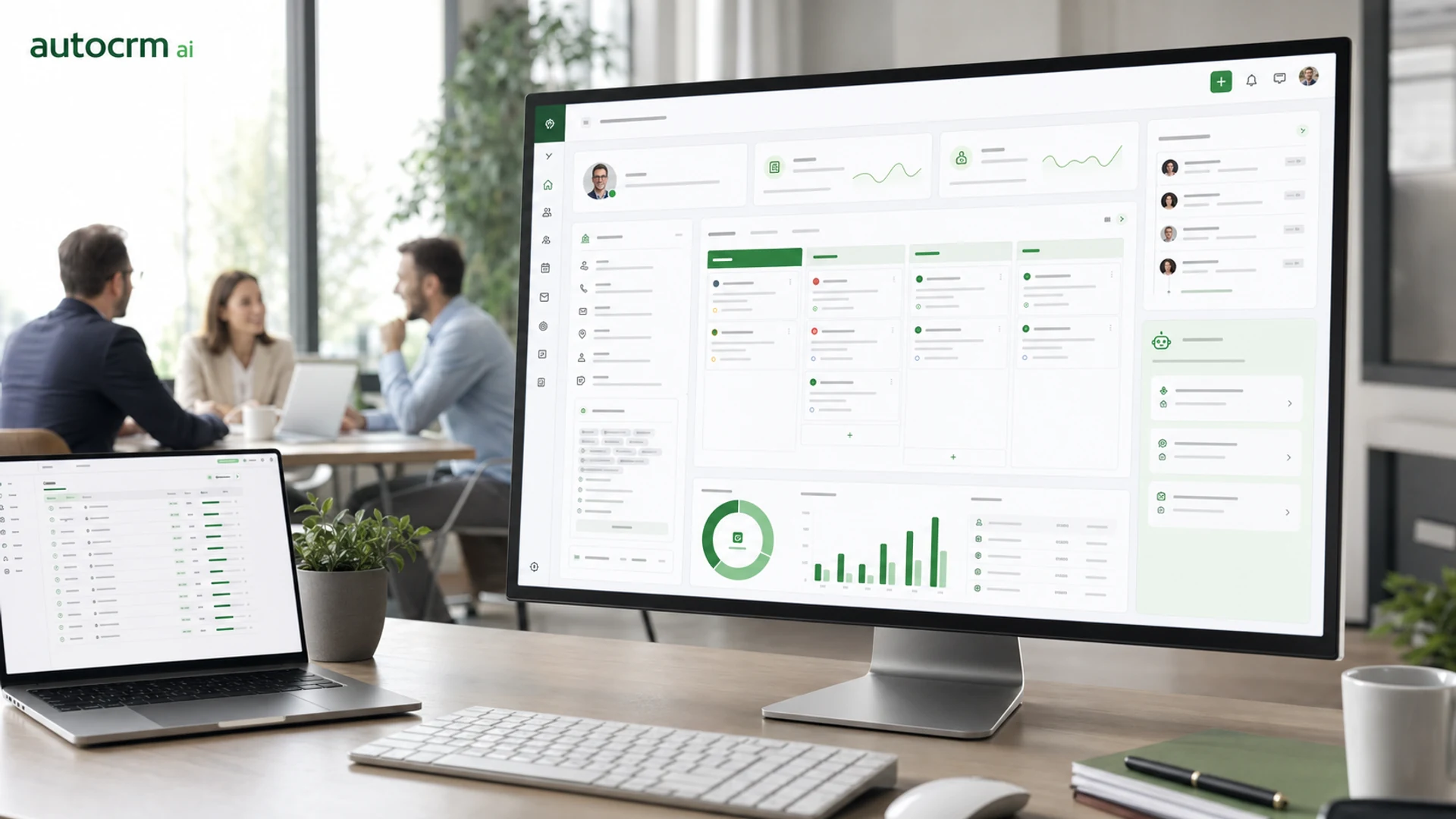
CRM system in practice
CRM system for maximum sales results
With AutoCRM CRM software, you always have an up-to-date overview of the entire sales process, from first contact to closing the deal. Everything is clear, simple and in one place.
- Visual sales pipeline with drag & drop functionality
- Complete communication history for each contact
- Automatic reminders and follow-up tasks
- Connected to email, phone, and calendar
- Přesná data a reporty pro rozhodování managementu v reálném čase
AutoCRM CRM in numbers
Results that speak for themselves
Increase in deal conversion
Faster sales cycle
Pipeline overview
Monthly licenses
Why AutoCRM CRM
CRM software for companies of any size
AutoCRM CRM is not just a contact directory. It is online CRM software for managing the sales process, from first contact through proposal to closing and ongoing customer care.
CRM connected to invoicing, warehouse, and production in one system
Licensing model agreed in the contract
Customizable to your specific sales process
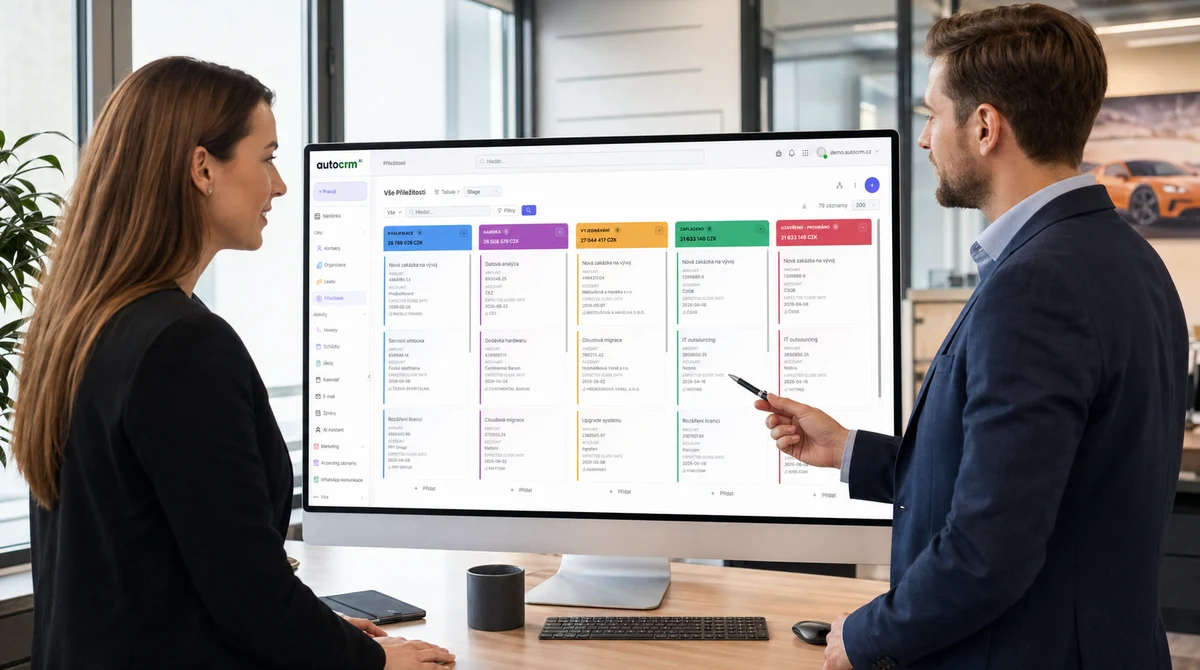
CRM software v praxi
Vyberte CRM systém podle situace firmy
Obchodní tým obvykle nezačíná otázkou funkcí, ale otázkou procesu: velikost firmy, cena, automatizace, helpdesk, AI a návaznost na ERP.
CRM pro malé firmy
Jednoduché CRM pro menší týmy, které chtějí přehled v kontaktech, obchodu a follow-upech.
Zjistit víceSrovnání CRM systémů
Rychlé porovnání CRM variant podle ceny, funkcí, implementace a vhodnosti pro různé firmy.
Zjistit víceJak vybrat CRM systém
Návod pro výběr CRM systému bez slepé uličky a drahé migrace za pár měsíců.
Zjistit víceCRM cena
Co ovlivňuje cenu CRM systému a jak počítat návratnost implementace.
Zjistit víceAlternativa k Raynet CRM
Kdy stačí jednoduché CRM a kdy už firma potřebuje workflow, zakázky, sklad a AI v jednom systému.
Zjistit víceAutoCRM vs Raynet
Přímé porovnání AutoCRM a Raynet CRM podle funkcí, flexibility, provozních návazností a dlouhodobého růstu.
Zjistit víceCeník AutoCRM
Konkrétní tarify AutoCRM, co obsahují a kdy dává smysl řešení na míru.
Zjistit víceAI CRM
AI v obchodních procesech, lead scoring, automatické follow-upy a práce s obchodními daty.
Zjistit víceHelpdesk systém
Ticketovací systém propojený s CRM, znalostní bází a interním workflow.
Zjistit víceChoose the next solution for your situation
CRM pricing
Tariffs, pricing models and what affects the final cost of a CRM system.
Learn moreCRM for small companies
A simpler CRM for smaller teams where quick adoption and clear overview matter.
Learn moreCRM for freelancers
CRM for sole traders, consultants and small service businesses with contacts and invoicing.
Learn moreERP system
When CRM needs to connect to warehouse, manufacturing, invoicing and reporting.
Learn moreFAQ
Most common questions about AutoCRM CRM system
Odpovědi na otázky, které dostáváme nejčastěji od firem zvažujících implementaci CRM systému.
AutoCRM CRM is part of a complete CRM system — it connects sales with invoicing, warehouse, production, and other modules. Unlike Salesforce, you don't pay monthly per-user licenses. Unlike HubSpot, you have everything in one place without needing to integrate external tools.
Basic CRM deployment takes 2-4 weeks including data migration from the previous system. Complex implementation with workflow automation and connection to other modules can take 4-8 weeks.
Yes. Pipeline stages, custom fields, automation rules, and reports can be fully customized to your sales process. No compromises — CRM adapts to you, not the other way around.
Yes. We support import from Excel, CSV, and direct migration from popular CRM systems (Salesforce, HubSpot, Pipedrive, Raynet). We'll transfer contacts, deals, communication, and attachments.
AutoCRM CRM is available within CRM packages from 3,450 CZK per month. Unlike competitors, you don't pay per user — the price is fixed regardless of team size. We'll prepare an exact quote after a free consultation.
Sales pipeline je vizuální přehled obchodních příležitostí rozdělených podle fáze prodejního procesu. V AutoCRM CRM ukáže, ve které fázi je každý obchod, jaká je pravděpodobnost úspěchu a jaké tržby realisticky očekávat.
Implementace probíhá v 5 krocích: zjištění potřeb, mapování obchodních procesů, návrh řešení na míru s přesnou cenou a harmonogramem, implementace a školení týmu, průběžný rozvoj systému. AutoCRM je partner na dlouhou trať — ne jen dodavatel softwaru.
CRM AutoCRM používají malé firmy i velké korporace, B2B i B2C společnosti. Je ideální jako CRM software pro firmy, obchodní týmy, vedení hledající přehled nad výkonností i malé firmy, které chtějí růst bez náboru dalších lidí.
Ano. AutoCRM funguje jako online CRM systém dostupný z prohlížeče a podle potřeb také z mobilních zařízení. Tým má aktuální kontakty, obchodní příležitosti, úkoly i historii komunikace na jednom místě bez ruční synchronizace tabulek.
V praxi jde často o stejný typ řešení. CRM systém popisuje celé prostředí pro řízení zákazníků, obchodu a navazujících procesů. CRM software označuje aplikaci, ve které tým pracuje. AutoCRM je obojí: český CRM systém i CRM software propojený s fakturací, skladem a dalšími firemními moduly.

Bára Ondroušková
Sales Director
We are happy to help
Ready to sell more and more efficiently?
Schedule a non-binding consultation with our team. We'll show you how AutoCRM CRM system can speed up your sales and increase conversions.
Or write to us directly
Next modules and steps
Where to go next from this page
Modules, pricing, and references that best complement this topic.
Business Email
Professional email communication integrated directly into the CRM system with full contact and sales connection.
Invoicing System
Automatic invoice creation, payment matching and clear accounting reports for your business.
Business Chat
Fast internal communication with channels, threads and integration into all AutoCRM modules.
Pricing
Comparison of ERP packages, implementation, and related services.
Case Studies
Real AutoCRM implementations and client outcomes from practice.
Contact
Direct contact for sales, consultations, and next steps with AutoCRM.