Marketing for businesses: Automate campaigns and measure results
Reach the right customers at the right time. Automate email campaigns, personalize communication and track marketing performance in real time — all integrated directly in AutoCRM.
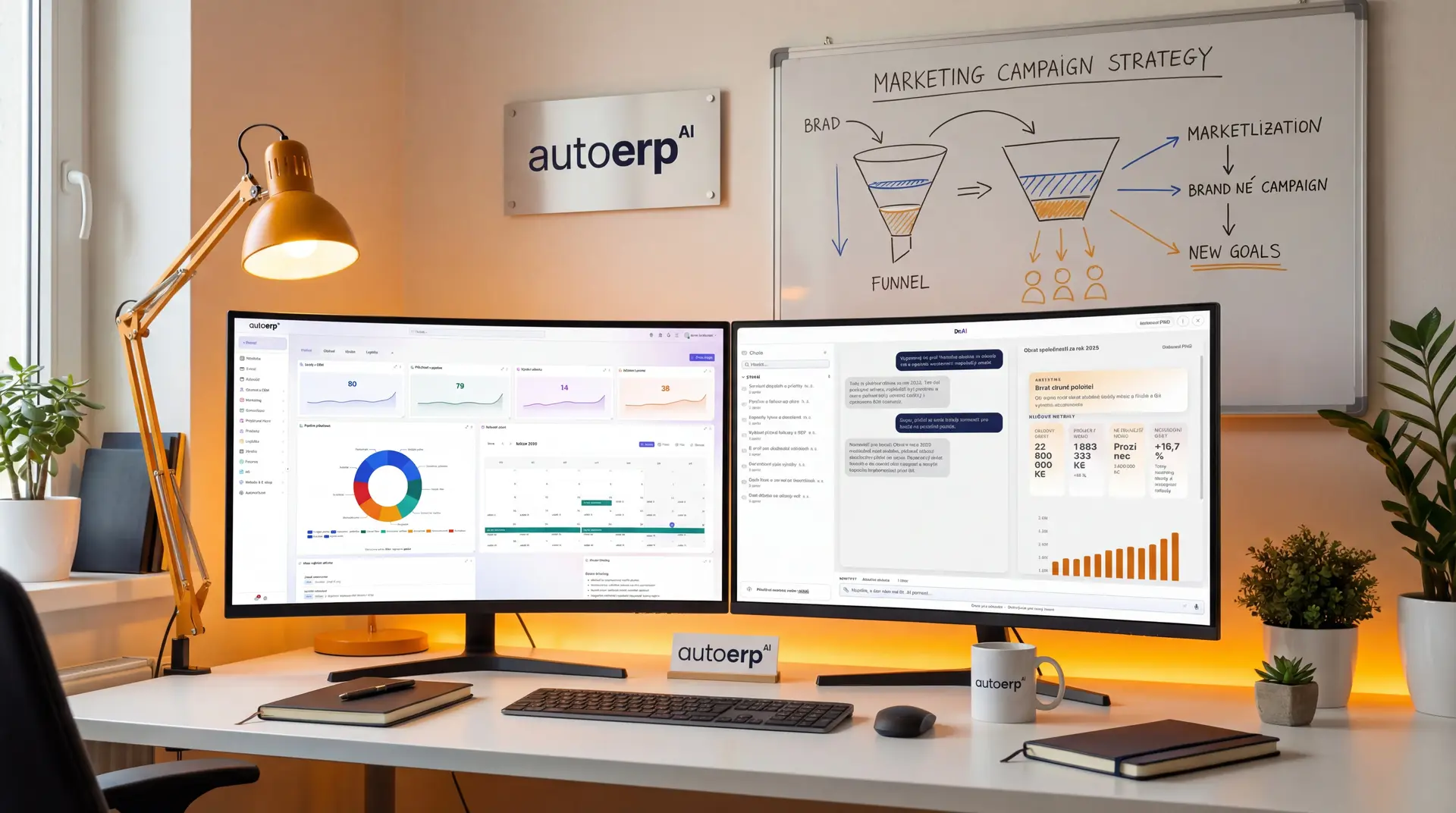
+127%
Conversion increase
Introduction
What is marketing automation?
Marketing automation is the use of software tools to automate repetitive marketing tasks such as sending emails, social media management, customer segmentation and campaign tracking. The goal is to reach customers more effectively while saving time and resources.
Within AutoCRM, marketing automation is fully integrated with CRM, invoicing, and other modules. This means you have a complete overview of the customer — from first contact to closing the deal and follow-up care.
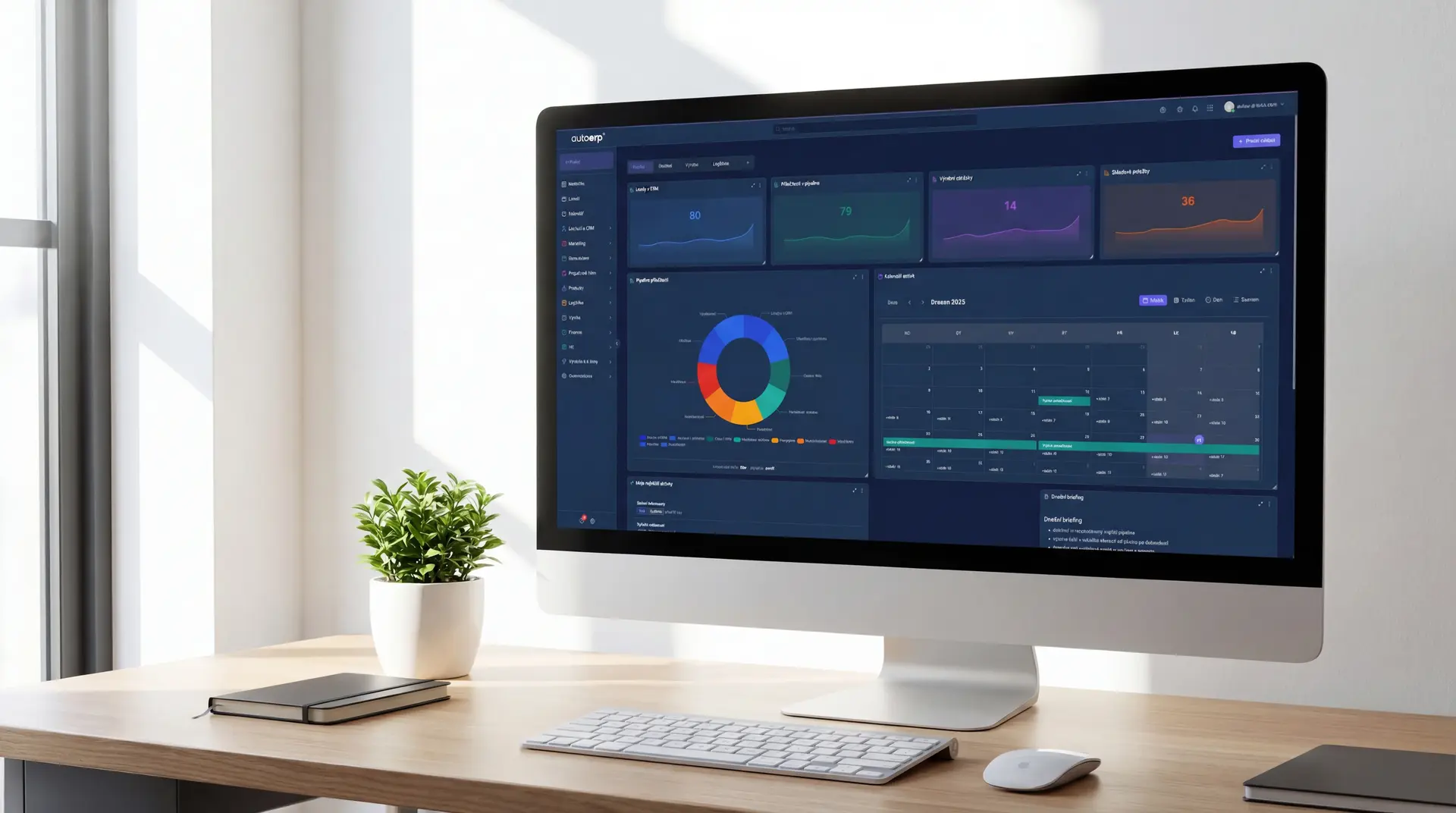
Without automation you lose
Why do companies without marketing automation fall behind?
Manual marketing is slow, error-prone and hard to measure. Without automation, companies lose time, money and customers.
Manual email sending takes hours
Your team spends hours composing and sending emails manually. Results are inconsistent and inefficient.
Leads slip through the cracks
Potential customers fill out a form but nobody responds in time. Without automatic follow-up you lose deals.
No personalization exists
All customers receive the same content regardless of their needs and stage in the buying process.
No visibility into campaign performance
You don't know which campaigns bring customers and which are wasted money. Decisions are based on gut feeling.
Marketing and sales work separately
The marketing team generates leads but salespeople lack context. Information is lost during handover.
Campaigns can't scale
As the company grows, so does the workload. Without automation you add people instead of tools — and costs skyrocket.
Solution for your marketing
Stop doing marketing manually
Automate campaigns, personalize communication and measure results — all in one place.
Key features
Key benefits of marketing automation
Email campaign automation
- Drip campaigns and email sequences
- Personalized content based on behavior
- A/B testing of subjects and content
- Automatic follow-up emails
Lead scoring and qualification
- Automatic lead scoring based on activity
- Segmentation by behavior and demographics
- Automatic assignment to sales reps
- Alerts when score threshold is reached
Email sequences
- Visual drag & drop campaign editor
- Conditional branches based on actions
- Timed triggers and delayed actions
- Templates for various scenarios
Landing pages and forms
- Drag & drop page editor
- Dynamic forms with conditional fields
- Pop-up and slide-in forms
- Automatic CRM integration
Analytics and reporting
- Real-time campaign performance dashboards
- Conversion and ROI tracking
- Attribution models and customer journeys
- Data export and automated reports
A/B testing
- Test subjects, content and design
- Statistically significant results
- Automatic winner selection
- Data-driven optimization
How it works
How does marketing automation work?
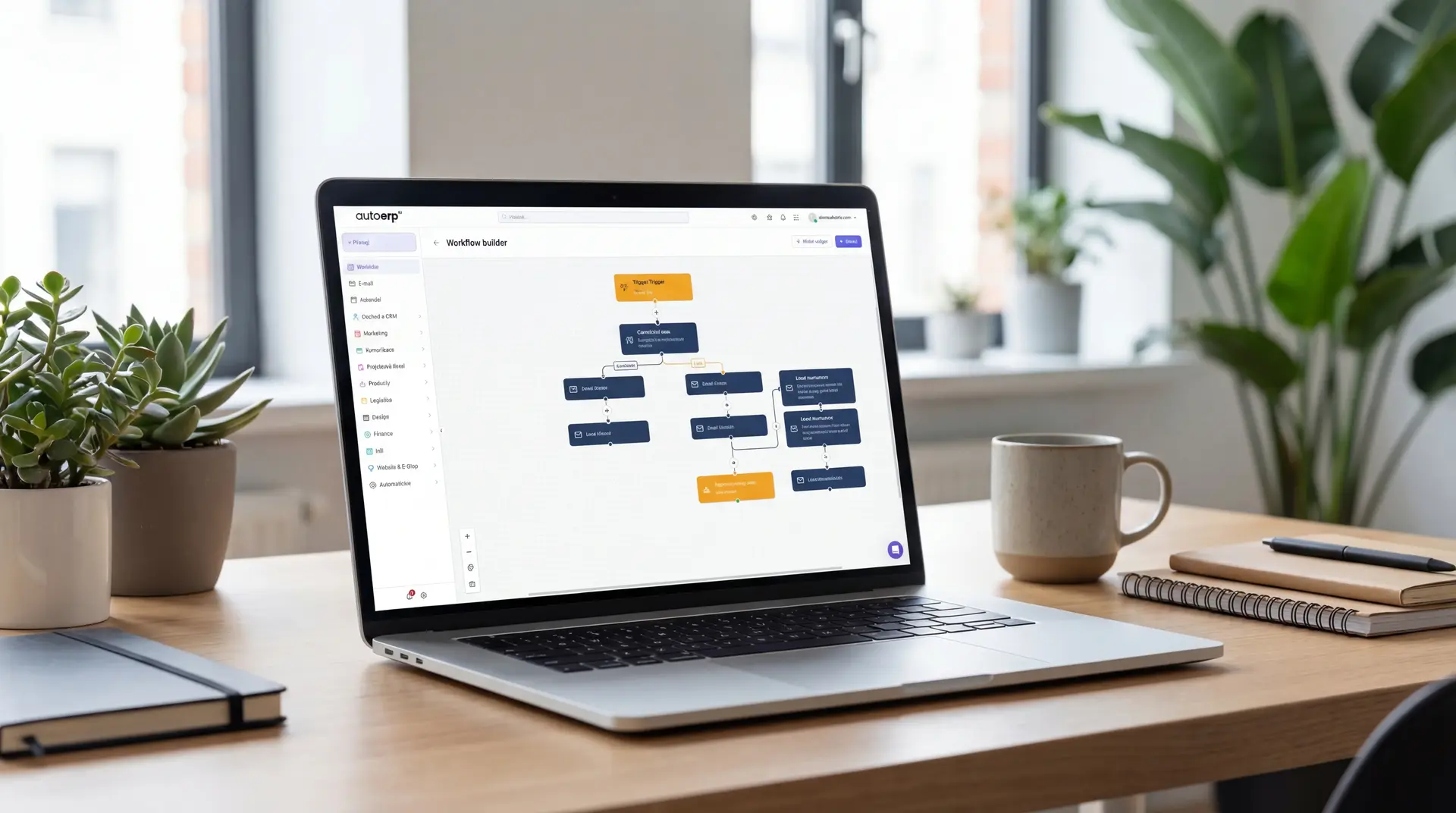
Define your target audience
Segment contacts by demographics, behavior and interests. Create personalized lists.
Create a campaign
Use the visual editor to create email sequences, landing pages and automated workflows.
Automate communication
Set triggers, conditions and actions. The system automatically responds to customer behavior.
Measure and optimize
Track campaign performance, analyze conversions and continuously optimize based on data.
Why automate
Best practices in marketing automation
Time savings
Automate repetitive tasks and focus on strategy and creativity.
Higher conversions
Personalized communication at the right time dramatically increases conversion rates.
Better lead management
Automatic scoring and qualification ensures salespeople contact the right people.
360° customer view
CRM integration provides a complete overview of every contact and their journey.
Scalability
Reach thousands of customers with personalized messages without growing the team.
Measurable results
Precise metrics show ROI of every campaign and help allocate budget.
Consistent communication
Automation ensures every customer gets the right message at the right time.
Marketing-sales alignment
Automatic transfer of qualified leads from marketing to sales without losing information.
Tips and recommendations
Best practices in marketing automation
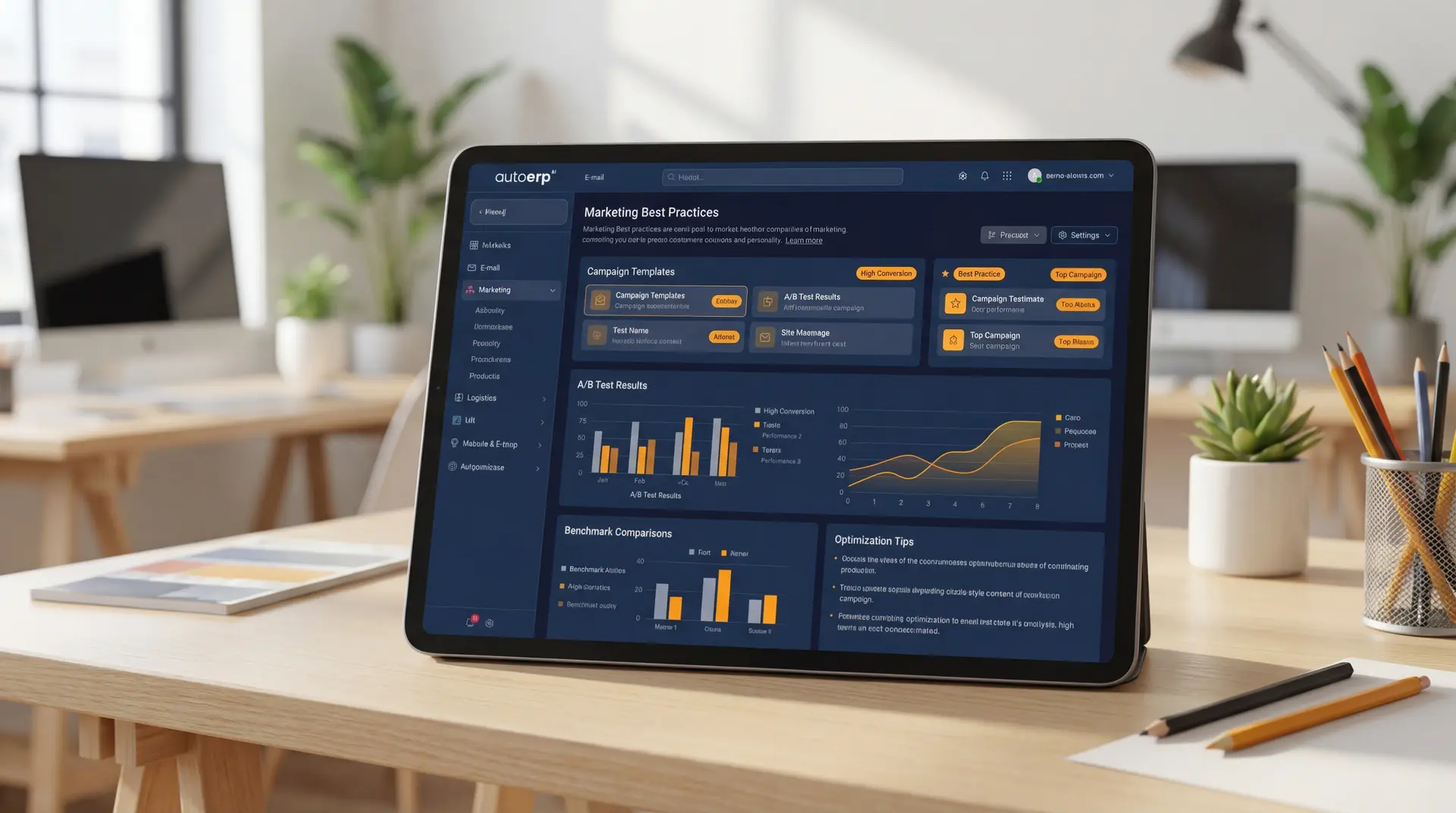
Start with a clear strategy
Define goals, target audiences and KPIs before you start automating. Technology is a tool, not a strategy.
Personalize everything
Use CRM data to personalize subjects, content and timing. Generic messages don't work.
Test continuously
A/B test subjects, content, CTAs and timing. Small improvements lead to big differences in results.
Track metrics
Focus on conversions, not just opens. Track the entire customer journey from first click to purchase.
Keep your database clean
Regularly clean your contact list of inactive addresses. Quality is more important than quantity.
Integrate with CRM
Connect marketing with sales. Shared information ensures leads don't fall between departments.
AutoCRM system case studies
How companies use marketing automation
E-commerce company increased conversions by 85%
By implementing automated email sequences and personalized content, they dramatically increased conversion rates and reduced customer acquisition costs.
See case studiesB2B company doubled qualified leads
Thanks to lead scoring and automatic nurturing, they doubled the number of qualified leads passed to the sales team with the same marketing budget.
See case studiesResults in numbers
Measurable impact on your business
Conversion increase
Marketing time savings
Return on investment
Customer satisfaction
Frequently asked questions
Common questions
Marketing automation is the use of software to automate repetitive marketing tasks — sending emails, managing campaigns, customer segmentation, lead scoring and communication personalization. Everything happens automatically based on rules and customer behavior.
Marketing automation is suitable for businesses of all sizes — from small e-shops to large B2B companies. The biggest benefit is for companies that want to scale marketing without proportionally growing the team and that work with a large number of leads.
In AutoCRM, marketing automation is directly integrated with the CRM module. This means all customer data, their activity and communication are available in one place. Lead scoring, segmentation and automatic workflows work with real CRM data.
The price depends on the scope of implementation and number of contacts. AutoCRM offers marketing automation as part of the CRM system, so you don't pay for a standalone tool. Contact us for an individual quote.
Basic marketing automation setup is possible within a few days. Complete implementation including CRM integration, workflow setup and data migration usually takes 2-4 weeks depending on the complexity of your processes.

Bára Ondroušková
Sales Director
We are happy to help
Start with marketing automation today.
Join companies that automate their marketing and achieve better results with less effort. Book a free consultation.
Or write to us directly
Related solutions
Related solutions to compare
Other functional areas that typically connect to this solution in real implementations.
CRM System
Complete contact management, sales opportunities and customer communication in one place.
Email Marketing
Bulk email sending, templates, A/B testing and detailed campaign statistics.
AI for Business
Artificial intelligence for process automation, predictive analytics and intelligent decision-making.
Pricing
Comparison of ERP packages, implementation, and related services.
Case Studies
Real AutoCRM implementations and client outcomes from practice.
Contact
Direct contact for sales, consultations, and next steps with AutoCRM.