
Skip to content
More than 50 integrations

Integrations

Integrations

Explore the services and tools that our AutoCRM already connects to. Link your CRM system with accounting, e-commerce, BI tools, and other services.

50+ available integrations
Free integration analysis
Implementation within 48 hours
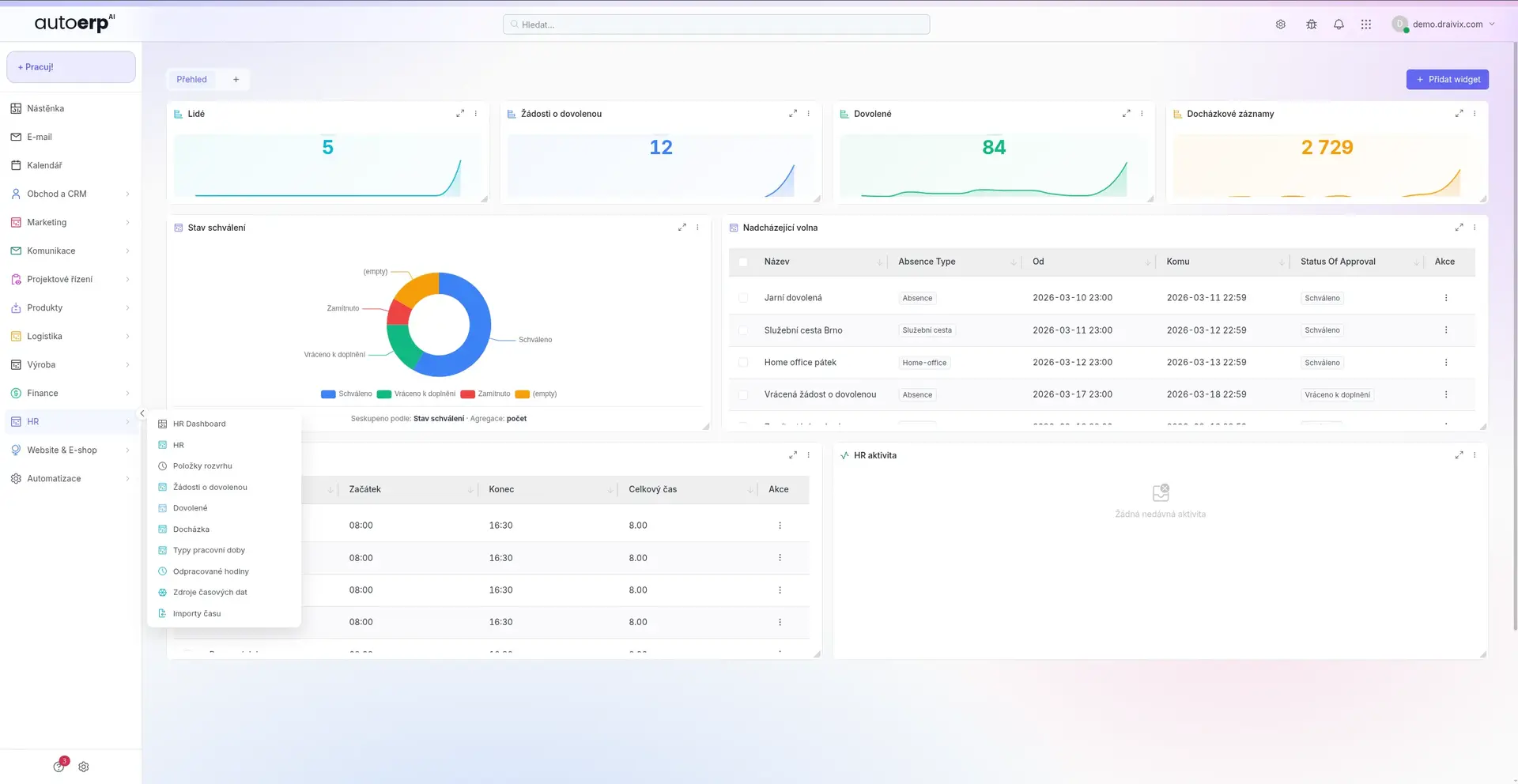
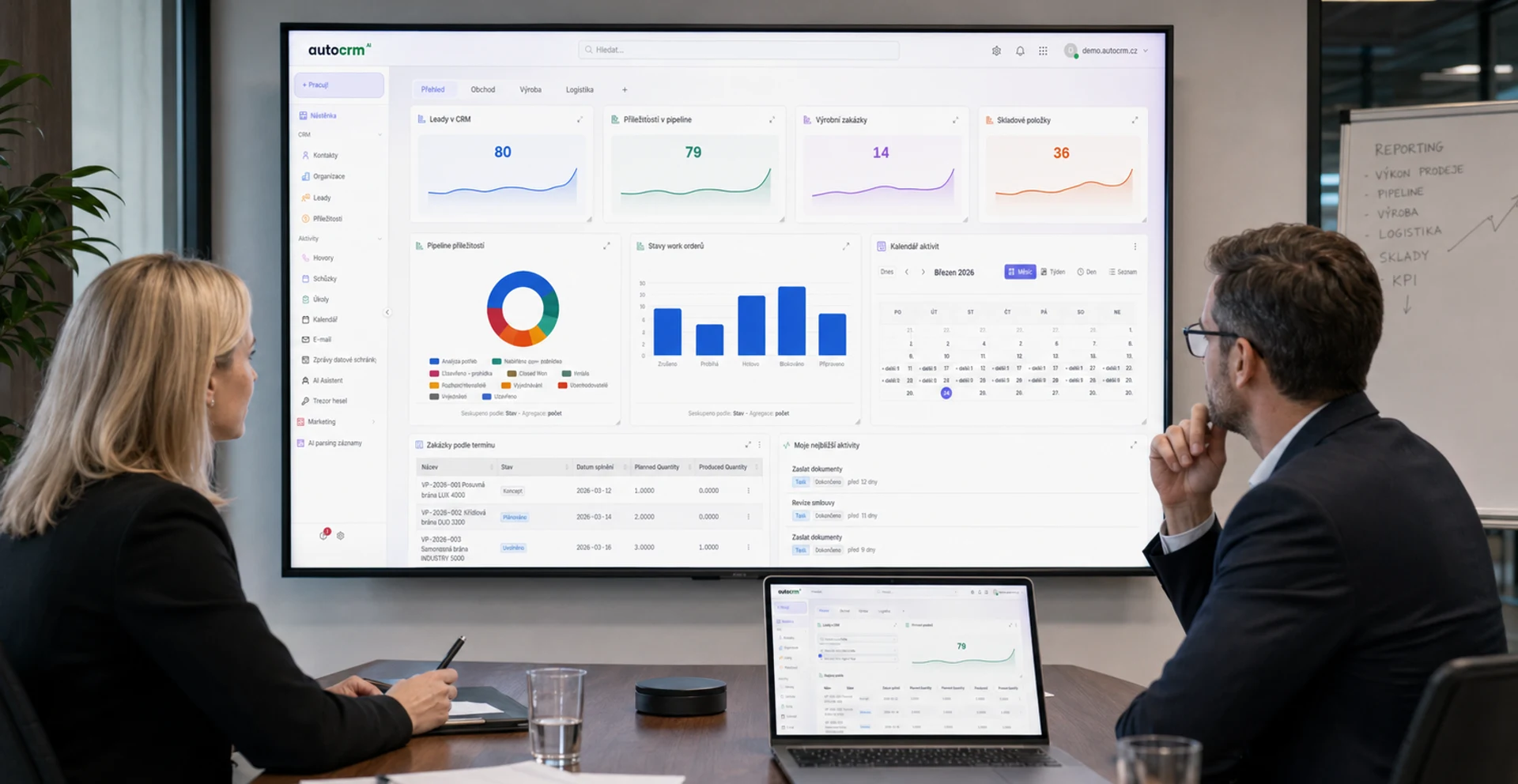
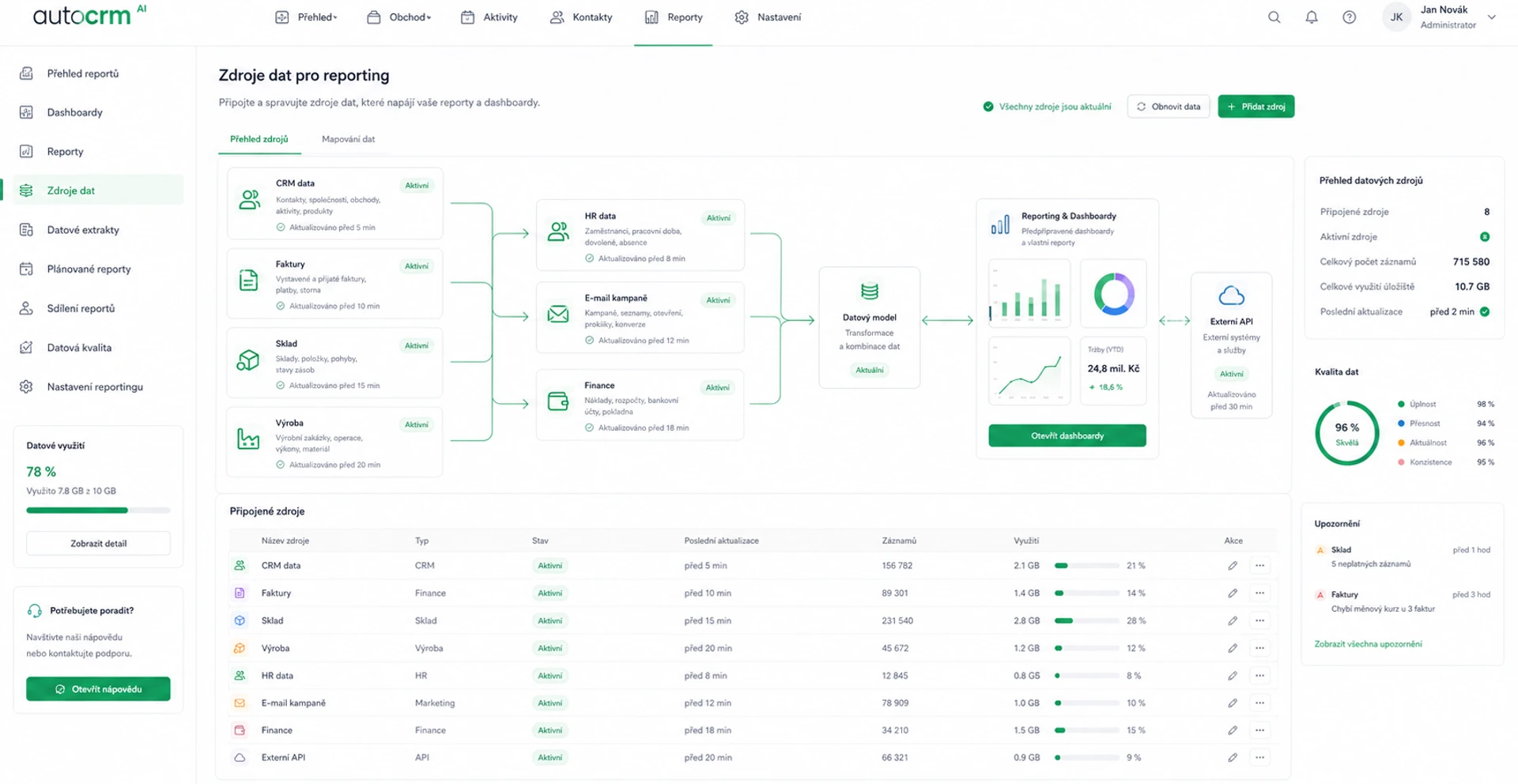
AutoCRM - dashboard napojení a integrací

Integration categories

Explore our integrations

AutoCRM connects to a wide range of services and tools. Select a category to find out which systems you can link with your CRM.

Accounting & invoicing systems
Money S3
PREMIER system
HELIOS
xdent
reenio
Pohoda

Connect AutoCRM with the most popular accounting and invoicing systems. Automatic transfer of invoices, payments, and accounting documents without manual work. We support Money S3, PREMIER system, HELIOS, xdent, reenio, and Pohoda.
External data
External data
Český statistický úřad
ARES
Kurzy.cz
ČNB

Automatic data retrieval from external sources — CNB exchange rates, ARES data, CSO statistics, and more. Always up-to-date information directly in your CRM system.

Calls & messages
Calls & messages
Daktela
VoIP.cz
CloudTalk
SMS brána

Connection to VoIP exchanges, SMS gateways, and other communication tools. All calls and messages clearly recorded directly in AutoCRM with links to customers and orders.

E-commerce solutions
Shoptet
WooCommerce
Shopify
PrestaShop
Upgates

Two-way synchronization of orders, products, and stock levels between AutoCRM and your e-shop. We support Shoptet, WooCommerce, Shopify, PrestaShop, and Upgates.

Business Intelligence
Power BI
Google Data Studio
Tableau
Keboola

Export data from AutoCRM to Business Intelligence tools for advanced analysis. Power BI, Google Data Studio, Tableau, and Keboola — all connected and automated.

Integration benefits

Why connect AutoCRM with your tools?

Automatic synchronization

Data is transferred automatically in real time. No manual copying, no transcription errors. Everything is always up to date.

Time and cost savings

Eliminate duplicate data entry and manual processes. Your employees can focus on more important tasks.

Secure data transfer

All connections use encrypted communication and secured API. Your data is safe during every transfer.

Easy configuration

Most integrations can be set up in minutes. An intuitive wizard guides you through the entire connection process.

Open API

With an open REST API, you can connect AutoCRM with any system. We provide complete documentation and developer support.

Cloud solution

Integrations work in the cloud without installation. Updates and maintenance are handled automatically on our side.

API & connectivity

Open API for unlimited possibilities

AutoCRM offers a complete REST API for connecting to any system. Our documentation is clear and contains examples for all endpoints.

  • Complete REST API documentation with examples
  • Webhooks for real-time change notifications
  • OAuth 2.0 authentication for secure access
  • Sandbox environment for testing integrations
Open API for unlimited possibilities
One-way and two-way synchronization

Data synchronization

One-way and two-way synchronization

Choose the synchronization method that suits you. AutoCRM supports one-way and two-way data transfer with full control over what gets synchronized.

  • Two-way product and order synchronization
  • Automatic import of invoices and payment documents
  • Scheduled synchronizations per your timeline
  • Detailed log of every transfer for audit purposes

Start integrating

Connect your tools with AutoCRM today

Schedule a free consultation to find out which integrations are most important for your business.

Technical features

Enterprise-grade reliable integration

01

Transfer security

  • TLS/SSL encryption for all communication
  • OAuth 2.0 and API keys for authentication
  • IP whitelisting for access restriction
02

Real-time synchronization

  • Webhooks for instant notifications
  • Polling with configurable interval
  • Automatic retry on failure
03

Scalability

  • Processing thousands of records per second
  • Horizontal scaling as needed
  • Rate limiting for API protection
04

User management

  • Granular permissions for each integration
  • Audit log of accesses and operations
  • Role-based access control (RBAC)
05

Monitoring and alerting

  • Dashboard with integration status overview
  • Automatic alerts on errors
  • Historical transfer statistics
06

Developer support

  • Interactive API documentation (Swagger)
  • SDK for popular languages (PHP, JS, Python)
  • Sandbox environment for testing

How it works

Integration in 4 simple steps

AutoCRM - workflow integrací
1

Needs analysis

Together we map your systems and processes. We identify which connections will bring the most value.

2

Configuration

We set up the integration according to your requirements. We define synchronization rules and data mapping.

3

Testing and launch

Before going live, we thoroughly test all data flows. We verify transfer accuracy on real data.

4

Monitoring and support

After launch, we monitor the integration and resolve any issues. We ensure smooth operation of your connection.

AutoCRM in numbers

Trusted by hundreds of companies

40+

Available integrations

150+

Satisfied users

99.9%

Integration uptime

48h

Average implementation time

FAQ

Frequently asked questions about integrations

AutoCRM supports connections to more than 50 systems and services. The most popular include accounting systems Money S3, Pohoda, PREMIER, and HELIOS, e-commerce platforms Shoptet, WooCommerce, and Shopify, VoIP exchanges, SMS gateways, and BI tools like Power BI or Google Data Studio. Thanks to the open API, virtually any system can be connected.

Most standard integrations can be set up within 48 hours. More complex connections with custom logic may take 1-2 weeks. It always depends on the scope of integration and the amount of synchronized data. Before starting, we perform a free analysis where we estimate the exact timeframe.

Absolutely. All communication takes place over encrypted connections (TLS/SSL). We use OAuth 2.0 and API keys for authentication. We support IP whitelisting and all transfers are logged for audit purposes. We comply with GDPR requirements for personal data protection.

Thanks to the open REST API, you can connect AutoCRM to any system. If you need help, our development team will prepare a custom integration for you. Just contact us and together we'll find a solution for your specific needs.

Basic integrations with standard systems (accounting, e-shop) are included in the AutoCRM license at no extra charge. Custom integrations and connections to non-standard systems are priced individually after a free analysis of your needs. Contact us for a non-binding quote.

Obchodní ředitelka AutoCRM

Bára Ondroušková

Sales Director

We are happy to help

Connect your systems with AutoCRM

Schedule a free consultation and find out how to connect your existing tools with AutoCRM. Join more than 150 satisfied users.

Or write to us directly

We use only necessary cookies until you choose otherwise. Cookie policy