Vendor Management System
Vendor Management System
Centralized supplier management connected with warehouse system, purchasing and invoicing in one CRM solution. Keep all your suppliers, contracts and evaluations in one place.

Introduction
What is a Vendor Management System?
A Vendor Management System (VMS) is a software tool designed for centralized management of supplier relationships. It enables companies to efficiently organize, track and evaluate their suppliers in one place — from first contact through negotiating terms to ongoing quality and reliability assessment.
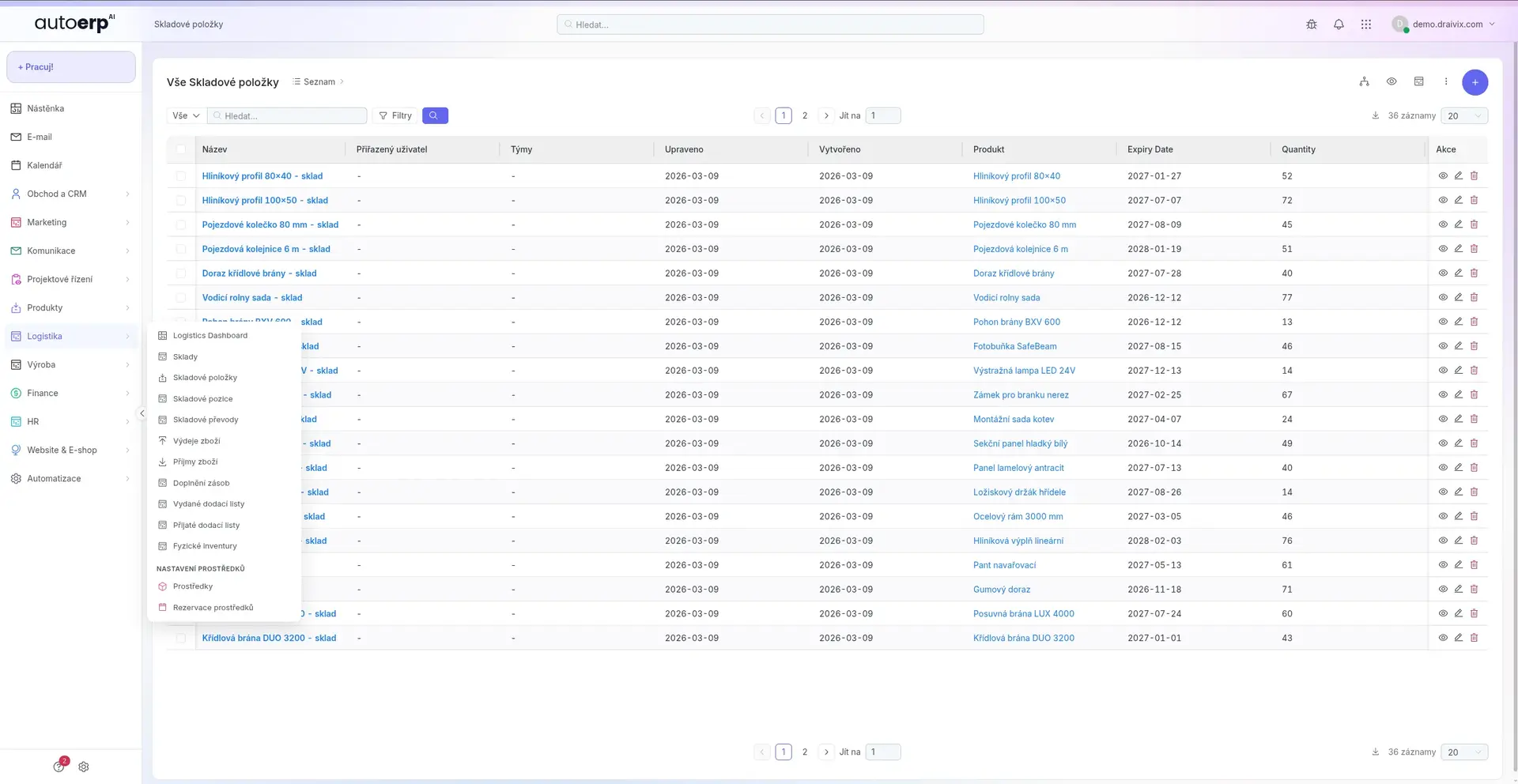
VMS within AutoCRM connects supplier management with other business processes — warehouse management, purchasing department and invoicing. This gives you a comprehensive overview of the entire supply chain without switching between different systems.
The system is designed to eliminate manual record-keeping, reduce the risk of errors and help you negotiate better terms based on objective supplier performance data.
Definition
VMS Definition
A Vendor Management System is a comprehensive solution for managing the entire lifecycle of supplier relationships. It covers processes from finding and qualifying new suppliers through contract, order and complaint management to strategic evaluation and development of the supplier base.
Unlike simple address books, VMS provides analytical tools, automated workflows and integration with other enterprise systems, enabling companies to make informed decisions about their suppliers.
VMS in Practice
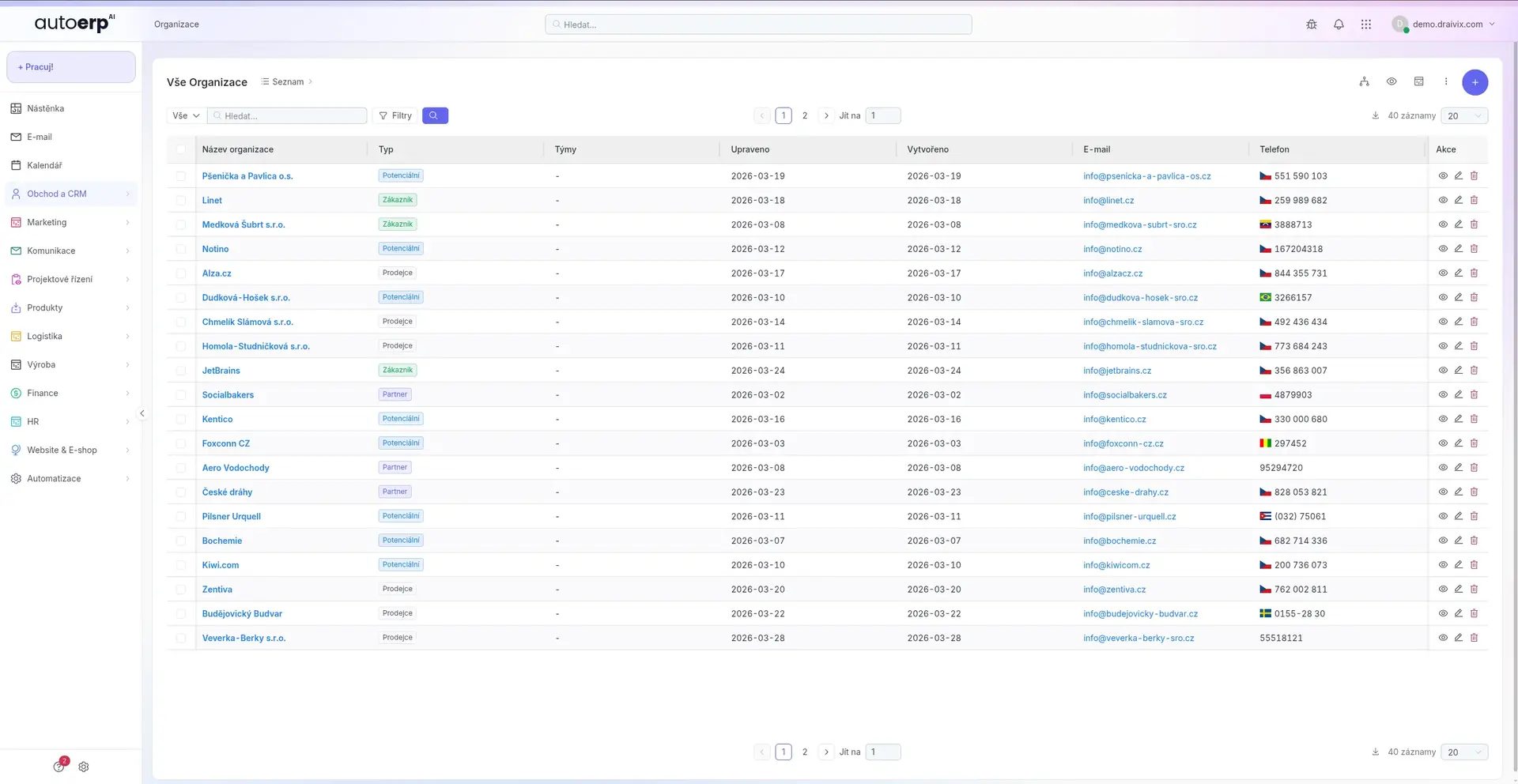
Imagine a system where you have the complete history of every supplier — from the first quote, through all orders, invoices, complaints to quality and delivery time ratings. All connected with your warehouse so orders are generated automatically based on current inventory.
Features
VMS Features & Capabilities
The Vendor Management System in AutoCRM offers a complete set of tools for effective supplier relationship management.
Supplier Database
Central register of all suppliers with contact details, certifications, contract terms and collaboration history. Quick search and filtering by any criteria.
Supplier Evaluation
Objective supplier evaluation based on defined criteria — quality, delivery reliability, price competitiveness, communication and flexibility. Automatic score calculations.
Contract & Price Management
Records of all contractual relationships, price agreements and payment terms. Alerts for approaching contract expirations and ability to compare price offers.
Delivery Tracking
Complete overview of orders and deliveries in real time. Deadline tracking, automatic delay notifications and integration with warehouse system.
Risk Management
Identification and evaluation of supplier-related risks. Monitoring financial stability, key supplier dependency and diversification of the supplier base.
Process Automation
Automatic order generation based on inventory levels, approval workflows, automatic invoice matching with delivery notes and notifications about important events.
Detailed Features
Specific VMS Features
Detailed overview of key features that differentiate VMS in AutoCRM from competing solutions.
Supplier Portal
Separate access for suppliers where they can update their details, upload certificates and confirm orders.
Document Management
Central repository for contracts, certificates, delivery notes and all documentation related to suppliers.
Scoring System
Advanced supplier evaluation system with weighted criteria, historical trends and benchmarking.
Supplier Categorization
Classification of suppliers by commodity, region, strategic importance and other parameters.
Audit & Compliance
Tracking supplier compliance with quality, safety, environmental and regulatory requirements.
Procurement Workflow
Automated approval processes for inquiries, orders and invoices with configurable approval hierarchy.
Invoicing Integration
Automatic matching of received invoices with orders and delivery notes. Price and quantity verification.
Warehouse Integration
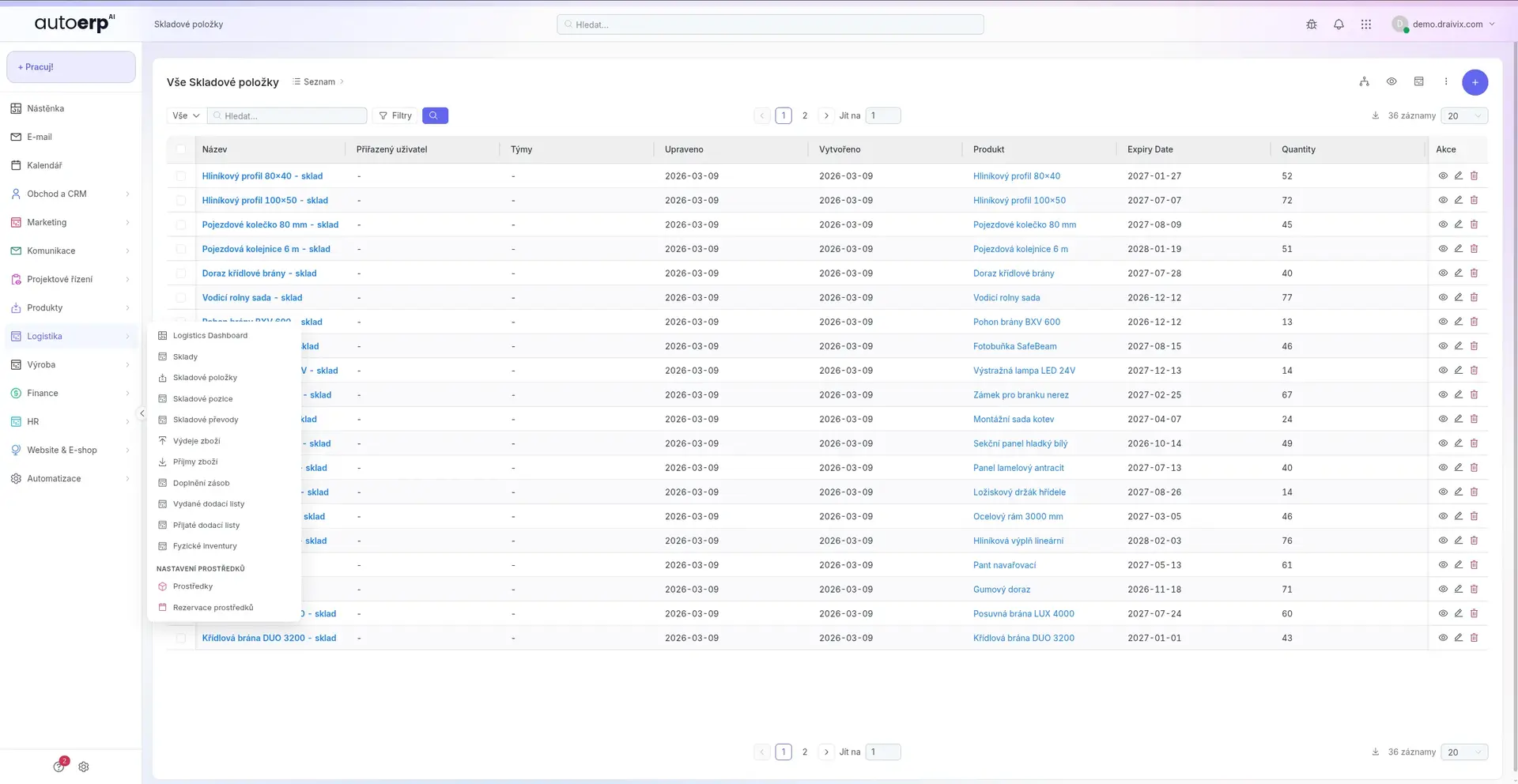
Direct connection with the warehouse module for automatic order generation when minimum stock levels are reached.
Take Control of Your Suppliers
Try the VMS module within AutoCRM and discover how it can streamline your procurement processes and supplier management.
Use Cases
Practical VMS Applications
See how companies from various industries use the Vendor Management System to optimize their supplier relationships.
Manufacturing Companies
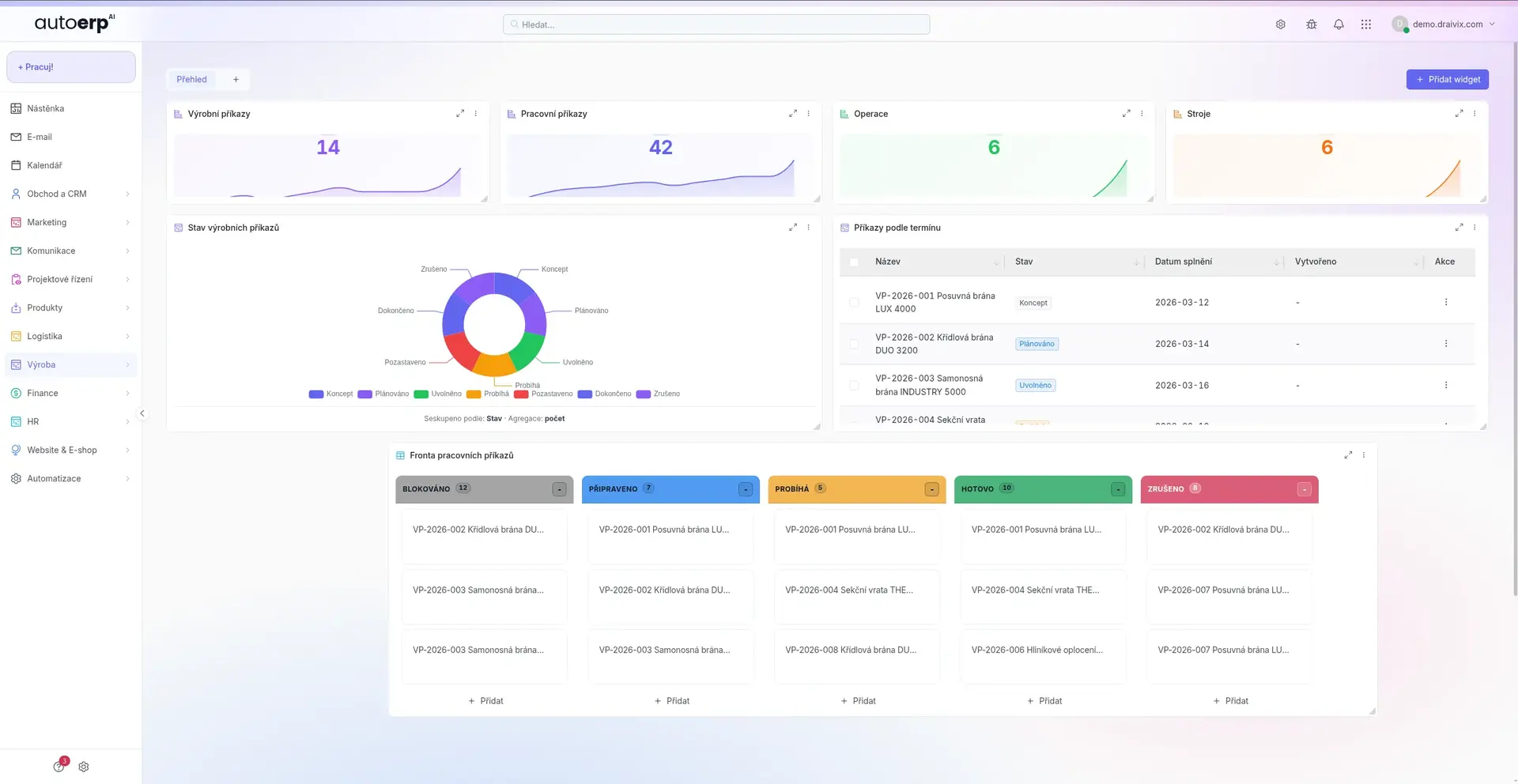
Managing dozens to hundreds of material and component suppliers. Automating orders based on production plans, monitoring input material quality and evaluating delivery reliability for production planning.
Trading Companies
Managing goods suppliers for wholesale and retail. Comparing price offers, managing contracts and optimizing procurement terms to maximize margins.
Construction Companies
Coordinating material suppliers and subcontractors on construction projects. Tracking delivery deadlines, managing complaints and ensuring compliance with safety standards.
Service Organizations
Managing external service providers and subcontractors. Evaluating service quality, managing SLA contracts and controlling costs of outsourced activities.
VMS
Why VMS as Part of CRM?
Standalone VMS tools have a fundamental disadvantage — they require manual data transfer between systems, leading to errors, duplicates and wasted time. VMS as part of AutoCRM eliminates this disadvantage through native integration with all business processes.
When a supplier confirms an order, the information is automatically reflected in the warehouse, finances and project management. When a contract is nearing expiration, the system alerts you and offers comparison with alternative suppliers.
The result is time savings, reduced operating costs and a better negotiating position with suppliers — all based on real data, not estimates.
FAQ
Frequently Asked Questions
A Vendor Management System (VMS) is a software tool for centralized supplier management. It serves for supplier registration, procurement process management, contract management, supplier performance evaluation and order automation. Within AutoCRM, VMS is integrated with the warehouse system, invoicing and other modules.
VMS provides analytical tools for comparing price offers, tracking historical prices and evaluating total cost of ownership (TCO). With objective supplier performance data, you can negotiate better terms and identify savings opportunities.
If you use AutoCRM, the VMS module is automatically connected to the warehouse system and other modules. For connecting to external systems, we offer an API interface. Our specialists will help you with integration during implementation.
The system has no limit on the number of suppliers. Whether you manage 10 or 10,000 suppliers, VMS in AutoCRM can handle your supplier base. Advanced search and filters ensure you always find exactly what you need.
VMS module implementation typically takes 2-4 weeks depending on the scope and complexity of your procurement processes. Implementation includes process analysis, system configuration, supplier data import and user training.

Bára Ondroušková
Sales Director
We are happy to help
Ready for more efficient supplier management?
Schedule a free consultation with our sales team. We'll show you how VMS in AutoCRM can streamline your procurement processes.
Or write to us directly
Related solutions
Related solutions to compare
Other functional areas that typically connect to this solution in real implementations.
Warehouse System
Clear warehouse records, automatic orders and real-time goods movement tracking.
Invoicing System
Automatic invoice creation, payment matching and clear accounting reports for your business.
Order Management
Complete order management from inquiry to delivery with workflow automation and reporting.
Pricing
Comparison of ERP packages, implementation, and related services.
Case Studies
Real AutoCRM implementations and client outcomes from practice.
Contact
Direct contact for sales, consultations, and next steps with AutoCRM.