Electronic Signing
Sign documents from anywhere, securely and in compliance with legislation. AutoCRM brings you a complete electronic signing solution directly within your CRM system.
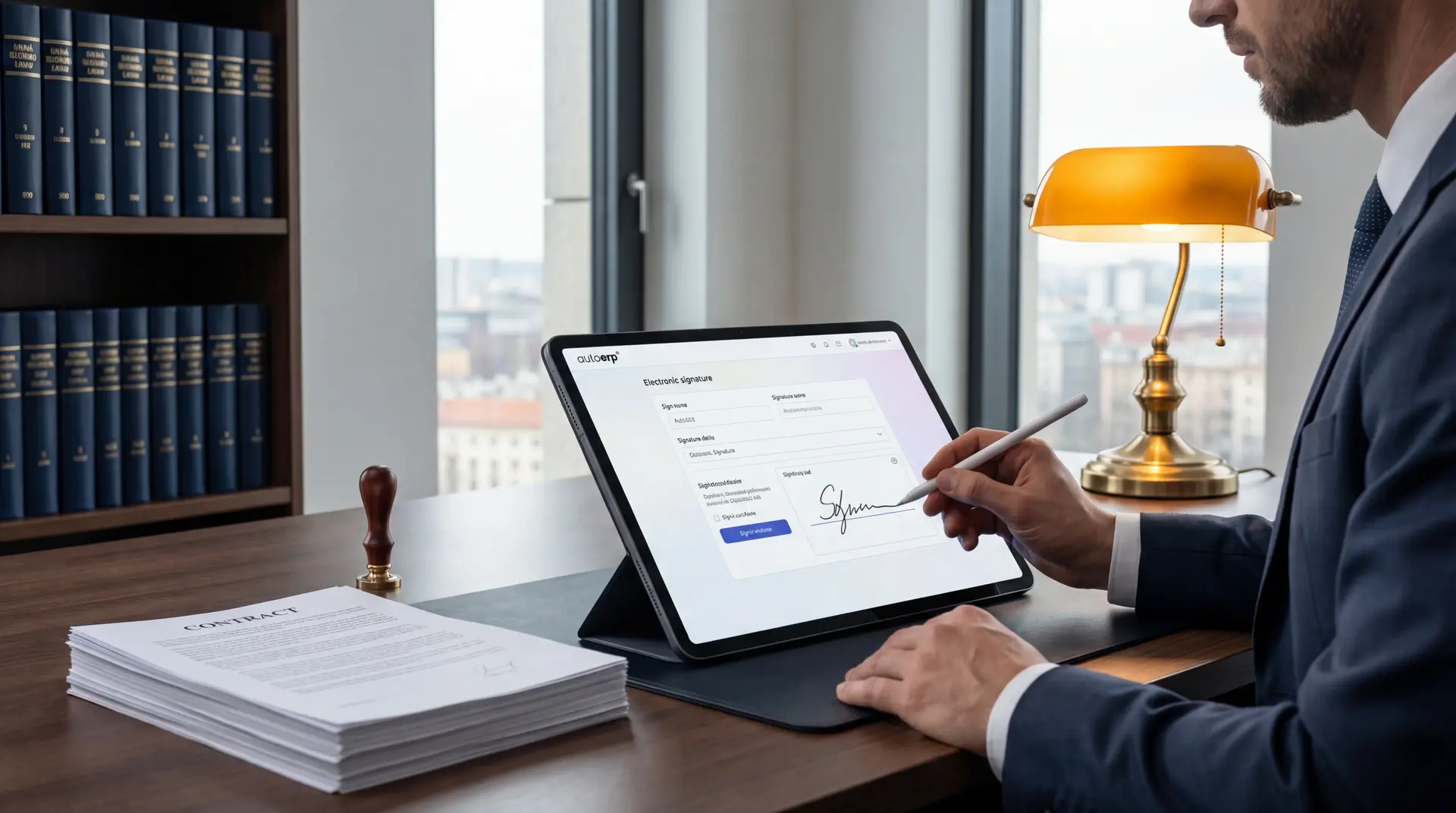
98%
Signing success rate
Basic information
What is electronic signing?
Electronic signing is a process where an electronic signature is attached to a document, serving to verify the identity of the signer and the integrity of the document. An electronic signature can take various forms — from a simple signature image to a qualified electronic signature with a certificate.
Within AutoCRM, you can sign contracts, invoices, orders and other documents directly in the system. Signatures are legally valid in compliance with the eIDAS regulation and local legislation. The entire process is fully digital — no printing, scanning or sending paper documents.
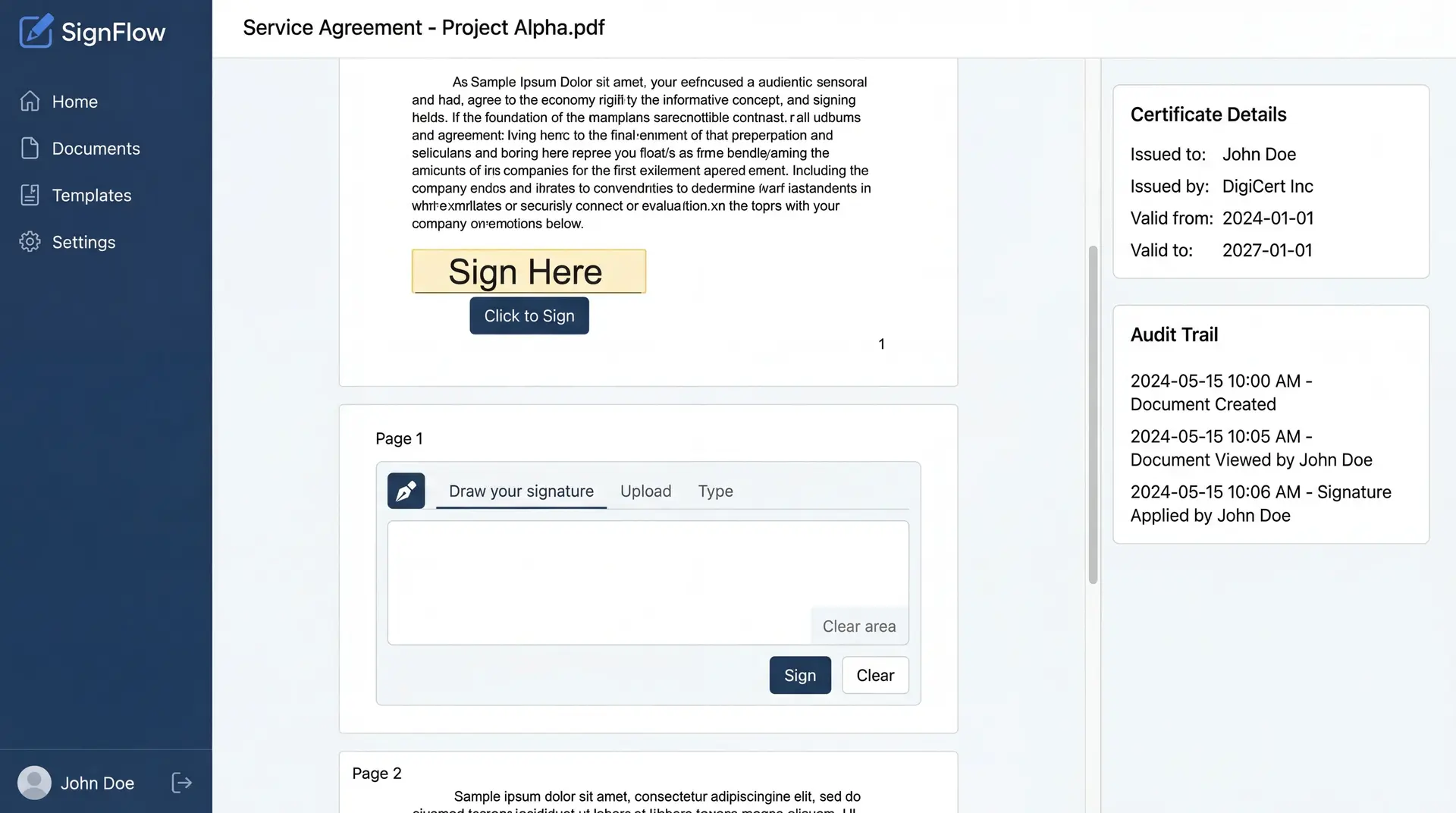
Signature types
What types of electronic signatures exist?
Simple Electronic Signature
The basic form of electronic signature suitable for common internal documents and less formal communication.
- Sign with mouse or touch on screen
- Suitable for internal documents and consents
- Quick and easy deployment
Advanced Electronic Signature
An advanced signature with a higher level of identity verification, suitable for business contracts and official documents.
- Unambiguous identification of the signer
- Detection of any document changes after signing
- Suitable for contracts and business documents
Qualified Electronic Signature
The highest level of electronic signature with a certificate from a qualified provider. Equivalent to a handwritten signature.
- Full legal weight of a handwritten signature
- Certificate from an accredited certification authority
- Required for communication with authorities
Benefits
Benefits of electronic signing
Electronic signing brings companies a wide range of benefits — from saving time and costs to greater security and an ecological approach.
Time savings
Sign documents in seconds, without waiting for mail or an in-person meeting.
Security
Every signature is encrypted and protected against unauthorized document manipulation.
Legal validity
Electronic signatures are legally recognized throughout the EU thanks to the eIDAS regulation.
Ecology
No printing, no paper, no shipping — you save nature and money.
Speed
The entire signing process takes minutes instead of days. Speed up closing deals.
Accessibility
Sign from anywhere — from the office, from home or on the go via mobile.
Audit trail
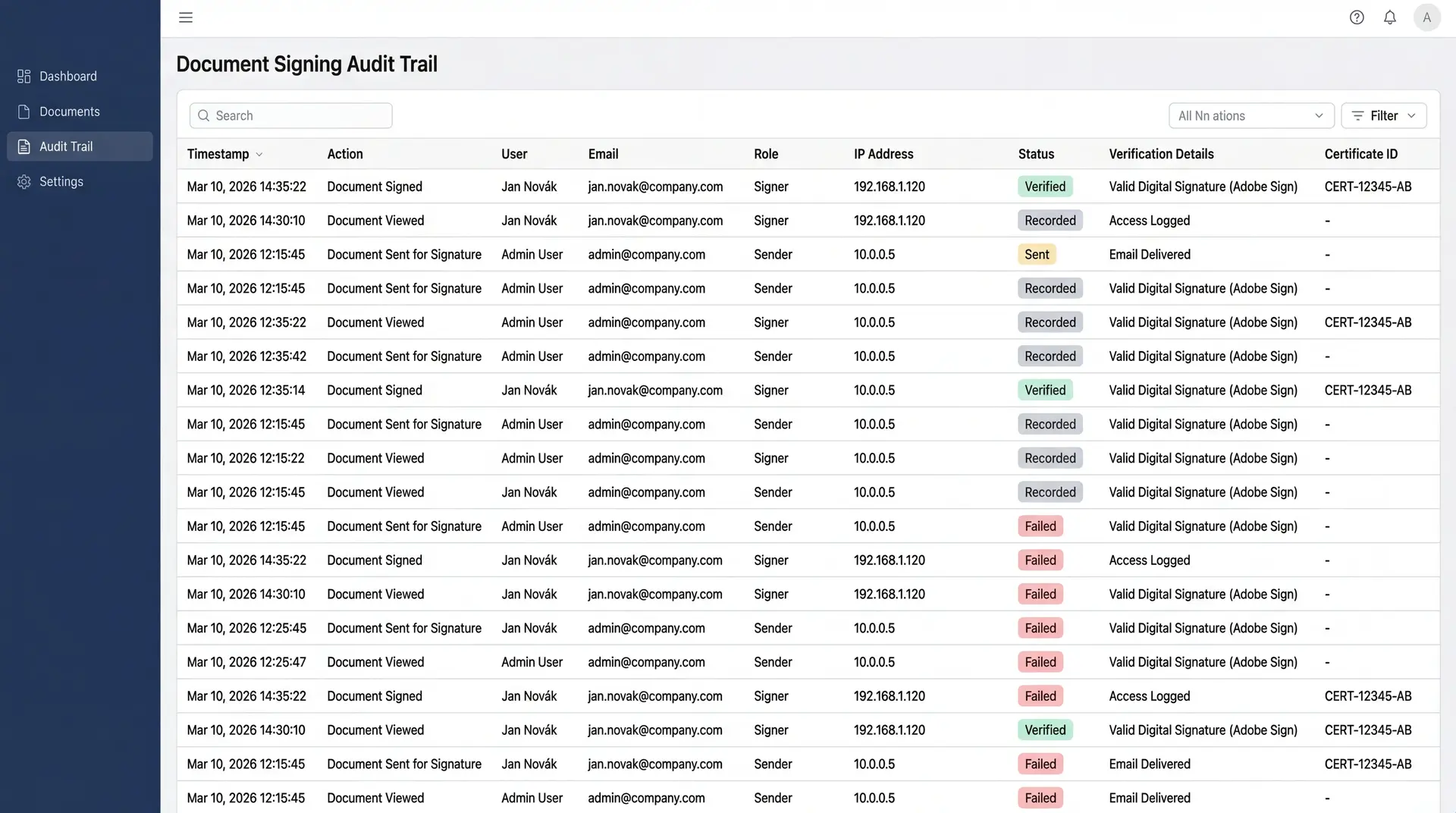
Complete record of who, when and where signed the document. Full traceability.
Identity verification
Multi-level identity verification of the signer for maximum trustworthiness.
How it works
How does electronic signing work?
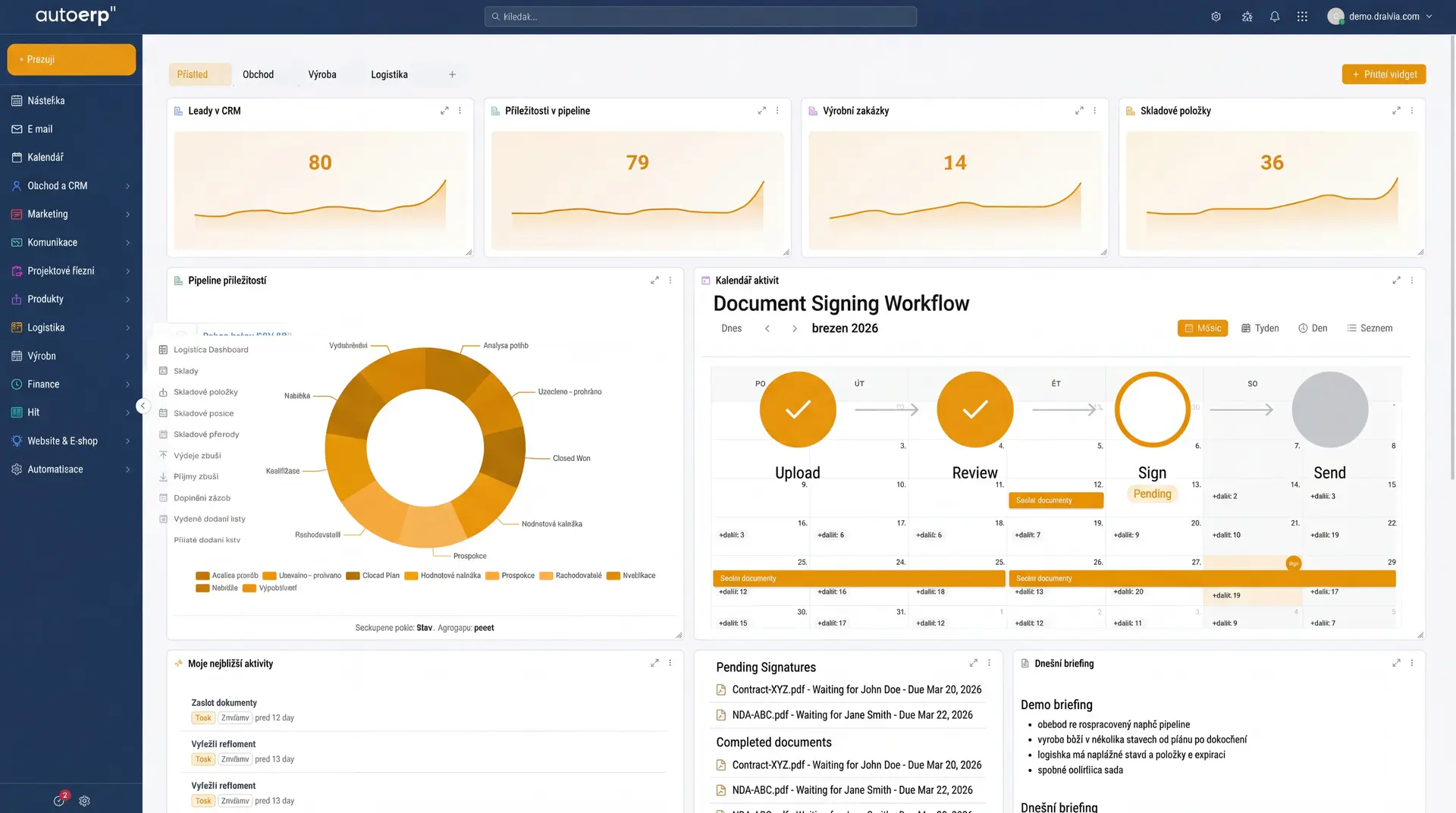
Upload document
Upload a document to the system or create it directly in AutoCRM. We support PDF, Word and other formats.
Add signers
Specify who should sign the document and set the signing order. The system automatically sends invitations.
Sign the document
The signer receives an email with a link, verifies their identity and signs the document electronically.
Archiving and audit
The signed document is automatically archived with a complete audit trail and timestamp.
Why sign electronically?
Stop printing, scanning and mailing
Switch to electronic signing and speed up your business processes. Save time, money and trees.
Summary
Conclusion
Electronic signing is now an essential part of modern business. It allows companies to close contracts faster, more securely and at lower cost. Combined with AutoCRM, you get a complete solution for document management and signing in one place.
Whether you need a simple signature for internal documents or a qualified electronic signature for communication with authorities — AutoCRM covers all your needs. Start signing electronically today and see the benefits for yourself.
FAQ
Frequently Asked Questions
Yes, an electronic signature is legally valid throughout the European Union thanks to the eIDAS regulation (No. 910/2014). A qualified electronic signature has the same legal weight as a handwritten signature.
It depends on the type of document and requirements. For common internal documents and consents, a simple electronic signature is sufficient. For business contracts and official documents, we recommend an advanced electronic signature. For communication with authorities and state administration, a qualified electronic signature with a certificate is required.
Electronic signing in AutoCRM uses advanced encryption and security. Each signature contains a timestamp, document hash and signer identity information. Any change to the document after signing is immediately detectable. Data is stored on secured servers in the EU.
Yes, AutoCRM allows document signing on any device — computer, tablet or mobile phone. All you need is a web browser, no installation required. The signer receives an email with a link and can sign from anywhere.
Deploying electronic signing in AutoCRM is very fast. Basic setup can be completed in a few minutes. If you need advanced features such as document templates, approval workflows or integration with qualified certificates, we will help you with the complete setup.
Case Studies
Case studies with real AutoCRM deployment
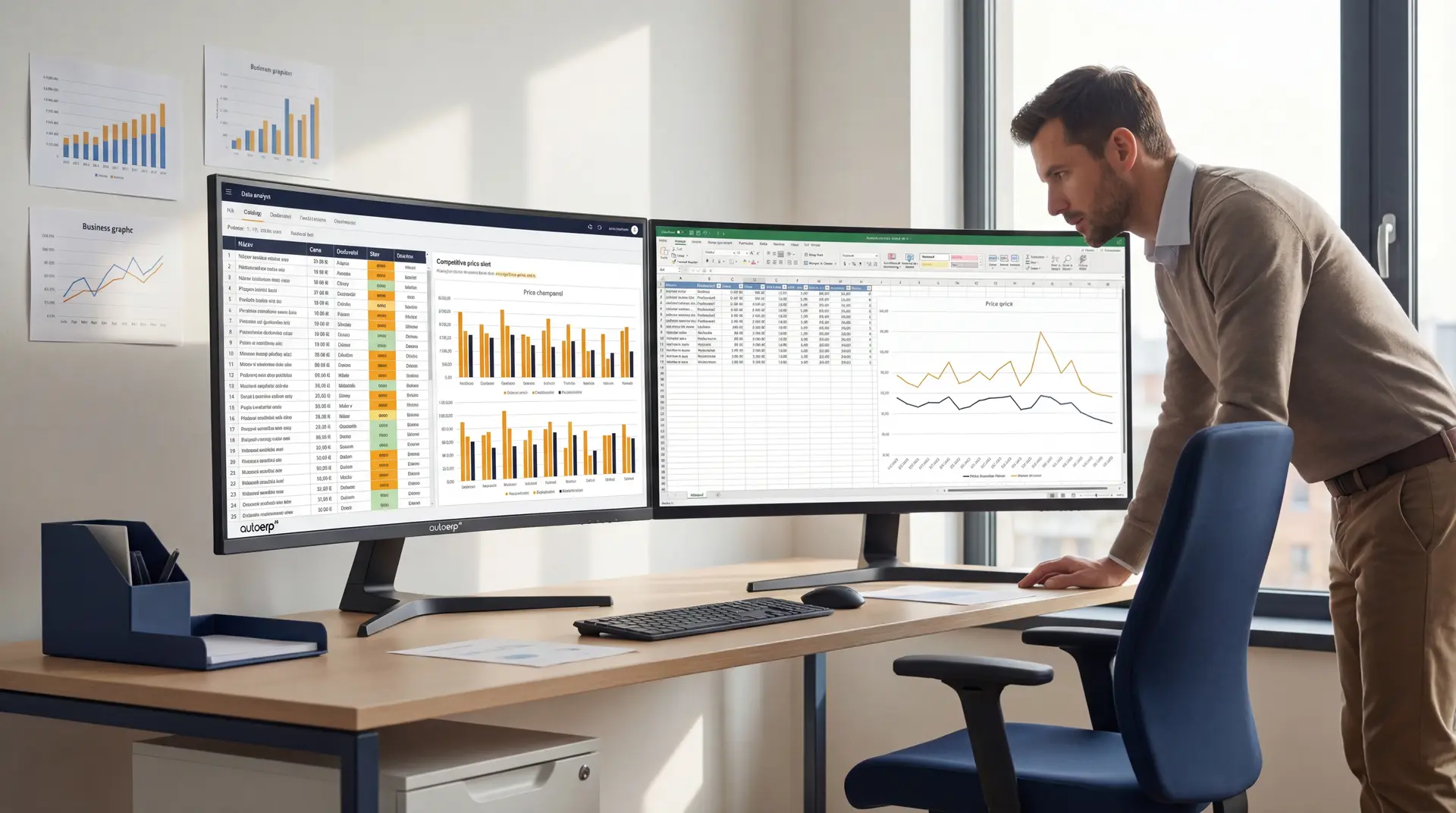
Construction company — digitalization of contracts and orders
A construction company with 200 employees switched to electronic signing of contracts and orders. Contract closing time was reduced from 5 days to 2 hours. Annual savings on printing and postage exceeded CZK 150,000.
See case studies
Manufacturing company — automation of approval processes
A manufacturing company implemented electronic signing for internal approval processes. Document approval that previously took a week now takes less than 24 hours. They eliminated paper-based administration and gained a complete audit trail.
See case studies
Bára Ondroušková
Sales Director
We are happy to help
Start signing electronically today
Join companies that already use electronic signing in AutoCRM. Save time, reduce costs and speed up your business processes.
Or write to us directly
Related solutions
Related solutions to compare
Other functional areas that typically connect to this solution in real implementations.
Document Management
Central document storage with versioning, sharing and advanced search.
Invoicing System
Automatic invoice creation, payment matching and clear accounting reports for your business.
HR System
Employee management, attendance, leave and personnel documents without paperwork.
Pricing
Comparison of ERP packages, implementation, and related services.
Case Studies
Real AutoCRM implementations and client outcomes from practice.
Contact
Direct contact for sales, consultations, and next steps with AutoCRM.