Projects in chaos? This is where you lose the most time
Unclear deadlines, scattered communication, invisible team workload? Find out where companies lose time in project management — and how an CRM system solves it once and for all.
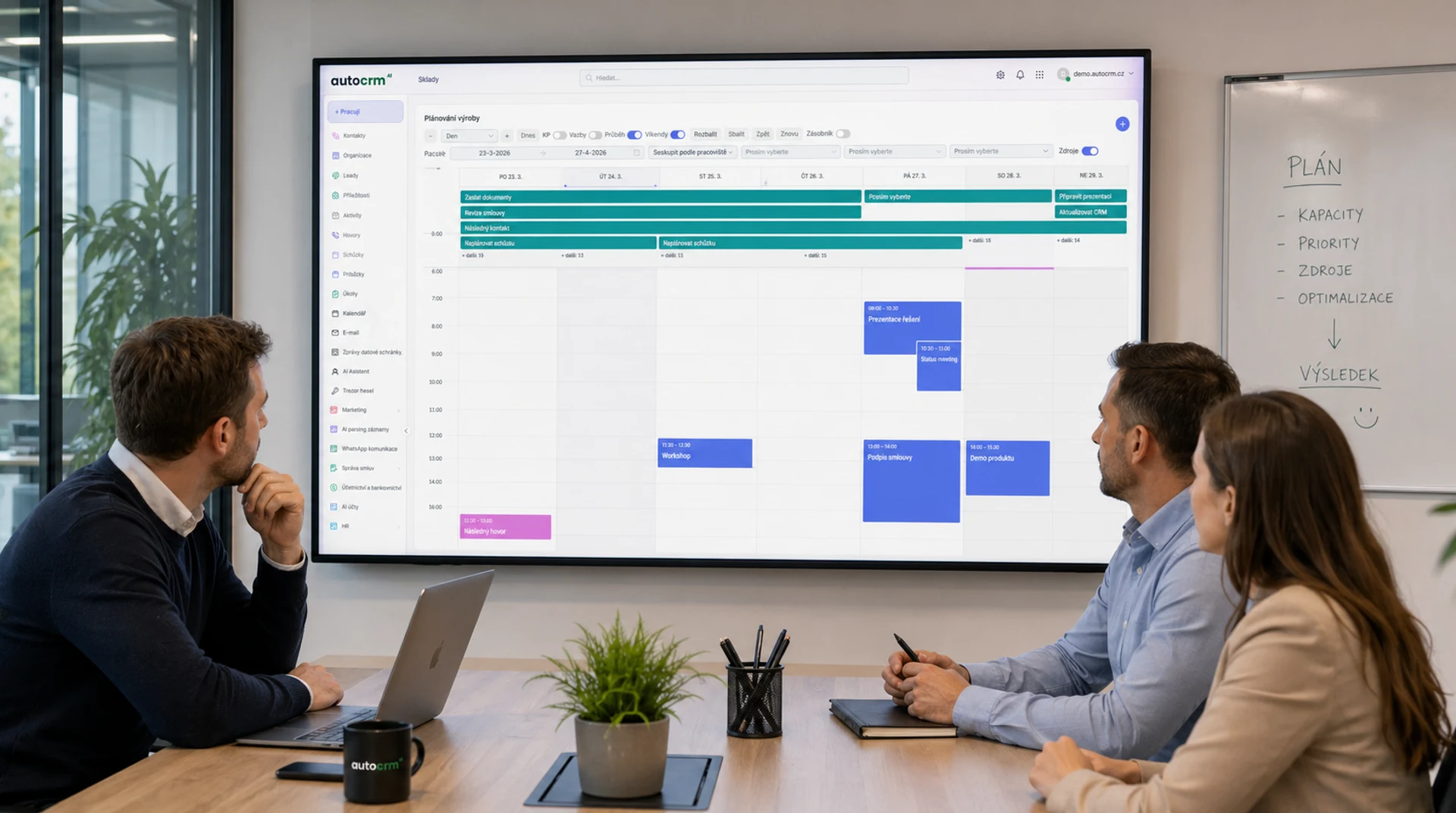
+42%
Team efficiency
Kanban
Why does this happen?
I want projects to run smoothly — and the system to keep track
Most companies manage projects via emails, spreadsheets or gut feeling. The result is missed deadlines, overloaded people and lost money. AutoCRM solves this.
Where companies lose
More chaos than you think. Do you know these problems?
Deadlines are not met.
Nobody knows what has priority. Tasks shift, milestones shift — and the project drags on.
Communication is scattered.
Information gets lost between emails, chats and meetings. Nobody has a unified overview of what's happening.
Nobody knows who is overloaded.
Some people are overworked, others wait for tasks. Without capacity overview you plan blindly.
Budget is out of control.
Project costs are growing, but nobody tracks how much time and money has already been spent.
Tasks get lost or duplicated.
Without a central system, tasks are assigned verbally, forgotten or done twice.
More projects = more chaos.
Each project lives its own life. Dependencies between projects are not tracked, overall status is unknown.
No overview of project progress.
Management learns about problems when it's too late. Reports are created manually and don't match reality.
Specific project processes cannot be covered.
Every company has unique project management methods — and off-the-shelf software can't cover them.
Solution for your projects
Do you know what projects under control look like?
We'll review your processes and show you exactly where you're losing time and money.
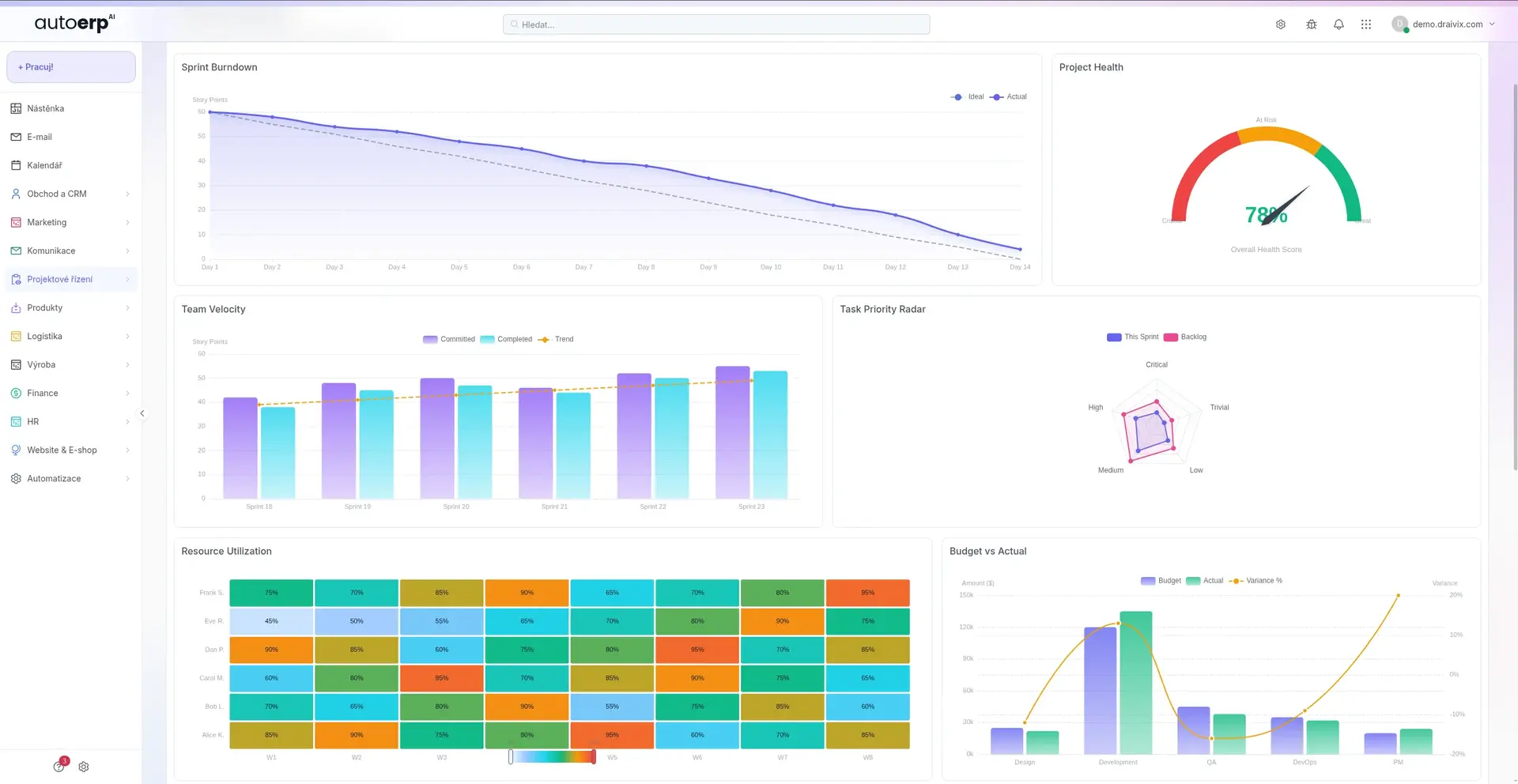
Project management features
What project management in AutoCRM can do
Kanban boards
Benefits for your company
Why project management in AutoCRM
Routine automation
Automatic task assignment, notifications and escalations save time for the entire team.
Higher productivity
Clear priorities and workload overview increase work efficiency by up to 40%.
Better team collaboration
Comments, file sharing and notifications in one place.
Transparent projects
Real-time overview of all project statuses for management and team.
Scalability
From one project to hundreds — the system grows with your company.
Data security
Access rights, audit log and project data encryption.
Happier clients
On-time deliveries and transparent communication increase client trust.
Measurable results
Dashboards and reports with productivity, cost and deadline metrics.
Integration with other modules
Project management connected to your entire company
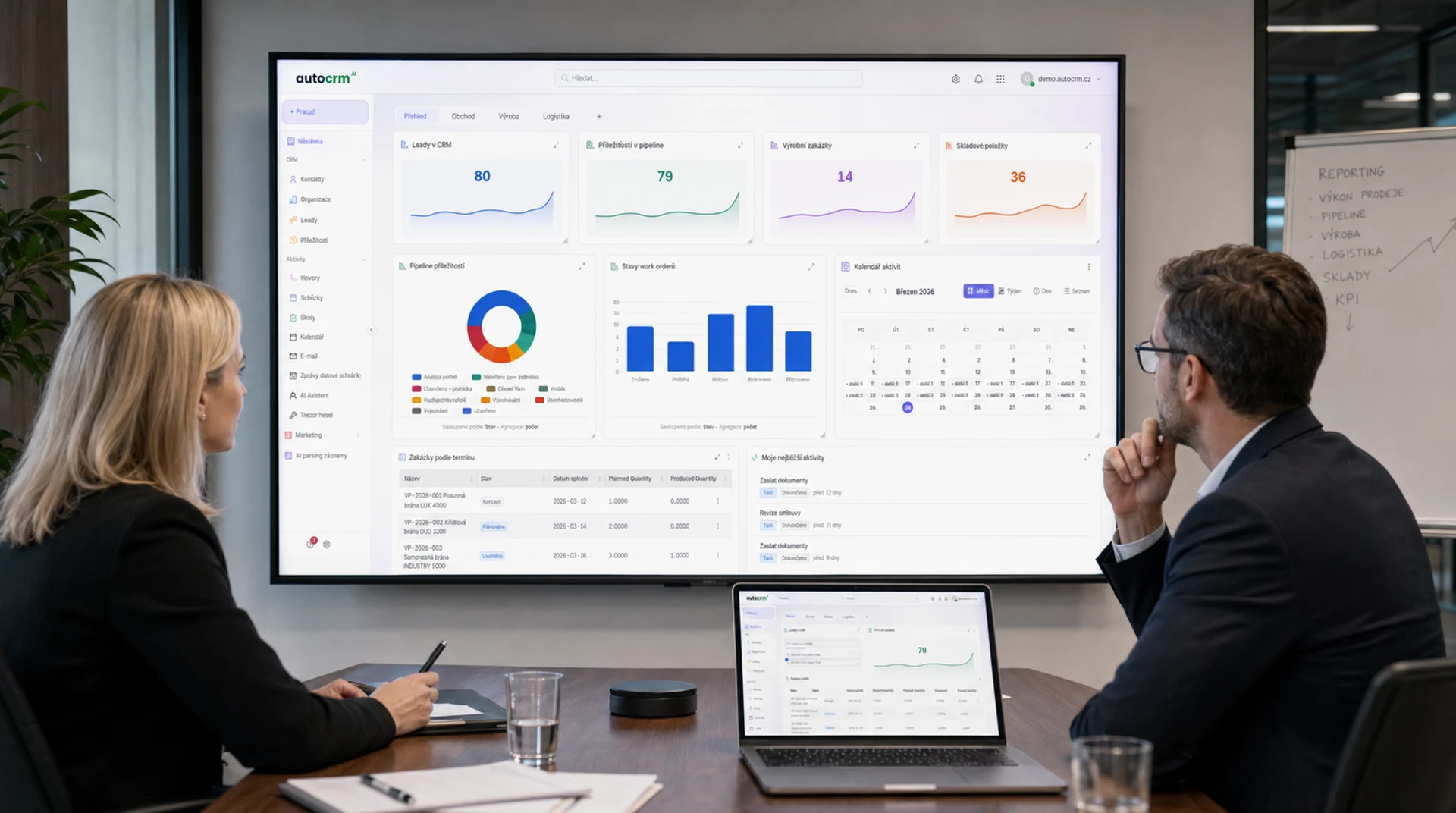
CRM & Sales
Connect projects with business opportunities.
Company chat
Notifications and discussions directly in the chat tool.
Documents
File sharing and versioning in project context.
Reporting
Automatic reports on project progress and performance.
Invoicing
Export logged time to the invoicing system.
How we deploy
Deploying project management in 4 steps
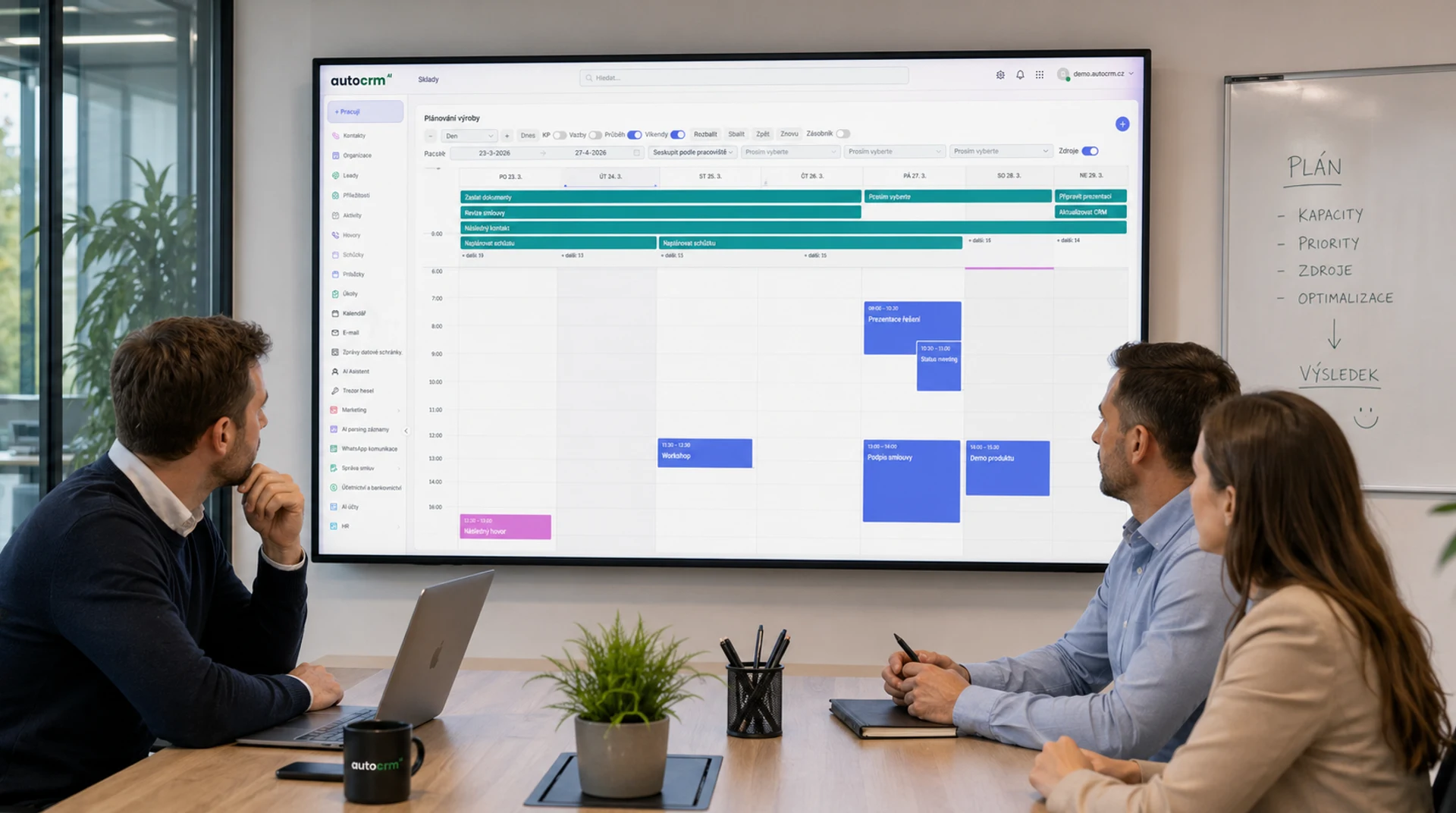
Process analysis
We map your current project processes and identify weak points.
System configuration
We set up workflows, project templates and access rights according to your needs.
Launch & training
We migrate data, train your team and launch live operation.
Optimization
We continuously evaluate and optimize processes for maximum efficiency.
Related modules
Complement project management with other modules
Order management
Connect projects with specific orders and track their fulfillment from inquiry to invoicing.
Explore Order managementWarehouse system
Automatic overview of materials and supplies needed for project execution.
Explore Warehouse systemDocument system
Central management of project documentation with versioning and approval workflow.
Explore Document systemCase studies
How project management helps companies
Construction company: 35% time savings on coordination
A construction company with 80 employees replaced Excel and emails with central project management. Coordination between construction sites improved by 35%.
See case studies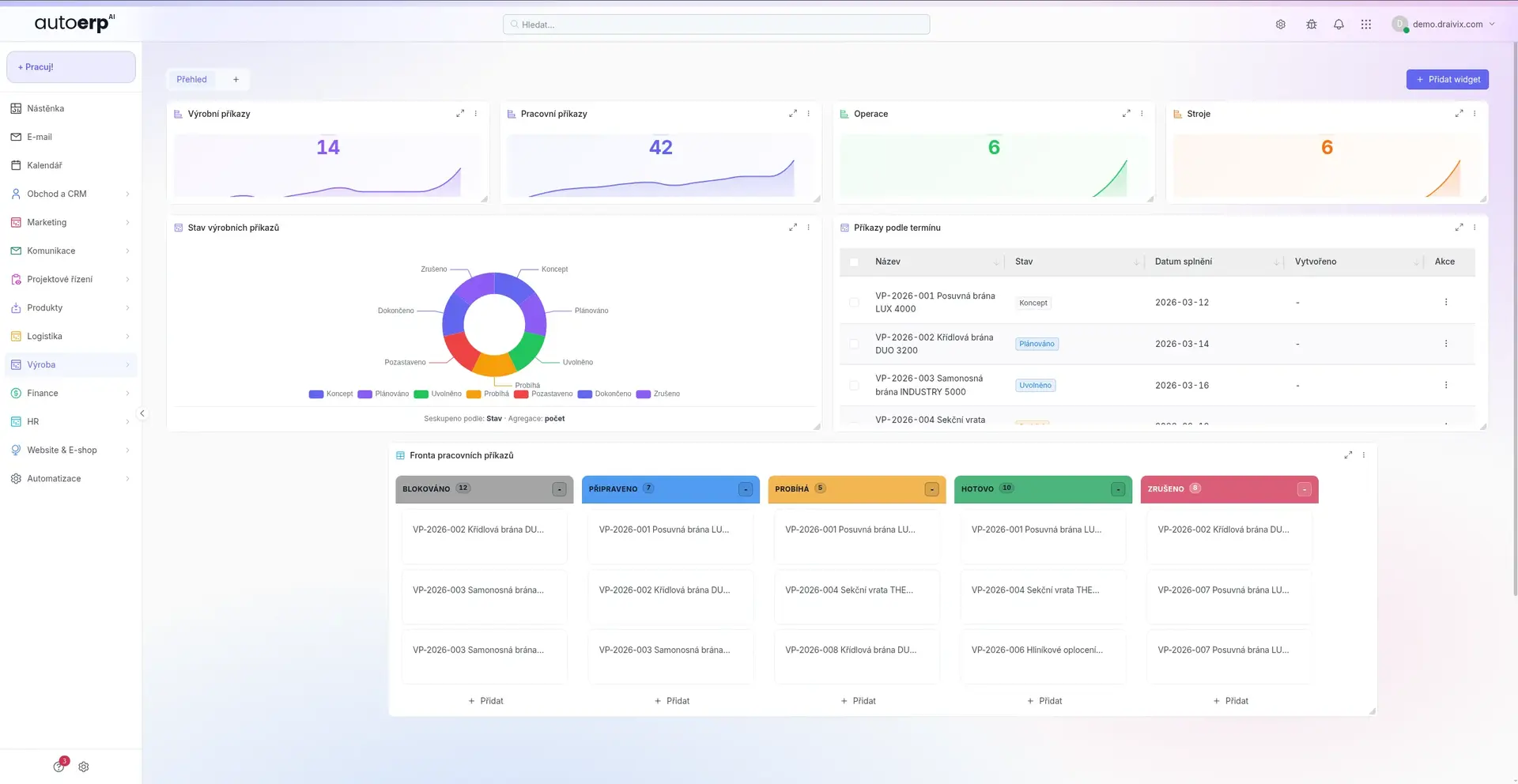
IT agency: 100% overview of team workload
A digital agency with 25 people gained a complete capacity overview through AutoCRM. They stopped overloading key people and deliveries became more accurate.
See case studiesNumbers speak for themselves
Results of companies with AutoCRM project management
Higher team efficiency
System availability
Faster reporting
Satisfied users
FAQ
Frequently asked questions about project management
Yes. AutoCRM allows you to fully customize workflows, task statuses, project templates and access rights. The system adapts to you, not the other way around.
Each team member can log time spent directly on tasks. The system automatically generates timesheets, compares estimates with reality and allows export for invoicing.
Of course. AutoCRM is designed for portfolio management. You see the status of all projects on one dashboard, track dependencies and capacities across projects.
Yes. Gantt charts in AutoCRM display project timelines, task dependencies, milestones and the critical path. When a date changes, dependent tasks are automatically recalculated.
It depends on the complexity of your processes. Basic configuration is ready within days. Complete deployment including data migration and team training proceeds gradually without disrupting normal operations.

Bára Ondroušková
Sales Director
We are happy to help
Ready for more efficient project management?
Book a non-binding consultation with our sales team. We'll show you how project management in AutoCRM can streamline your processes.
Or write to us directly
Next modules and steps
Where to go next from this page
Modules, pricing, and references that best complement this topic.
HR System
Employee management, attendance, leave and personnel documents without paperwork.
Business Chat
Fast internal communication with channels, threads and integration into all AutoCRM modules.
Document Management
Central document storage with versioning, sharing and advanced search.
Pricing
Comparison of ERP packages, implementation, and related services.
Case Studies
Real AutoCRM implementations and client outcomes from practice.
Contact
Direct contact for sales, consultations, and next steps with AutoCRM.