AutoCRM Knowledge Base: Everything your team needs to know, in one place
Centralize company know-how, internal documentation and work procedures into a clear knowledge base. Your team finds answers in seconds — without searching through emails or drives.

2 500+
Articles in the base
What is a knowledge base
What is the Knowledge Base in AutoCRM?
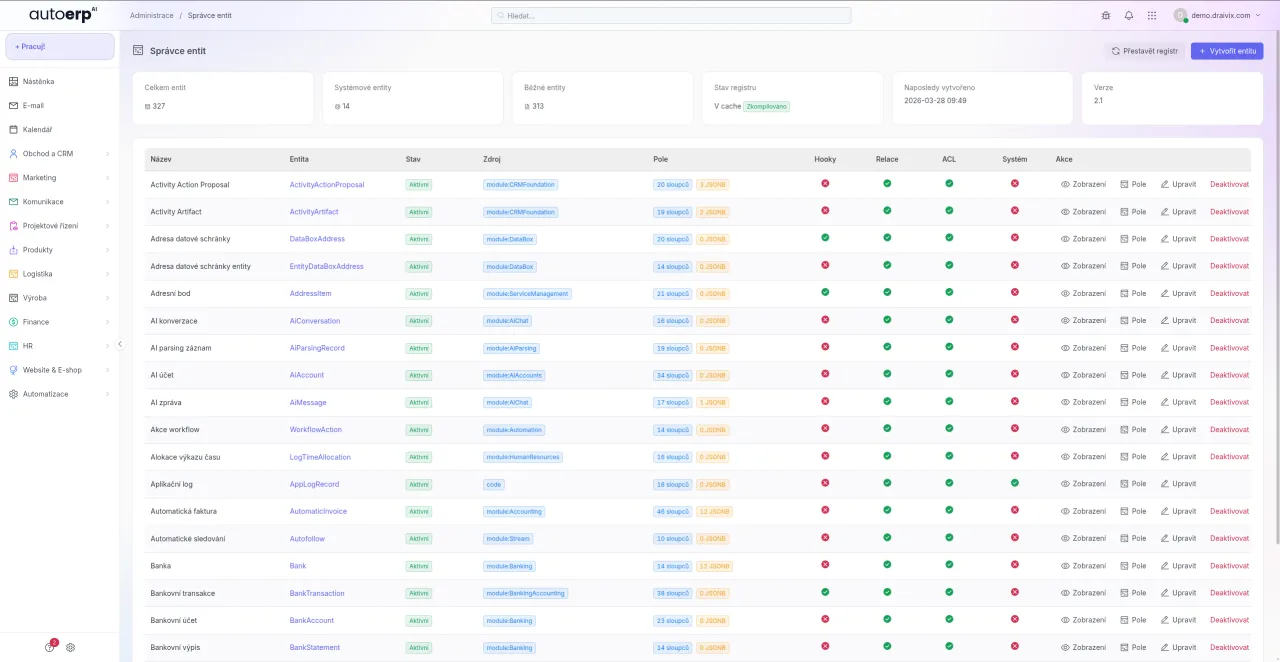
AutoCRM Knowledge Base is a centralized repository of all company information — from work procedures and guides through internal policies to technical documentation. It works as a company wiki that the whole team can easily browse, edit and expand.
Thanks to direct integration into the CRM system, all knowledge is connected to your business processes. Employees don't need to switch between applications — relevant documentation appears right where they need it.
Content formats
Main forms of the Knowledge Base in AutoCRM
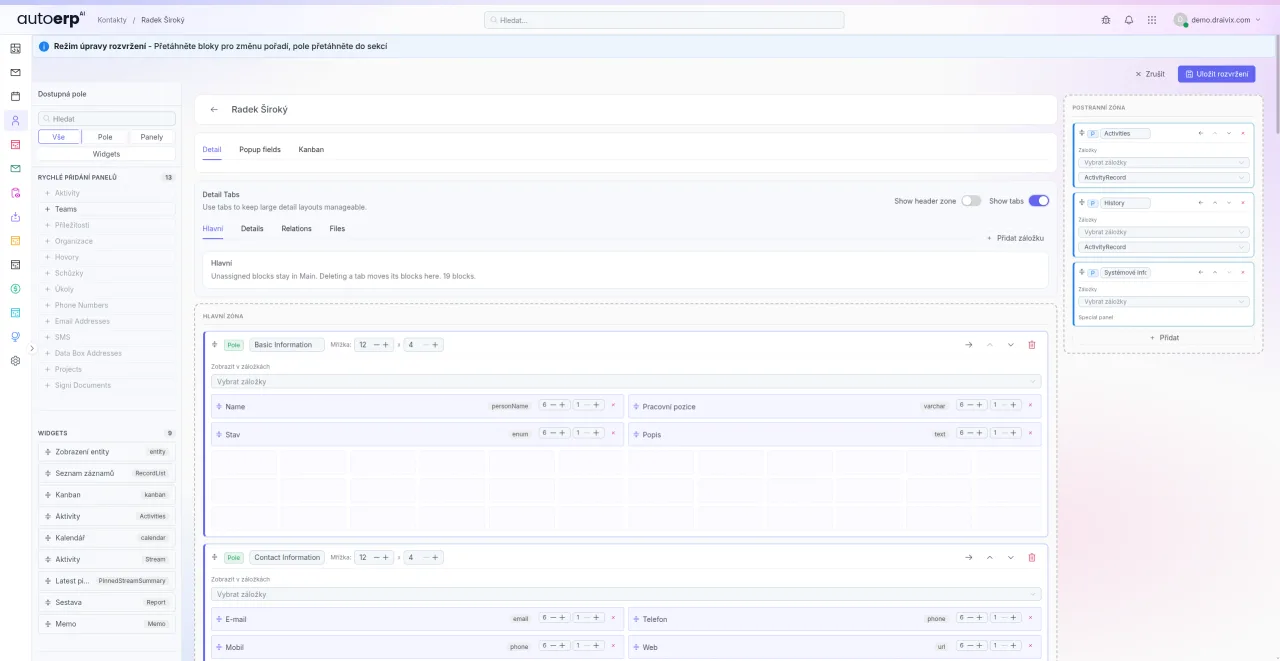
AutoCRM supports various content formats so you can document knowledge in the way that suits your team best.
- Wiki pages with formatted text, images and embedded files
- Structured step-by-step guides with visual walkthroughs
- FAQ sections for quick answers to the most common questions
- Technical documentation with code block and diagram support
- Video tutorials and multimedia content directly in articles
Challenges without a knowledge base
Knowledge base benefits in numbers compared to common problems
Without a centralized knowledge base, companies waste time searching for information, repeating answers and losing critical know-how when employees leave.
Loss of company know-how
When a key employee leaves, they take irreplaceable knowledge with them. A knowledge base keeps everything documented.
Repeated questions
New employees keep asking the same questions. With FAQ sections and guides, they find answers instantly.
Searching through emails
Important information gets lost in email conversations. A central base is always up-to-date and accessible.
Inconsistent procedures
Without documented processes, everyone does things differently. Standardized guides ensure uniformity.
Lengthy onboarding
A new employee needs weeks to get up to speed. With a knowledge base, they onboard significantly faster.
Information silos
Knowledge stays locked within individual departments. A shared base breaks barriers between teams.
Solution
Why a knowledge base never gets old: everything important in one place
Stop wasting time searching for information. AutoCRM Knowledge Base gives your team instant access to all company knowledge.
Key features
How to use the knowledge base for your productivity
WYSIWYG editor
- Intuitive editor with text formatting
- Embed images, tables and attachments
- Markdown support for advanced users
- Templates for quick article creation
Full-text search
- Instant search across all articles
- Filter by categories and tags
- Auto-suggest while typing queries
- Search within attached documents too
Tree category structure
- Unlimited depth of nested categories
- Drag and drop articles between categories
- Automatic table of contents and navigation
- Custom article ordering within categories
Version history
- Complete change history for every article
- Side-by-side version comparison (diff)
- Restore any previous version
- Author and date information for each change
Access control
- Set permissions at category level
- Reader, editor and admin roles
- Restricted access for external collaborators
- Audit log of access and edits
Tags and labeling
- Organize articles using tags
- Tag cloud for quick navigation
- Automatic related article suggestions
- Cross-references between documents
Use cases
Best practices for knowledge base management
New employee onboarding
Prepare a structured series of articles that guide a new employee from day one. From company culture through IT setup to specific work procedures.
Internal processes and policies
Document all company processes in one place. From approval workflows through travel orders to security rules.
Technical documentation
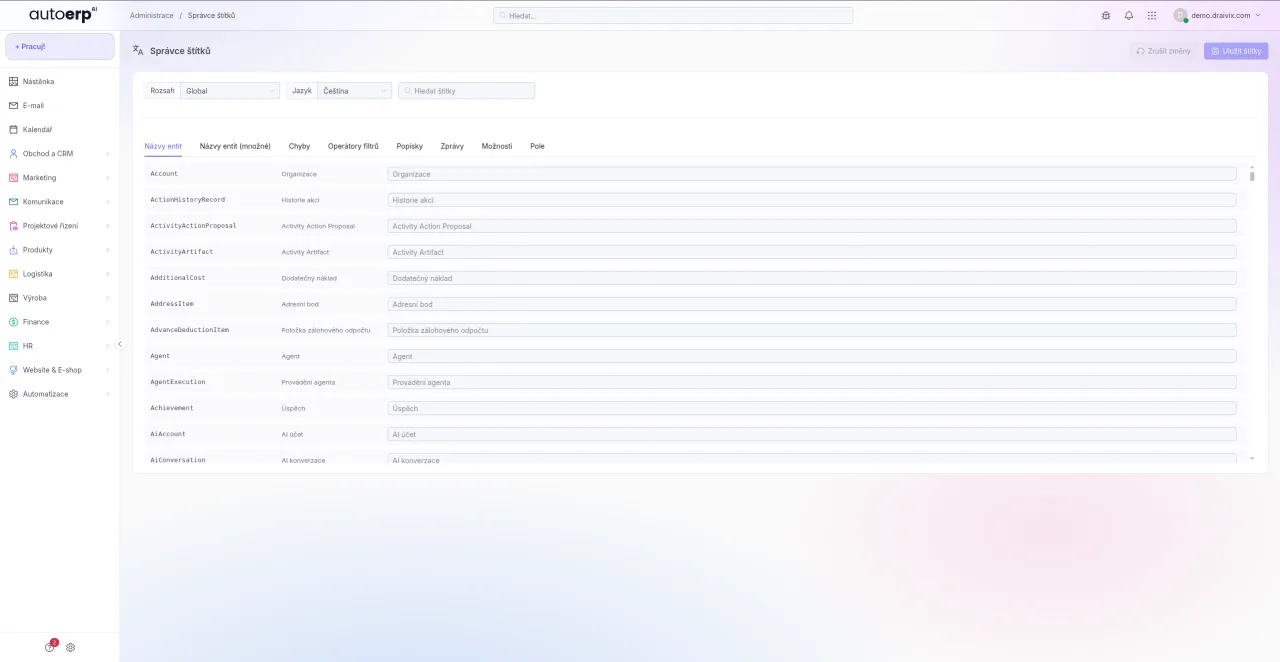
Maintain up-to-date technical documentation of products, API interfaces and system integrations. With code block and versioning support.
Customer support
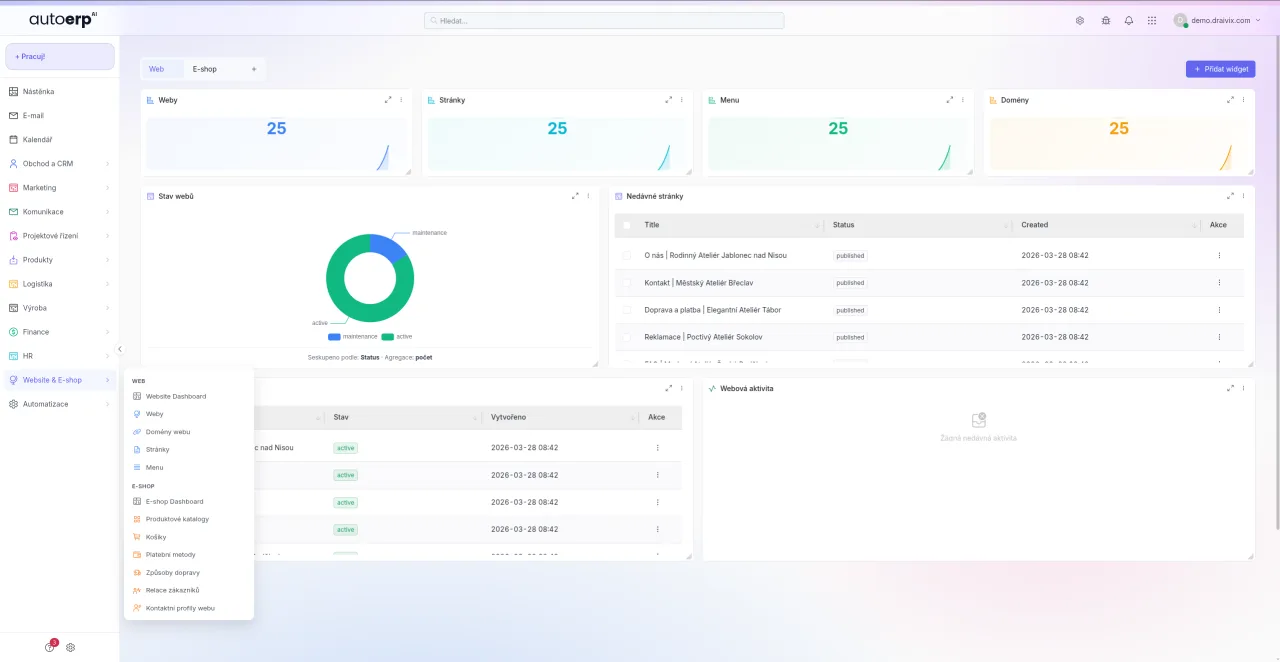
Create an internal knowledge base for customer support. Agents find answers faster and provide consistent service.
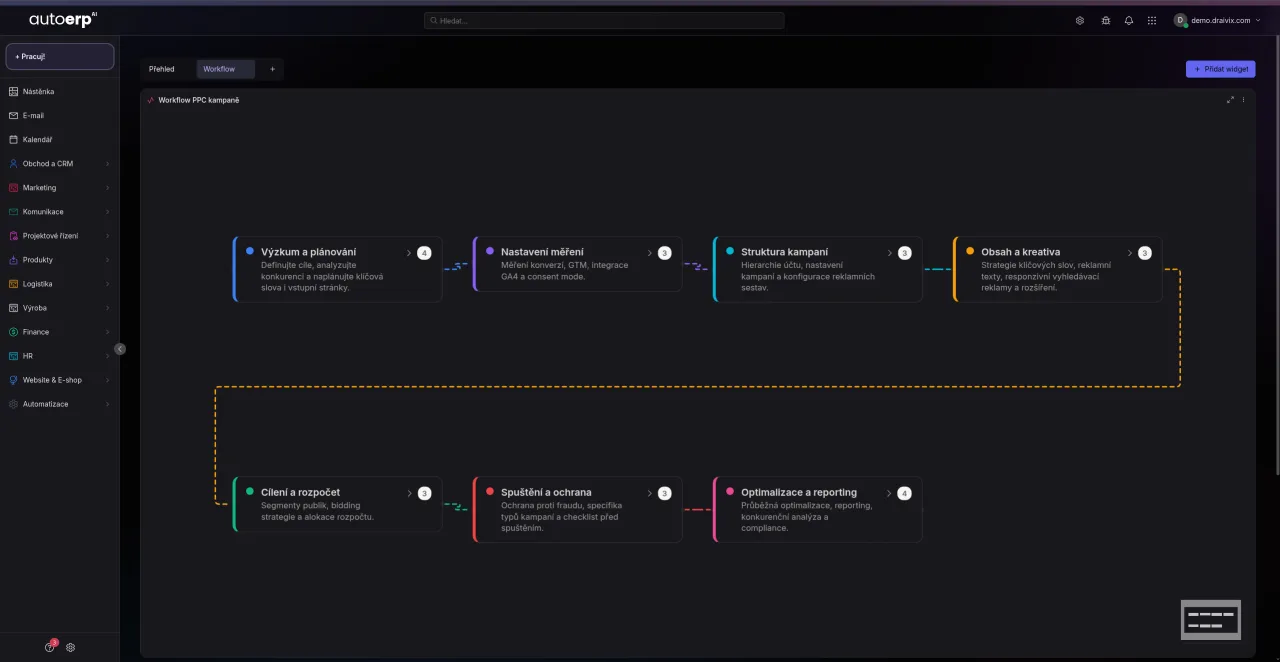
Project documentation
Attach documentation to every project. Specifications, meeting notes, decisions and lessons learned in one place.
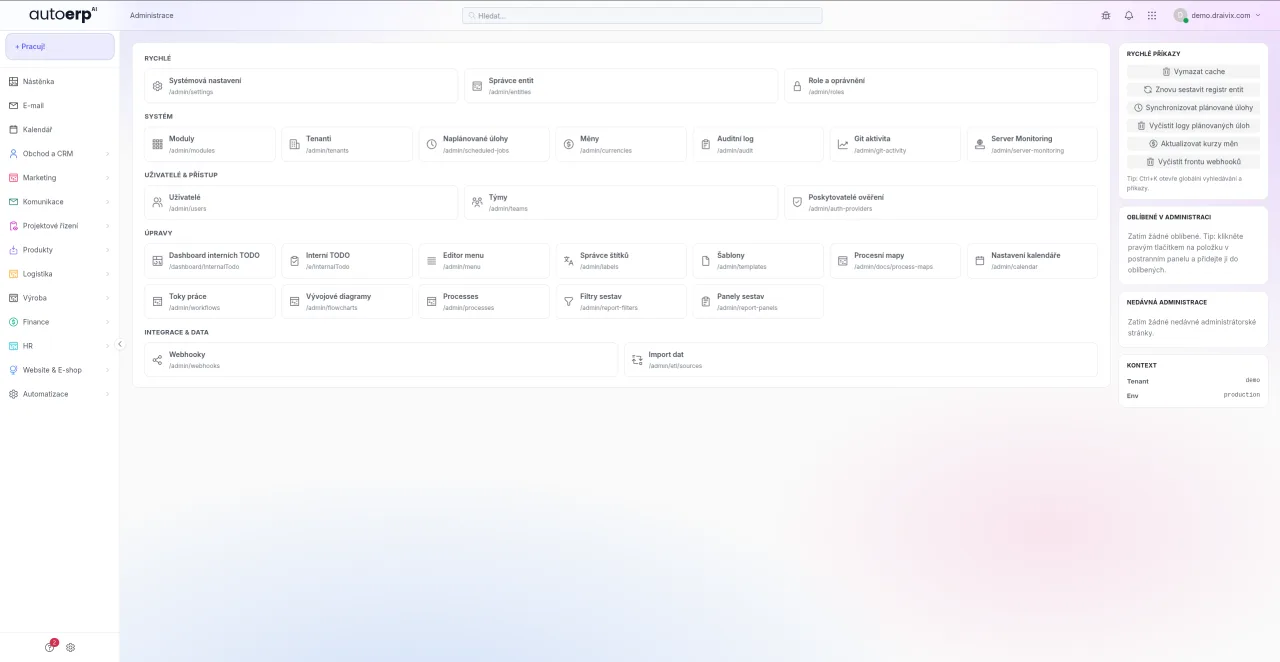
Training and development
Build a library of training materials and best practices. Employees can learn at their own pace whenever they need.
Productivity
How to use the knowledge base for maximum productivity
AutoCRM Knowledge Base is not just a document repository — it's an active tool that boosts productivity across the entire company. Thanks to integration with other CRM modules, relevant information appears directly in the context of work.
The average employee spends 20% of their working time searching for information. With AutoCRM Knowledge Base, this number drops to a minimum. Full-text search, smart categories and automatic related article suggestions ensure your team finds answers in seconds.
Benefits
Why choose AutoCRM Knowledge Base
Faster onboarding
New employees get up to speed up to 40% faster thanks to structured guides and procedures.
Time savings
Team saves hours daily thanks to instant access to information without asking colleagues.
Knowledge sharing
Knowledge isn't locked in individuals' heads but shared and accessible to the whole team.
Consistent processes
Documented procedures ensure everyone follows the same quality standards.
Data security
Access control and audit log ensure protection of sensitive company information.
Knowledge continuity
Company know-how is preserved even after key employees leave.
CRM integration
Knowledge base is a native part of AutoCRM — no additional tools needed.
Continuous improvement
Readership statistics and feedback help continuously improve the knowledge base content.
Implementation
Knowledge base deployment in 4 steps
Knowledge audit
We map existing documents, processes and identify key areas for documentation.
Structure setup
We design categories, permissions and templates customized to your organization.
Content migration
We transfer existing documents and create the initial set of key articles.
Training and adoption
We train your team and help build a culture of knowledge sharing.
Related modules
Recommended together with Knowledge Base
Document System
Complete document management with versioning, approval and electronic signatures.
Explore Document SystemProject Management
Project planning, tasks and milestones with direct links to documentation.
Explore Project ManagementHR System
Personnel management with integration to onboarding materials in the knowledge base.
Explore HR SystemResults
AutoCRM Knowledge Base in numbers
Faster onboarding of new employees
Fewer repetitive internal support queries
Average daily time saved per employee
Knowledge base availability
FAQ
Frequently asked questions about the knowledge base
The document system focuses on file management (contracts, invoices, PDFs), while the knowledge base is a wiki-style platform for creating and sharing knowledge articles, guides and procedures. Both modules are connected in AutoCRM — you can link articles to documents and vice versa.
Yes, access control works at both category and individual article level. You can set reader, editor and admin roles. Some categories can be accessible only to specific departments or teams.
Yes, AutoCRM supports imports from Confluence, Notion, Google Docs, Markdown files and other formats. During implementation, we help you migrate existing content including structure and formatting preservation.
Full-text search covers all article content including attachments (PDF, Word, Excel). It supports filtering by categories, tags, author and date. It also offers auto-suggest while typing and displays the most relevant results.
The knowledge base is part of AutoCRM and its price depends on the chosen plan. In the basic plan it's included with unlimited articles. We'll tell you the exact price after analyzing your needs — which is completely free and non-binding.

Bára Ondroušková
Sales Director
We are happy to help
Start building your company knowledge base today
Join more than 150 satisfied users who save hours of time and eliminate the loss of company know-how with AutoCRM Knowledge Base. Schedule a free consultation.
Or write to us directly
Next modules and steps
Where to go next from this page
Modules, pricing, and references that best complement this topic.
Document Management
Central document storage with versioning, sharing and advanced search.
Project Management
Project planning, task assignment and work progress tracking in a clear interface.
Pricing
Comparison of ERP packages, implementation, and related services.
Case Studies
Real AutoCRM implementations and client outcomes from practice.
Contact
Direct contact for sales, consultations, and next steps with AutoCRM.